3DT Bush Generator – Blender Geometry Node Procedural
3DT Bush Generator – Blender Geometry Nodes
🎥 Demo Video
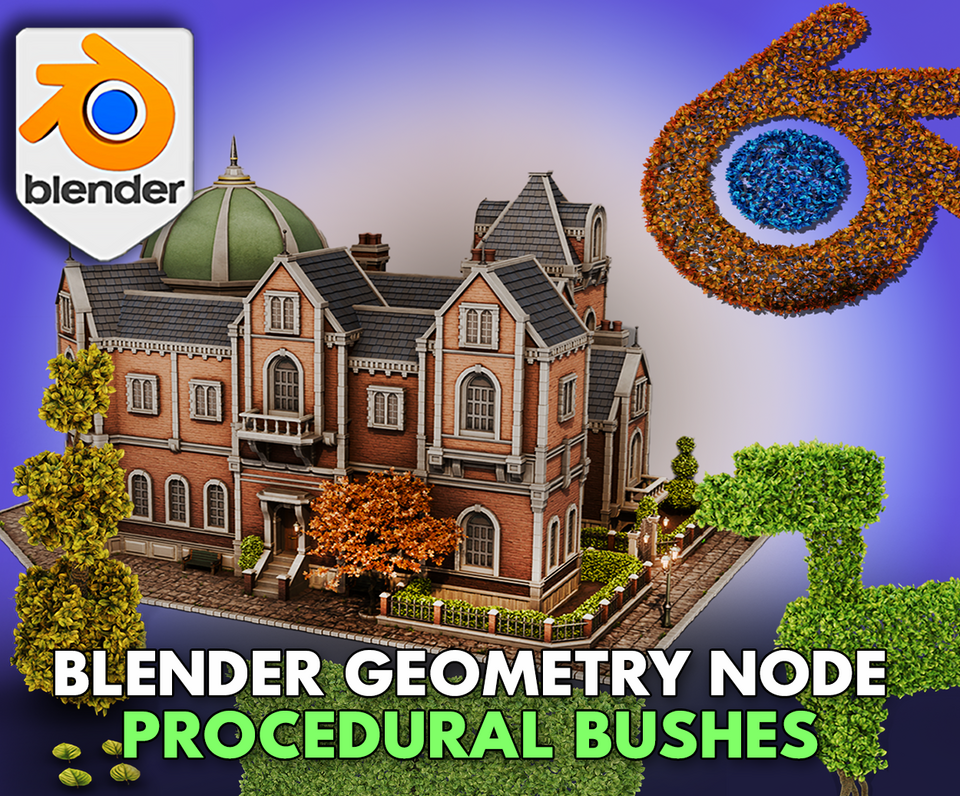
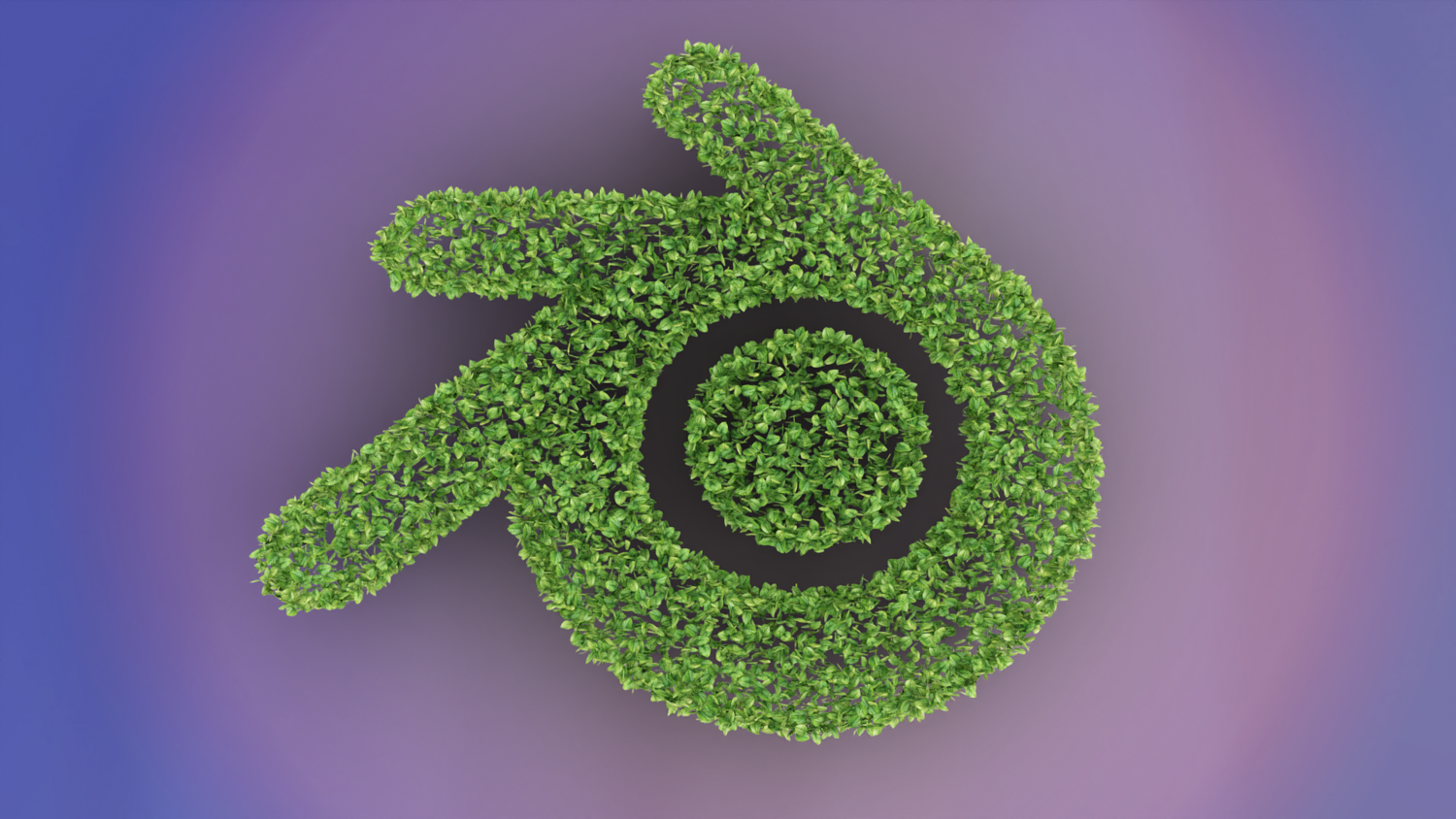
Create lush bushes, hedges, and foliage structures in seconds with the 3DT Bush Generator!
Built for Blender 4.0+, this intuitive geometry node tool lets you generate highly customizable bush shapes, optimize topology, and stylize growth patterns — all while remaining lightweight and animation-ready.
🎯 Key Features

Instant Bush and Foliage Creation
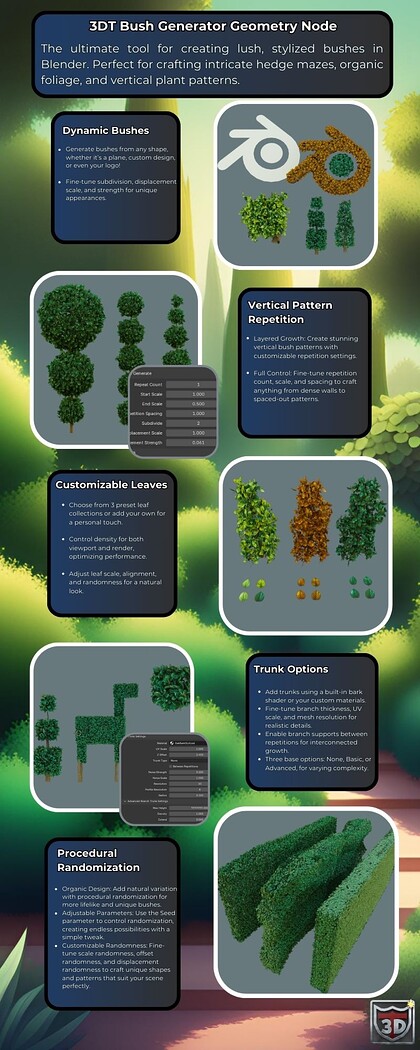
Apply realistic or stylized foliage to any mesh instantly — no particle systems needed.
Dynamic Shape Control
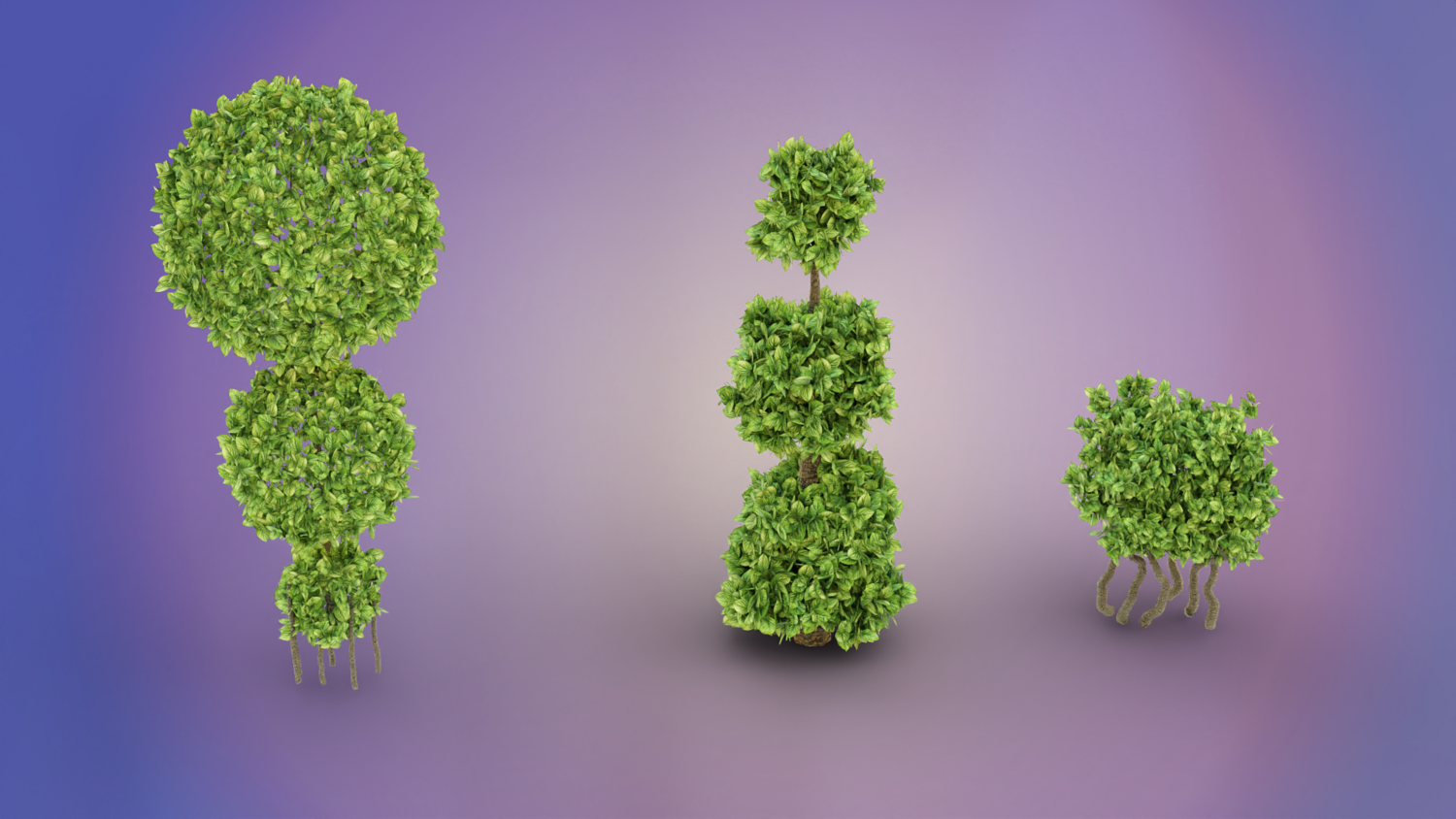
Adjust subdivision, displacement, scale, randomness, offset, and face alignment for organic and artistic forms.
Multiple Preset Leaf Types
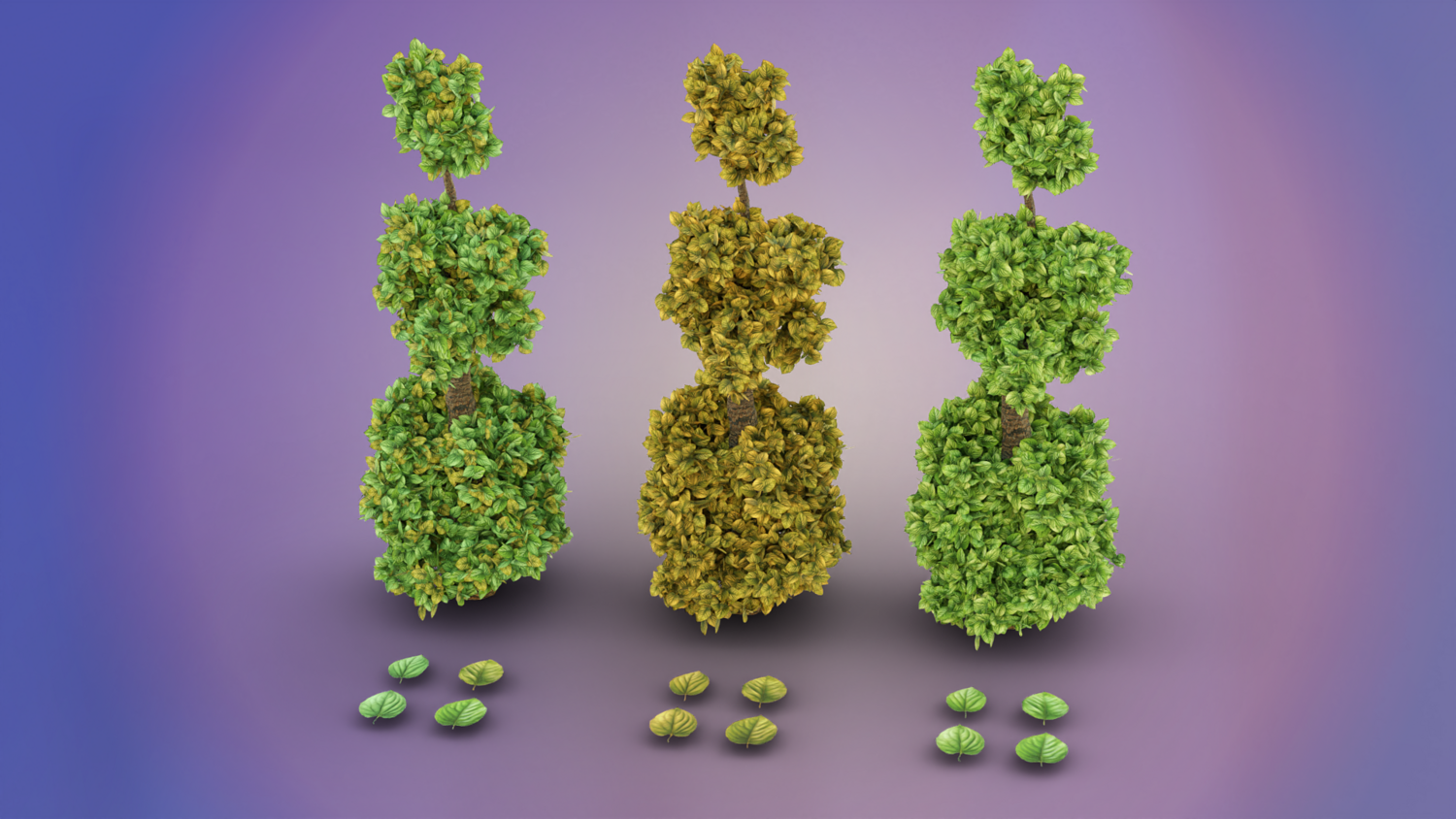
Choose between seasonal presets for autumn, summer, or natural mixed foliage looks.
Optimized Density Settings
Separate viewport and render density controls allow smooth editing and ultra-detailed rendering.
Modular Trunk Support Options
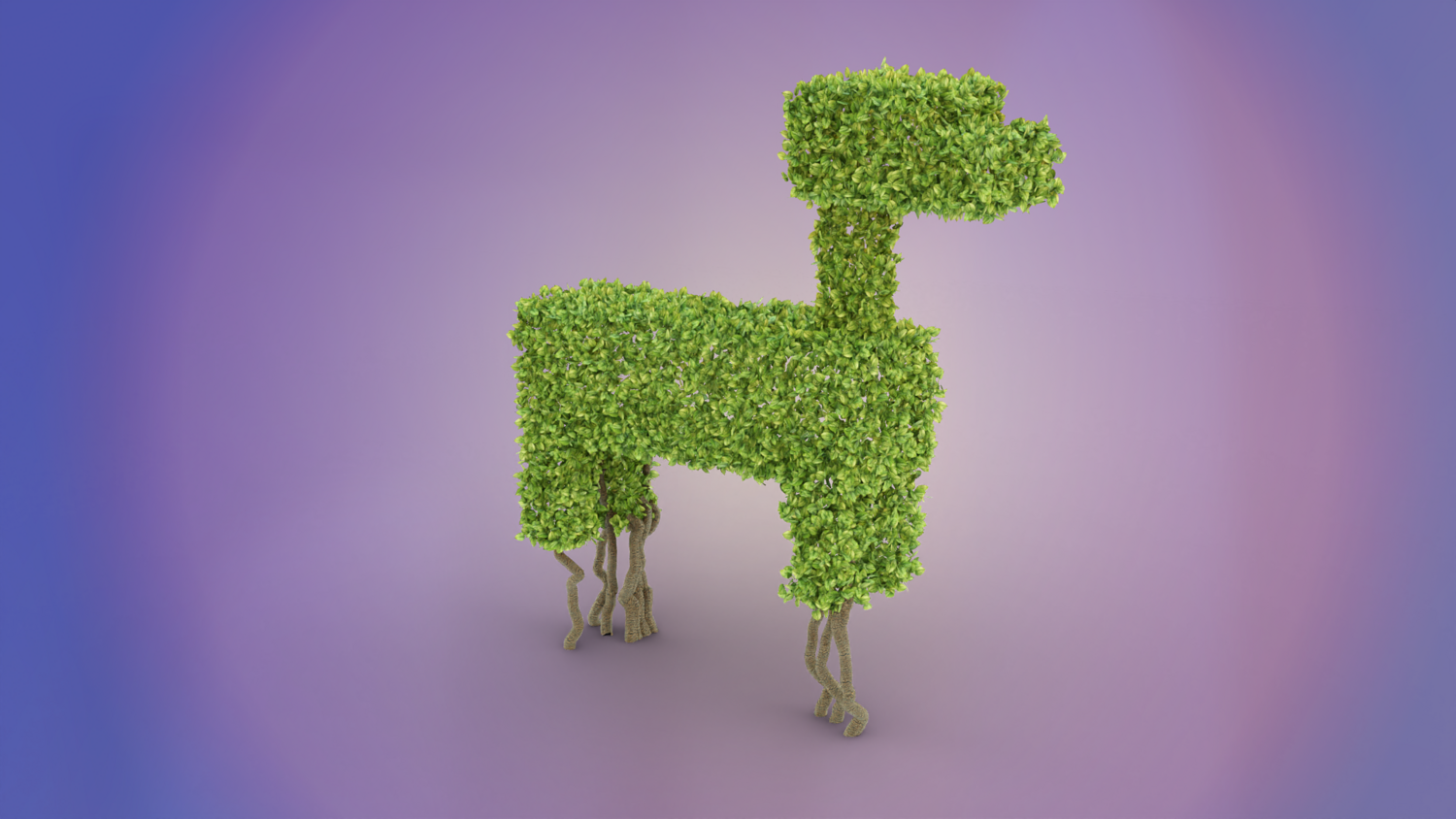
Switch between none, basic, or advanced trunk modes — ideal for ground bushes, stylized trees, or decorative hedges.
🔥 Why You'll Love It

Foliage at Lightning Speed
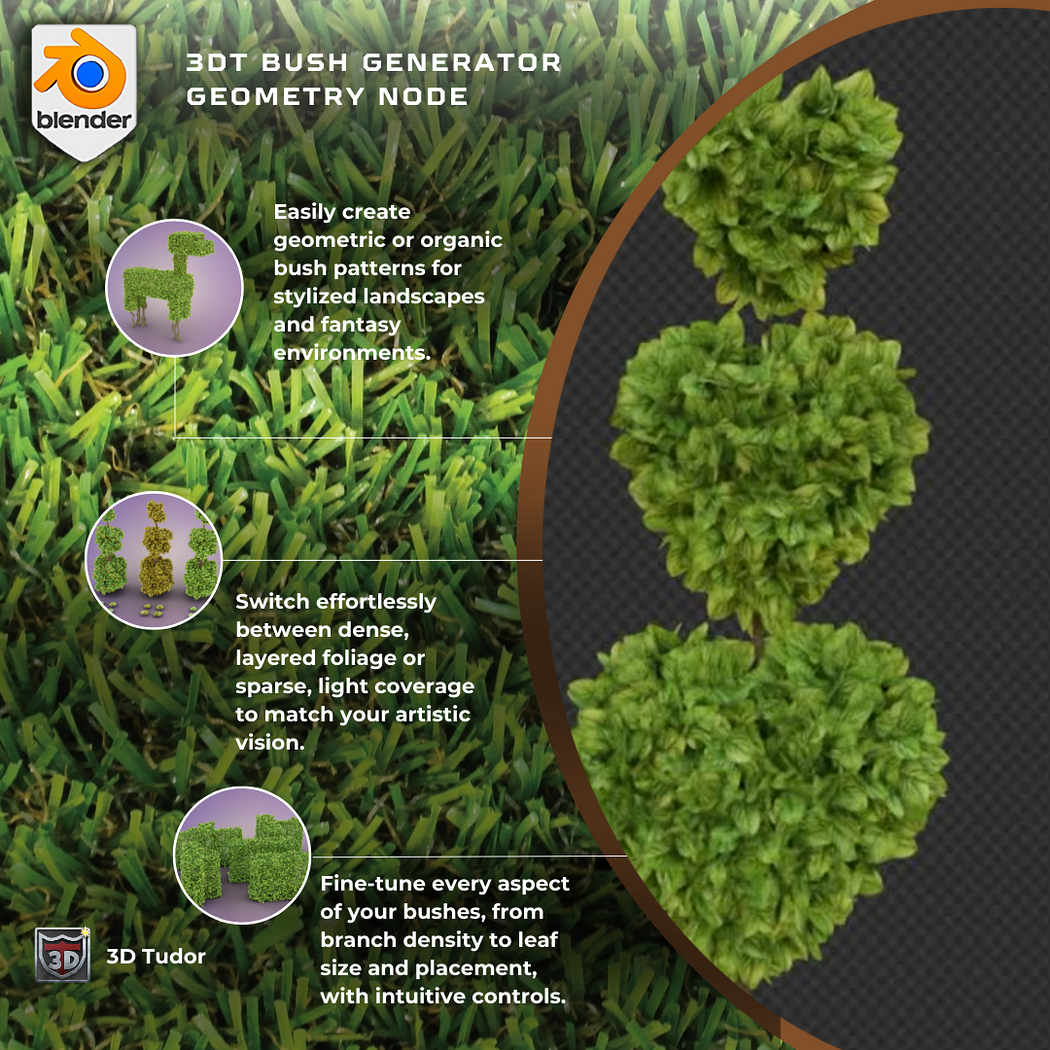
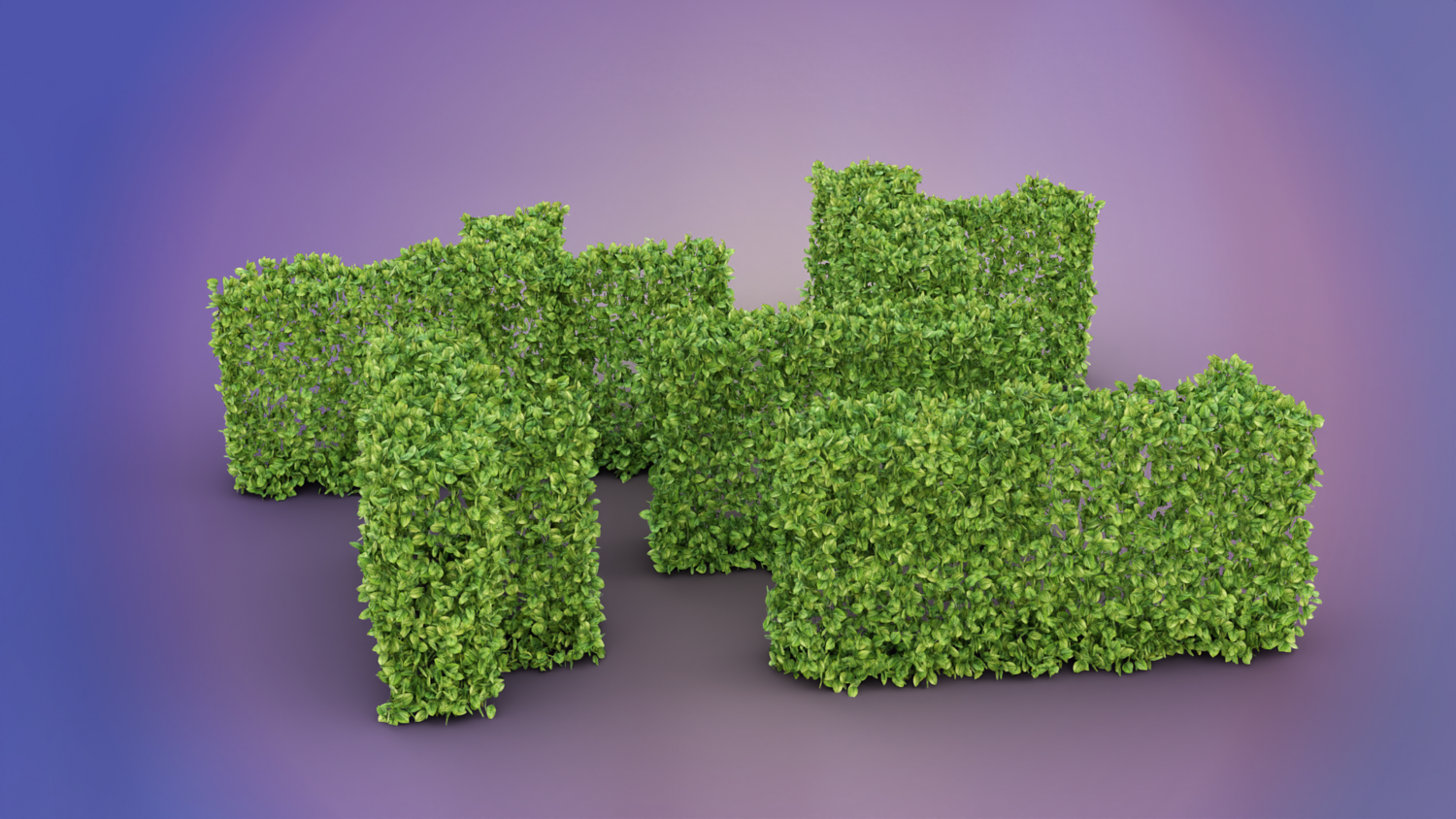
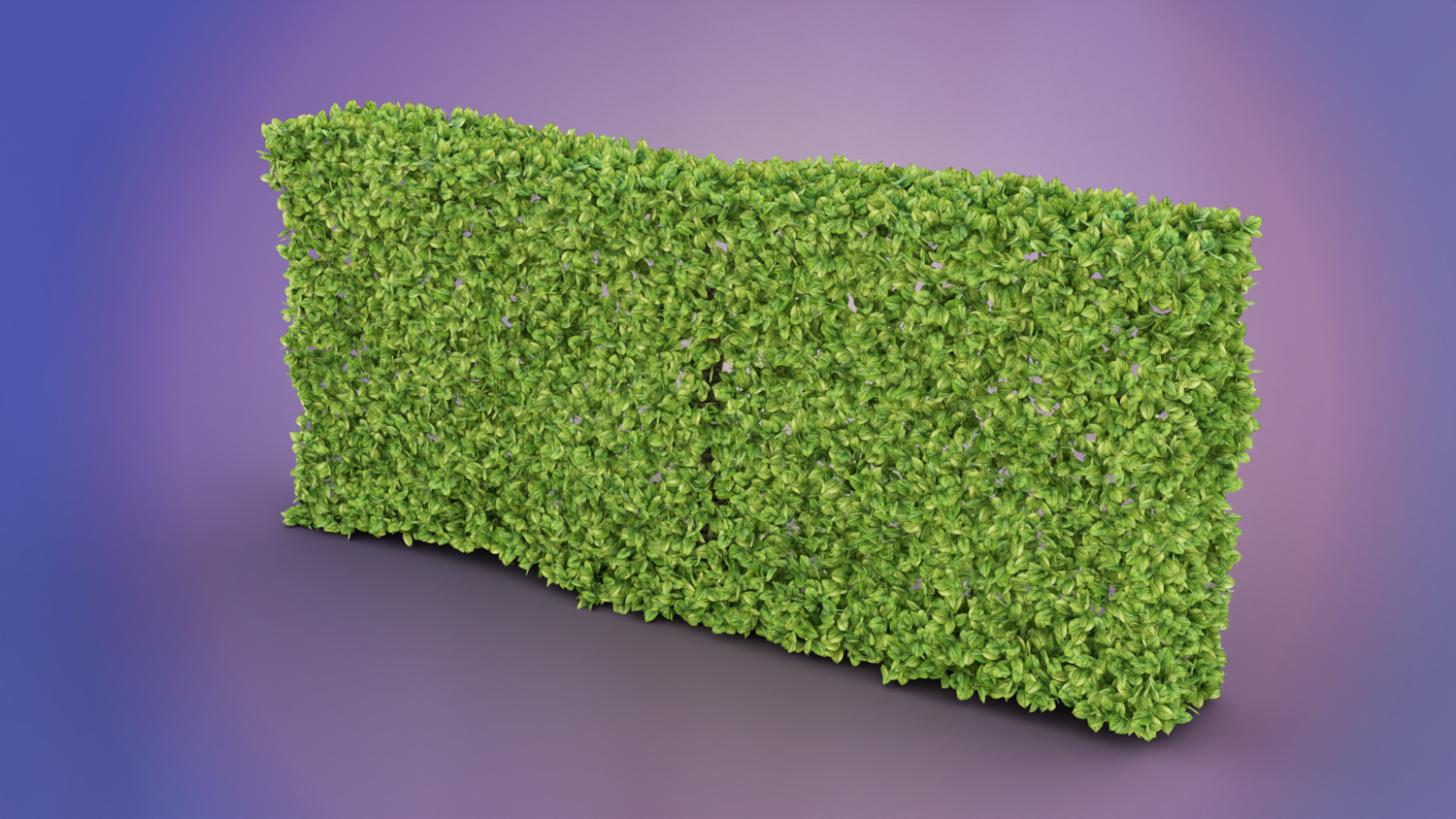
Create believable bushes, hedges, or shaped topiary art in just minutes.
Full Artistic Flexibility
Customize leaf size, spread, density, repetition, and shape deformation for unique organic assets.
Perfect for Games, Animations, and Stylized Environments
Quickly generate level decorations, park foliage, fantasy settings, or realistic backgrounds.
Advanced Trunk and Material Support
Procedural bark shader included, with trunk generation adjustable for complex shapes and environmental blending.
📦 What's Included
- 1x Blender .blend file with complete Bush Generator Geometry Node setup
- Three preset leaf material variations (autumn, summer, mixed)
- Full displacement, subdivision, and repetition controls
- Basic and advanced trunk generation systems
- Procedural bark material with customizable UV scaling
⚙️ Requirements
- Blender 4.0 or newer with lifetime updates
- From noob to pro — watch the 10 minute video to have everything up and running in no time
🚀 Installation Instructions
Method 1 – Add to Asset Library
- Download and unzip the product folder.
- Open Blender → Edit → Preferences → File Paths → Asset Libraries → click the "+" button.
- Navigate to the extracted folder and add it.
- Open the Asset Browser and drag the Bush Generator into your scenes.
Method 2 – Manual Append
- Open your Blender project.
- Go to File → Append → Locate the .blend file → Import the Geometry Node group.
Method 3 – Copy and Paste Between Projects
- Open the project containing the Bush Generator setup.
- Select the Geometry Node group.
- Press Ctrl+C to copy.
- Open another Blender project and press Ctrl+V to paste it directly into your scene.
💬 Support
Need help? Join our growing 3D Tudor Discord community to connect with our support team and hundreds of fellow artists!
👉 Join the 3D Tudor Discord here
Model Details
- FormatsBLEND
- Polygons0
- Vertices0
- animatedno
- materialsyes
- texturesyes
- riggedno
- uvsyes
- 3d print readyno
You will get 3 files
All files previously purchased will always be available for download in your Library