3DT Jungle Terrain Generator – Blender Geometry Node Procedural
3DT Jungle Terrain Generator – Blender Geometry Node Procedural
🎥 Demo Video
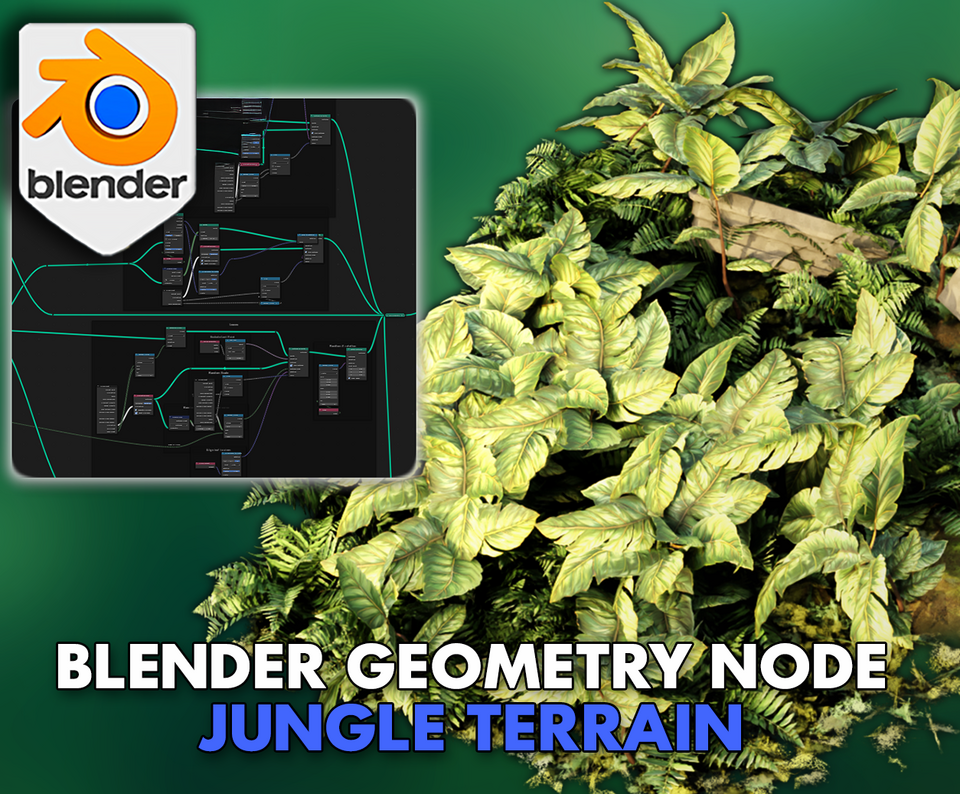
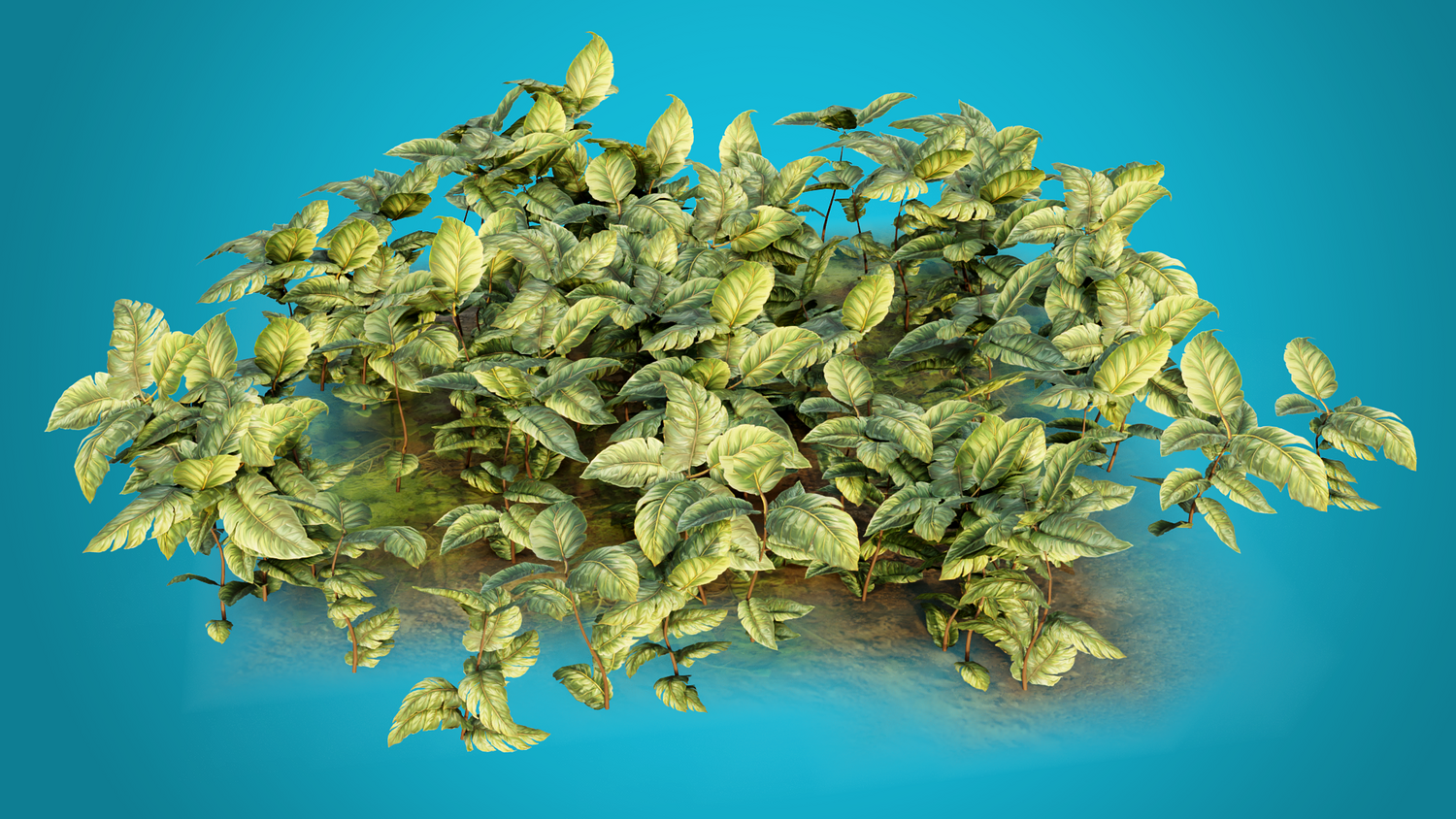
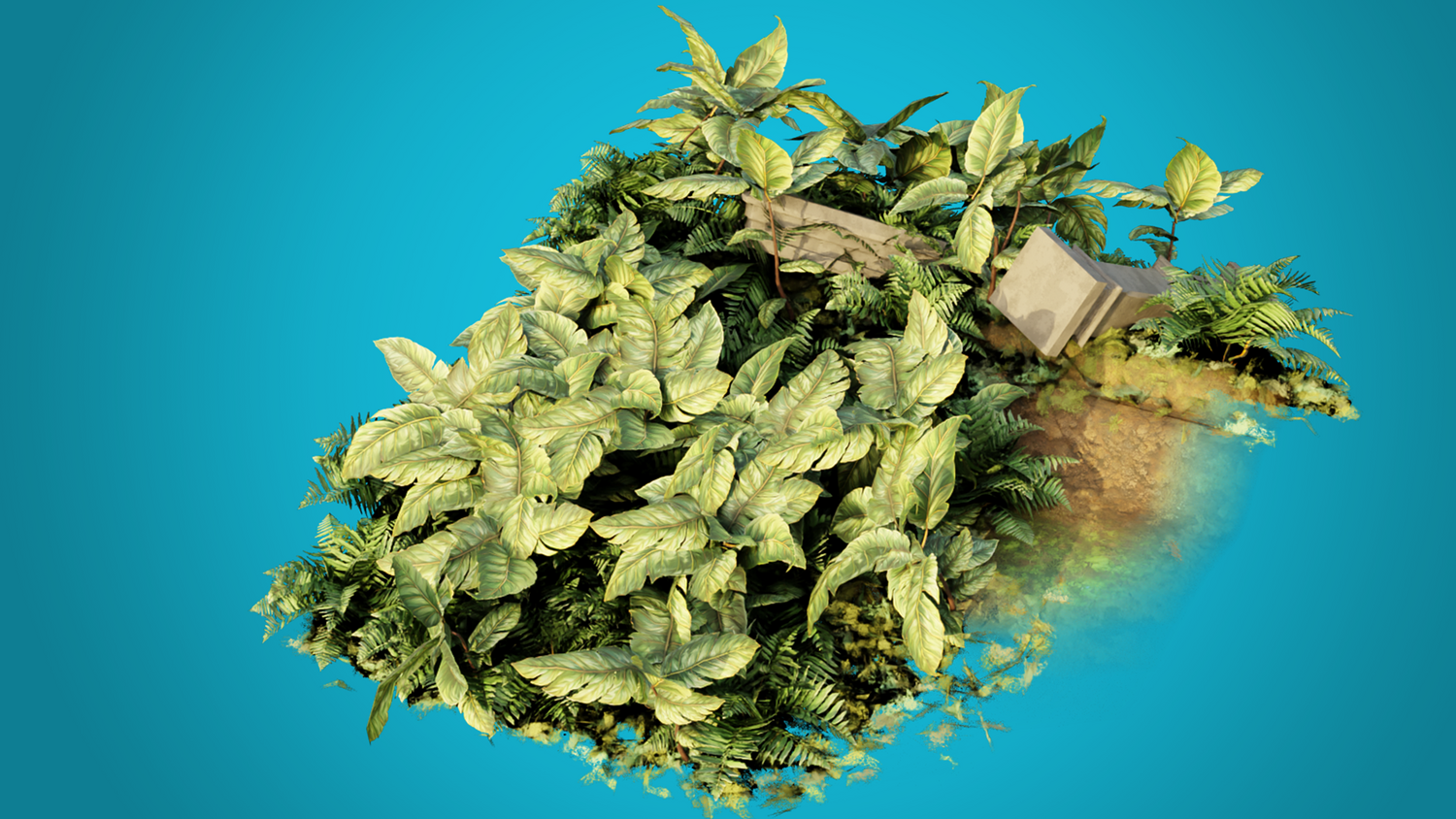
Quickly design rich jungle floors, lush terrains, and stylized vegetation fields with the 3DT Jungle Terrain Generator!
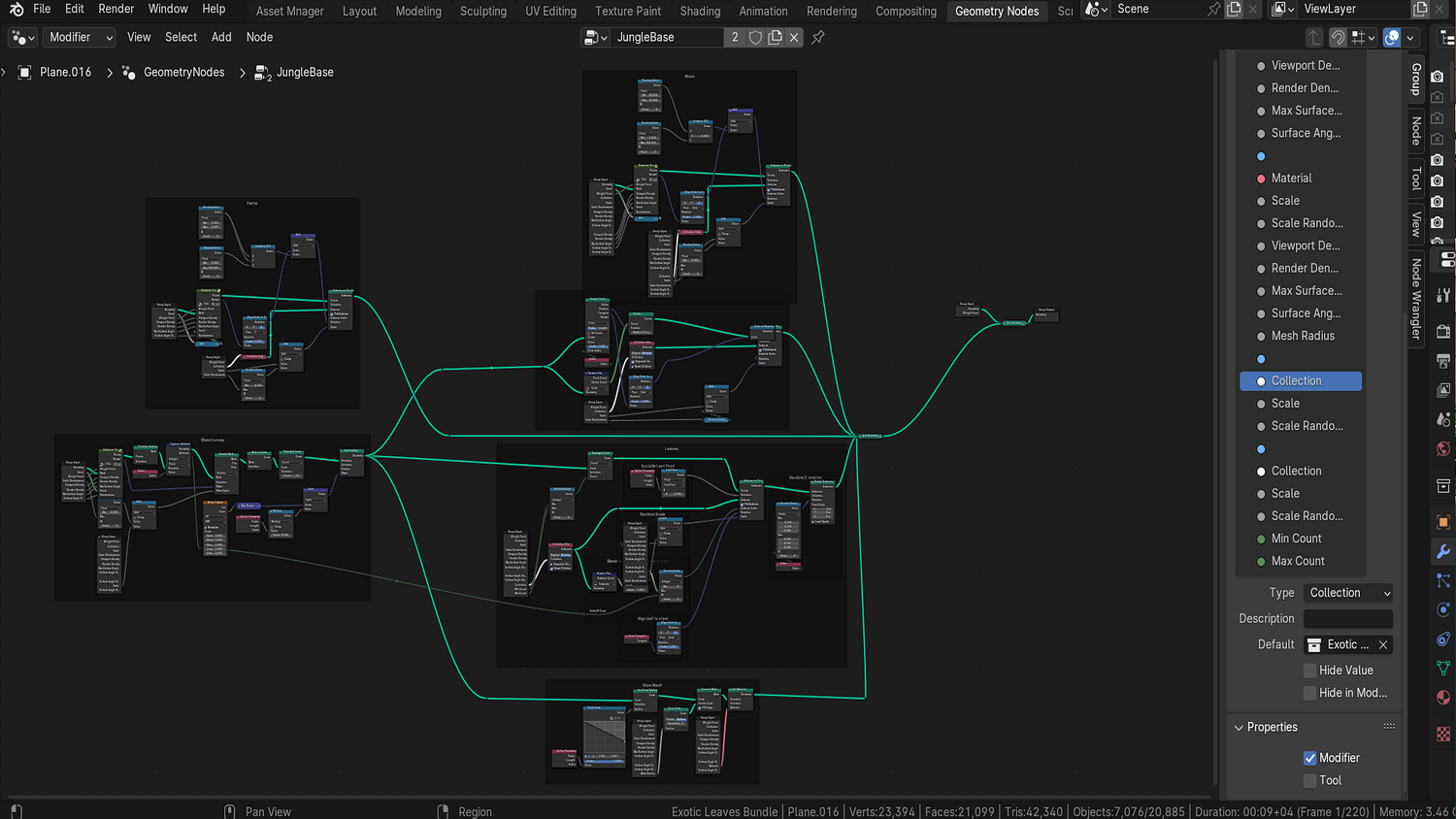
Fully optimized for Blender 4.0+, this powerful geometry node tool gives you full control over moss, ferns, stems, leaf bundles, and terrain materials — all using lightweight procedural workflows perfect for both animation and game-ready scenes.
🎯 Key Features

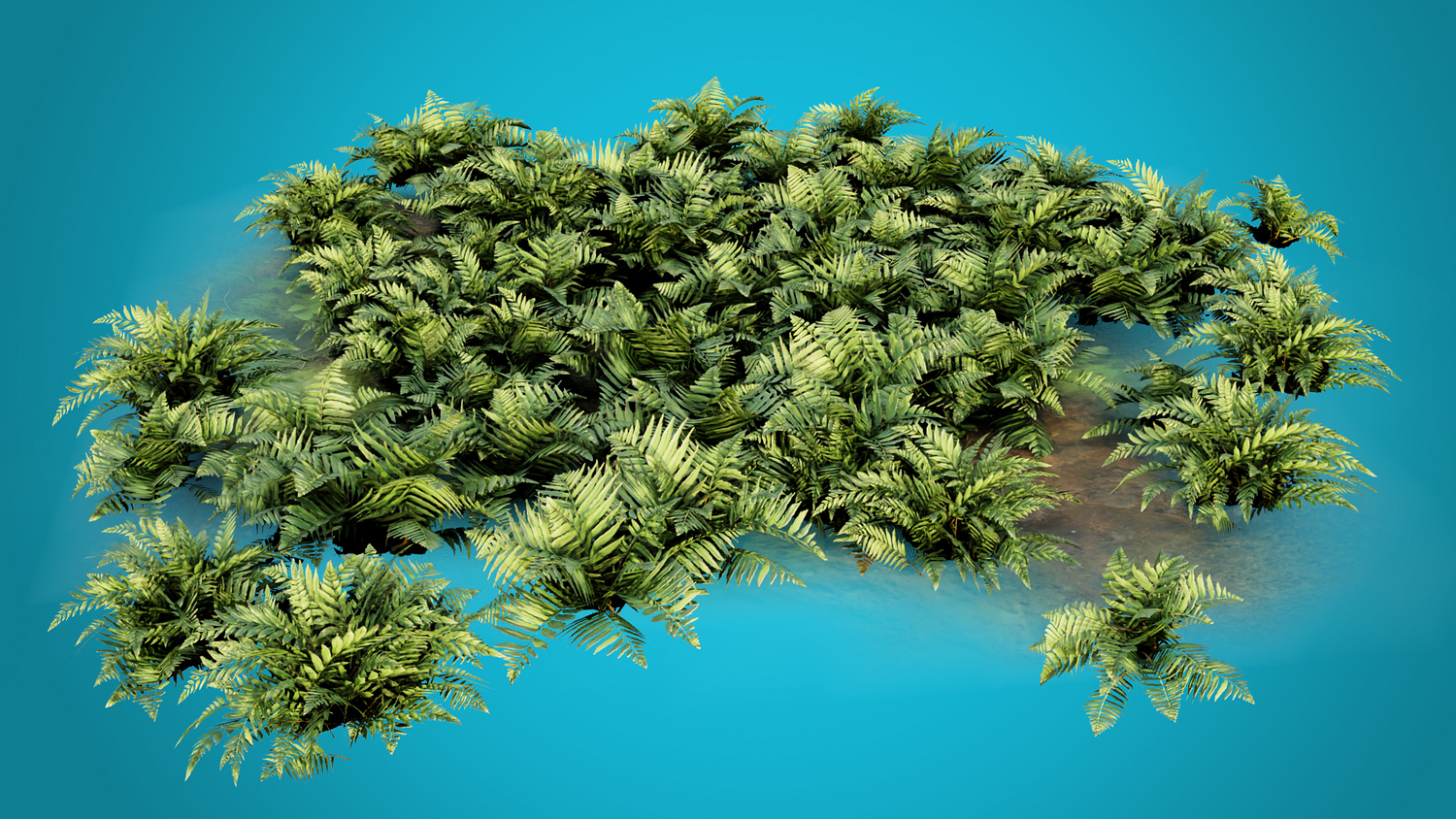
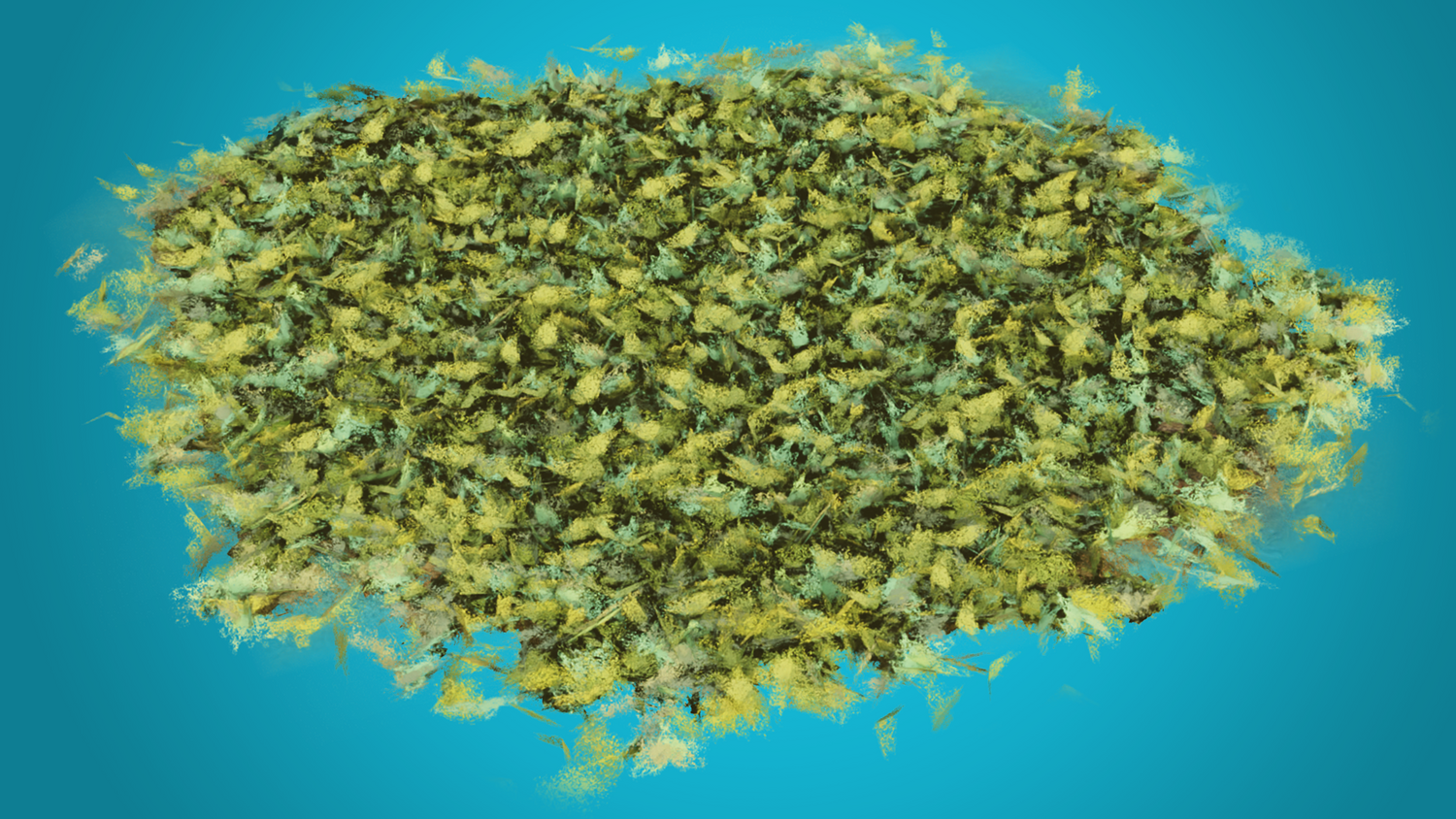
Procedural Jungle Foliage Generator
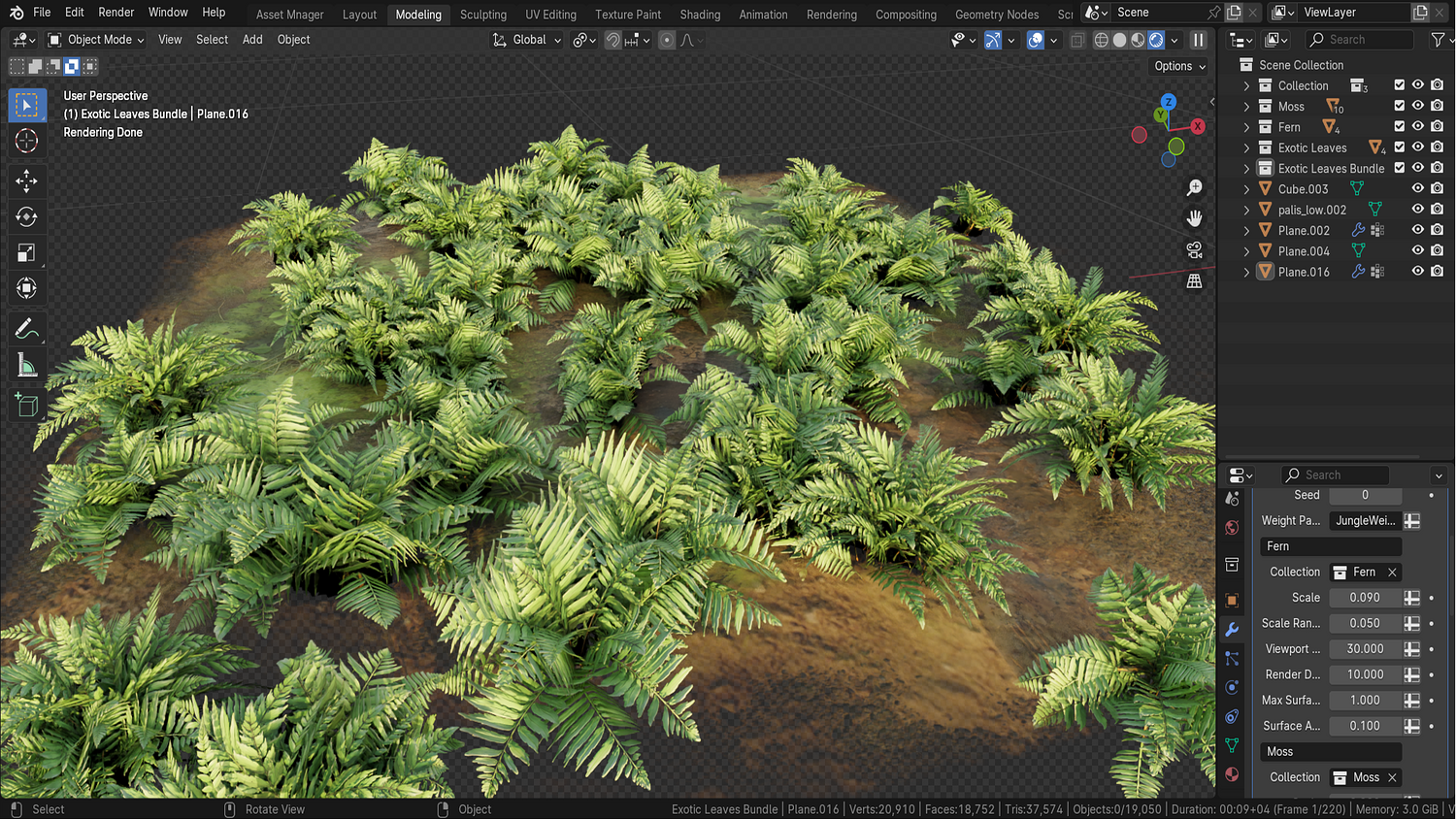
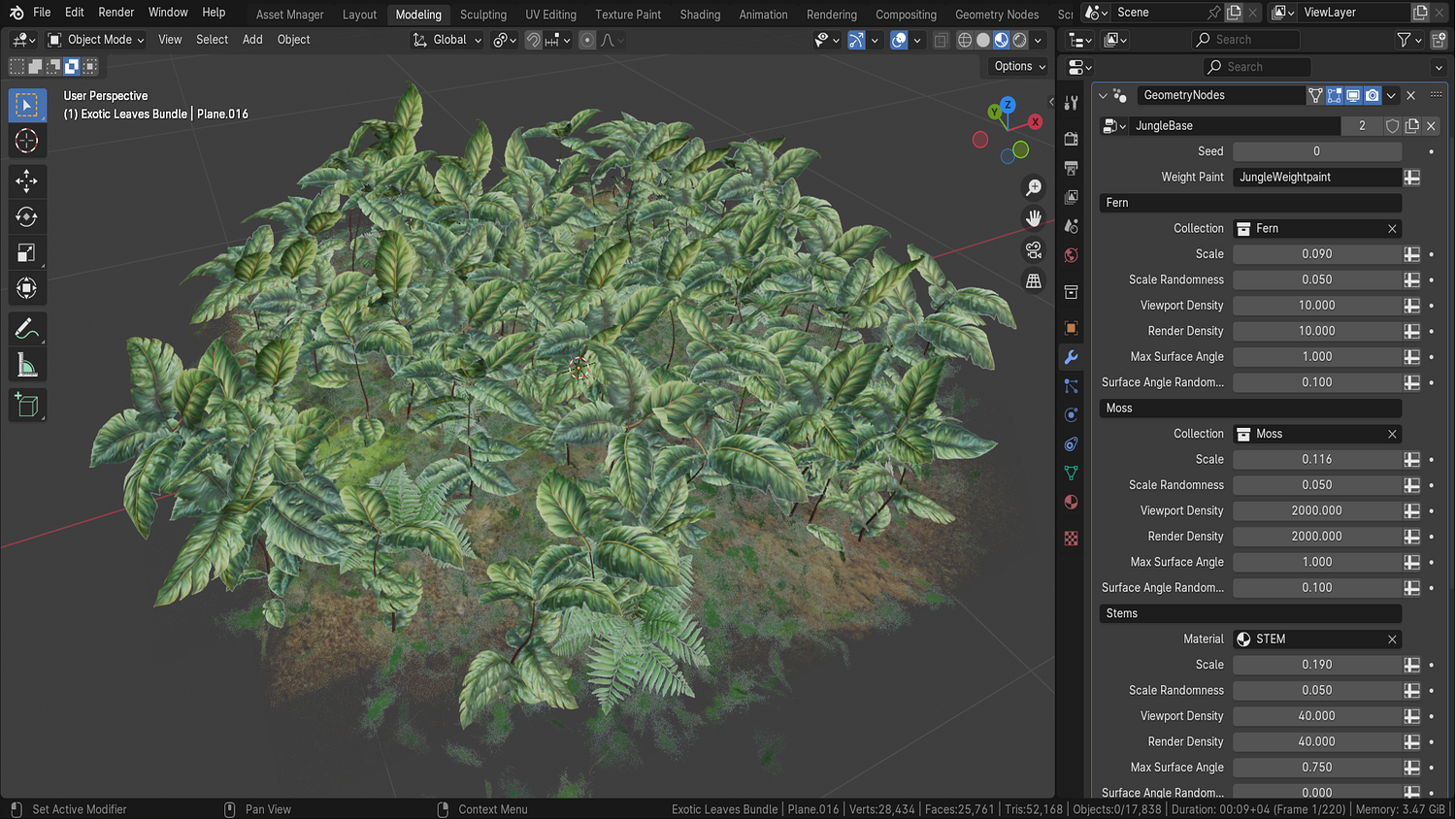
Place moss, ferns, stems, and leaves procedurally across any plane, sculpted terrain, or imported model using density weight painting.
Customizable Asset Collections
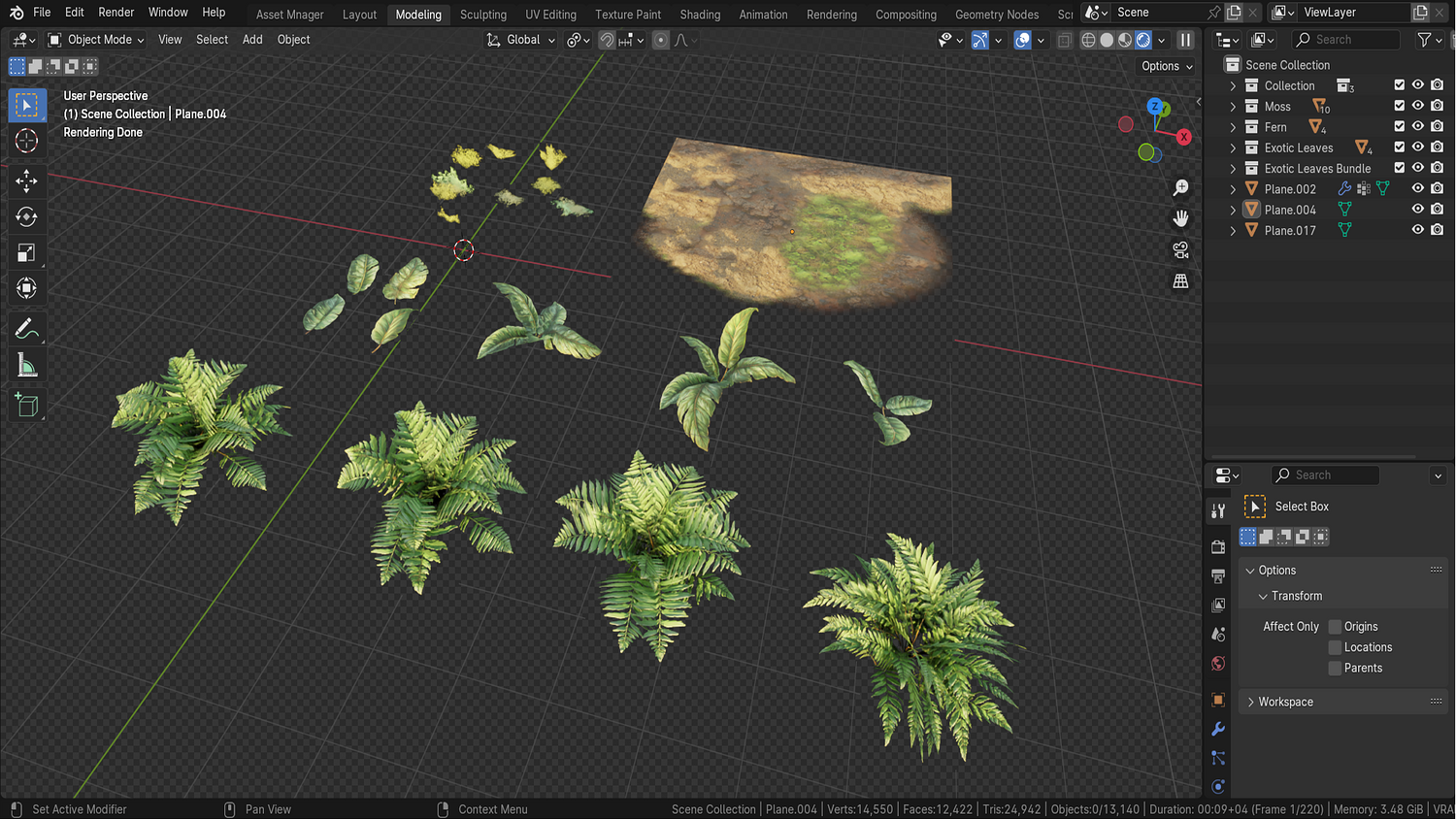
Easily swap out moss, ferns, leaf bundles, or exotic leaves with your own collections for custom jungles.
Viewport Density and Render Optimization
Separate density controls for viewport and render settings allow for heavy foliage without sacrificing performance while modeling.
Full Slope Angle and Randomization Support
Control maximum slope placement, randomness variation, and distribution for highly organic foliage layouts.
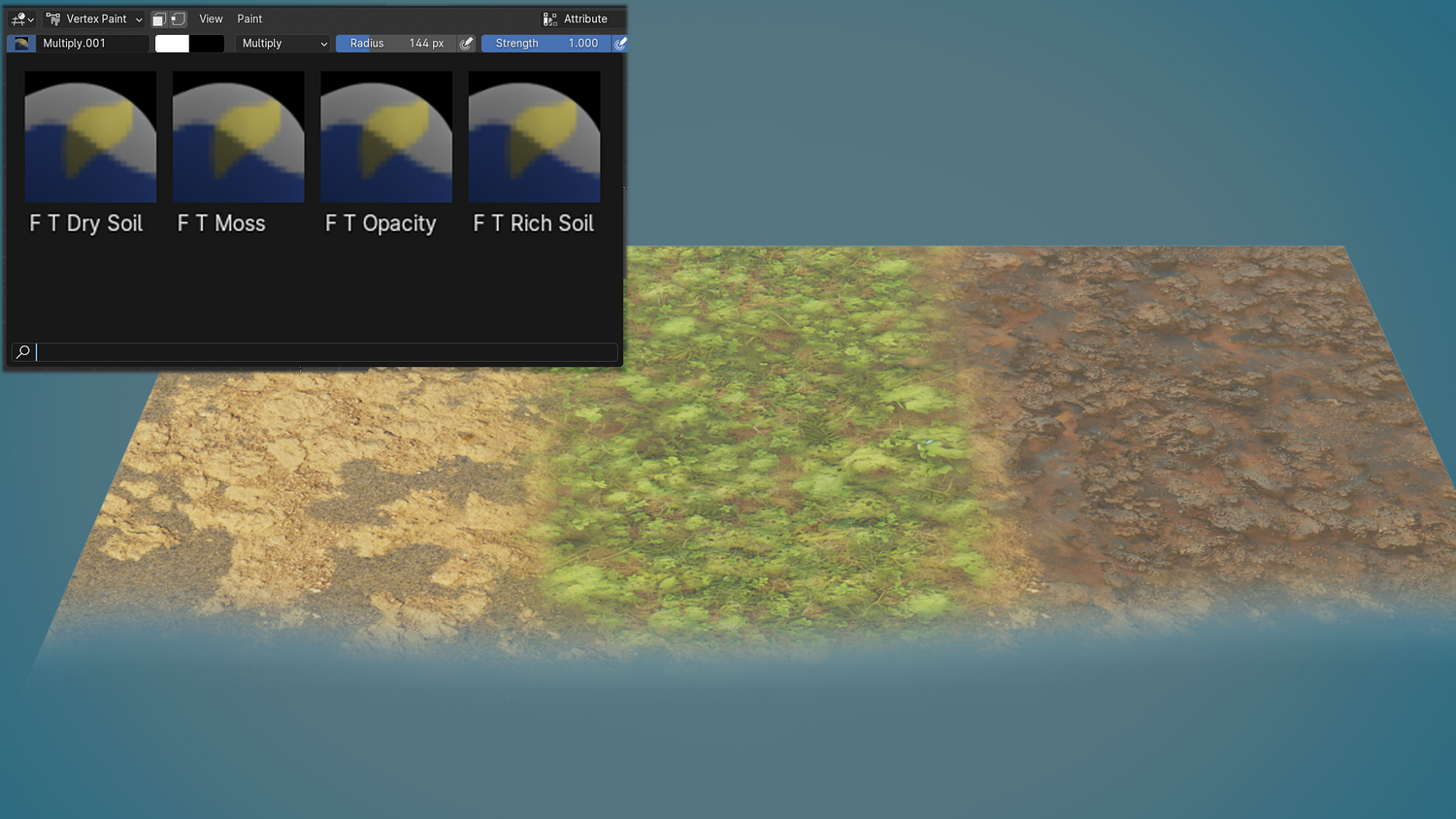
Built-in Stylized Terrain Material
Auto-blended terrain shaders with moss, rich soil, dry soil, and opacity painting support for natural surface blending.
🔥 Why You'll Love It
Complete Creative Freedom
Weight paint precise foliage areas, modify collection types, or tweak density settings for personalized terrain designs.
Perfect for Stylized and Realistic Worlds
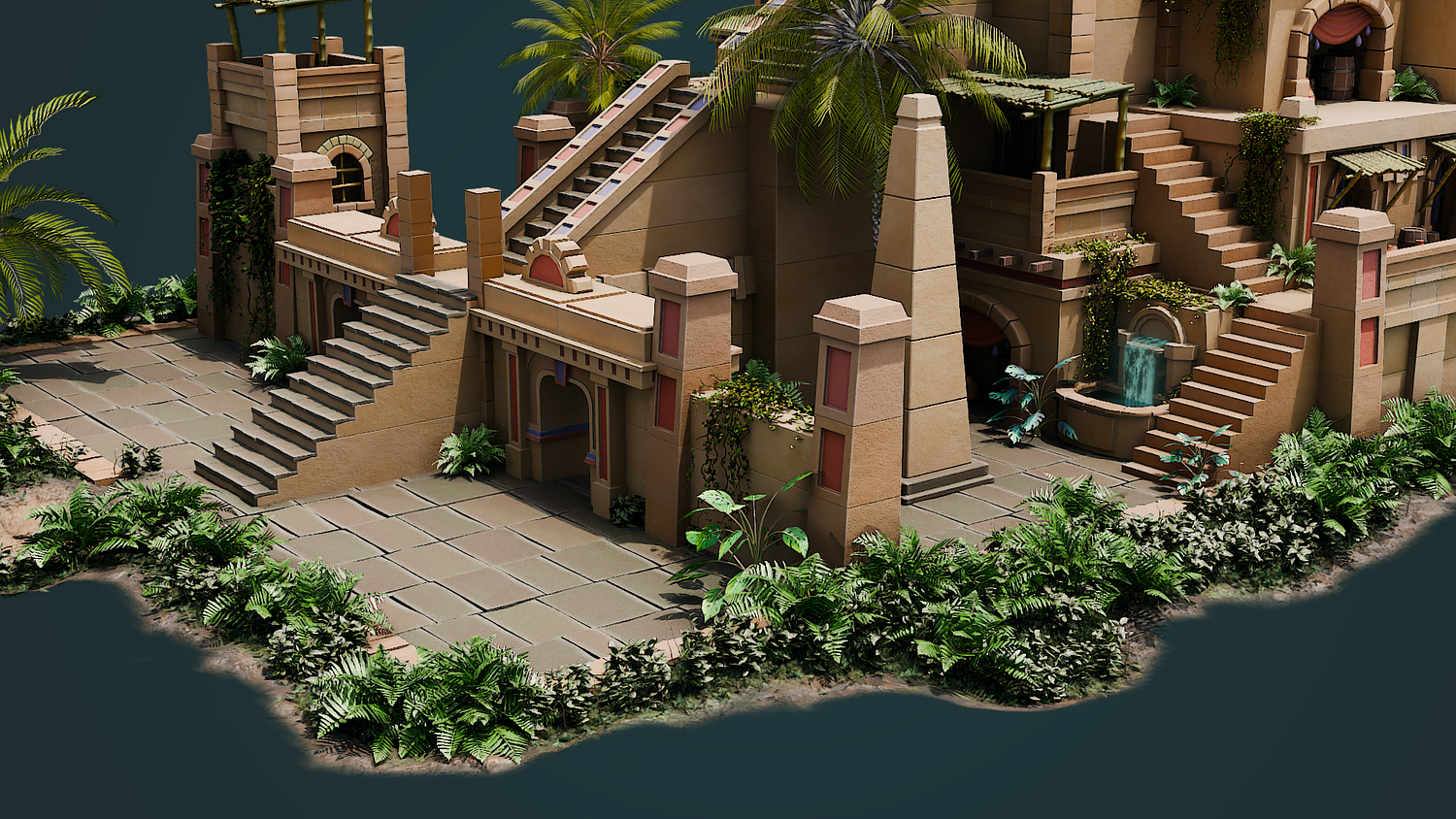
Whether creating fantasy jungles, ancient ruins, or alien worlds — the flexibility of the system makes it easy.
Massive Performance Savings
Viewport-optimized instancing and culling ensure smooth real-time editing even with thousands of foliage instances.
Ideal for Animation, Games, and Concept Art
Quickly fill environments with highly detailed groundcover, or build cinematic jungle scenes without heavy simulations.
📦 What's Included
- 1x Blender .blend file with Jungle Terrain Generator Geometry Node setup
- Procedural moss, fern, stem, and leaf bundle placement systems
- Weight-paint based density control and seed randomization
- Prebuilt stylized terrain material with blending brushes
- Export-ready foliage groups compatible with Eevee and Cycles
⚙️ Requirements
- Blender 4.0 or newer with lifetime updates
- From noob to pro — watch the 10 minute video to have everything up and running in no time
🚀 Installation Instructions
Method 1 – Add to Asset Library
- Download and unzip the product folder.
- Open Blender → Edit → Preferences → File Paths → Asset Libraries → click the "+" button.
- Navigate to the extracted folder and add it.
- Open the Asset Browser and drag the Jungle Terrain Generator into your scenes.
Method 2 – Manual Append
- Open your Blender project.
- Go to File → Append → Locate the .blend file → Import the Geometry Node group.
Method 3 – Copy and Paste Between Projects
- Open the project containing the Jungle Terrain setup.
- Select the Geometry Node group.
- Press Ctrl+C to copy.
- Open another Blender project and press Ctrl+V to paste it directly into your scene.
💬 Support
Need help? Join our growing 3D Tudor Discord community to connect with our support team and hundreds of fellow artists!
👉 Join the 3D Tudor Discord here
You will get 1 file
All files previously purchased will always be available for download in your Library