cubebrush
Marketplace
    Exterior Architecture
    Props
    Environments
    Fantasy
    Blender
    Exterior Decoration
    Kitbash
    Buildings
    KitBash
    Base Meshes
    $30.0

    3DT Aztec Jungle Temple โ€“ Stylized Modular Mega Pack

    106 Views

    3DT Stylized Aztec Jungle Temple Pack โ€“ Stylized Game-Ready 3D Asset Pack (Blender Only)

    ๐ŸŽฅ Demo Video

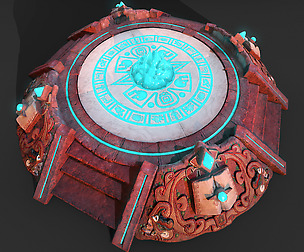
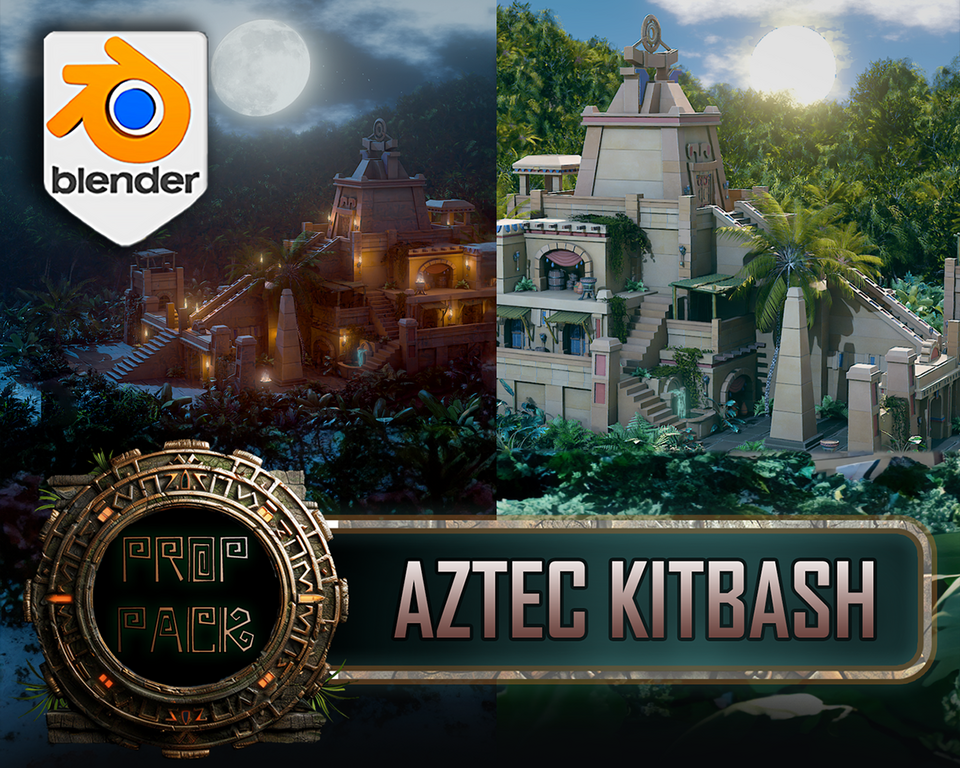
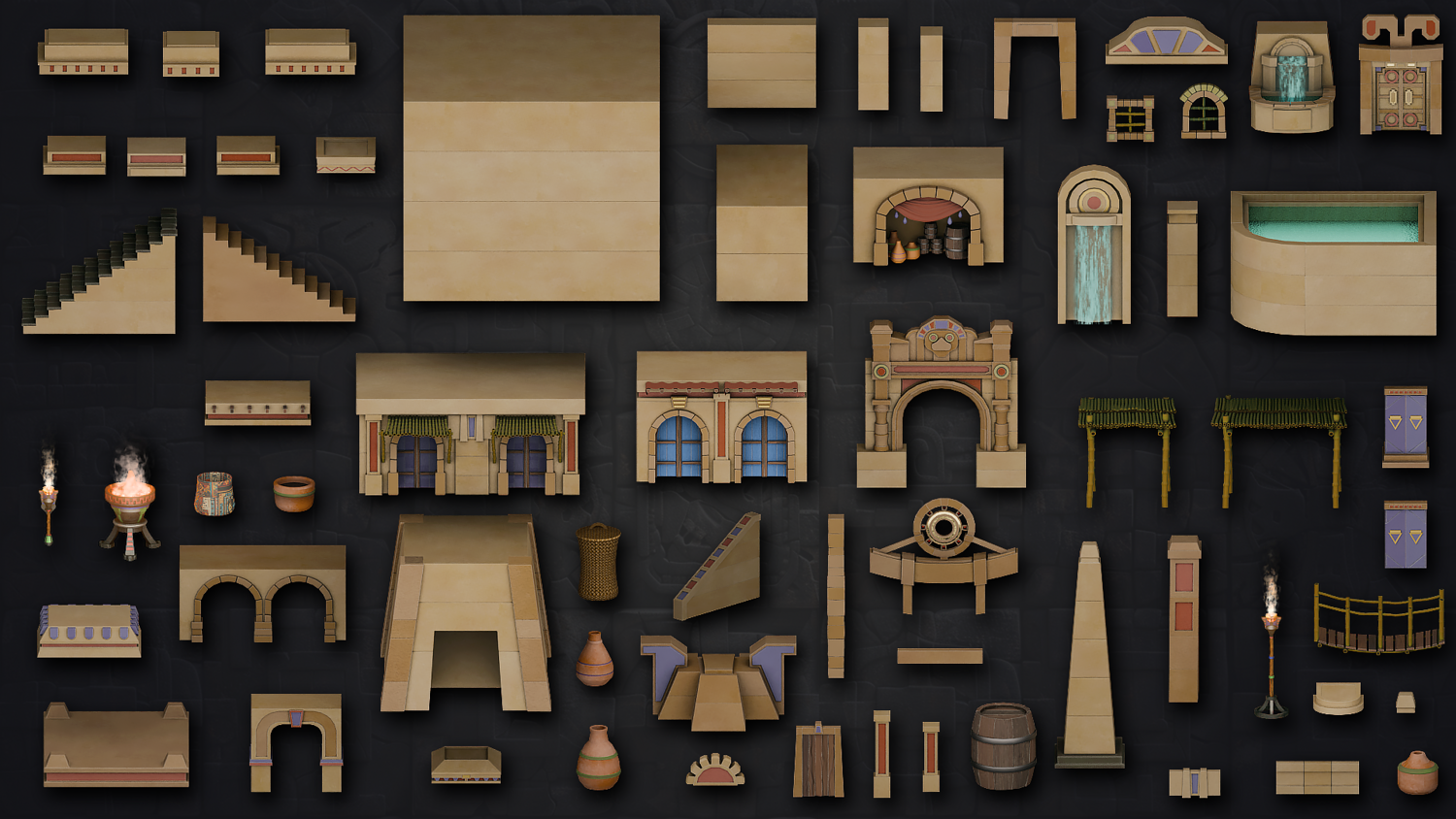
    Create immersive jungle scenes and ancient temples with the 3DT Stylized Aztec Jungle Temple Pack โ€” a massive Blender-exclusive kit packed with 153 modular assets, 24 stylized materials, and 2 versatile Geometry Nodes. With MP4 previews showcasing both day and night environments, you can dive right into scene-building with optimized, ready-to-go setups.


    ๐Ÿ“ฆ Whatโ€™s Included

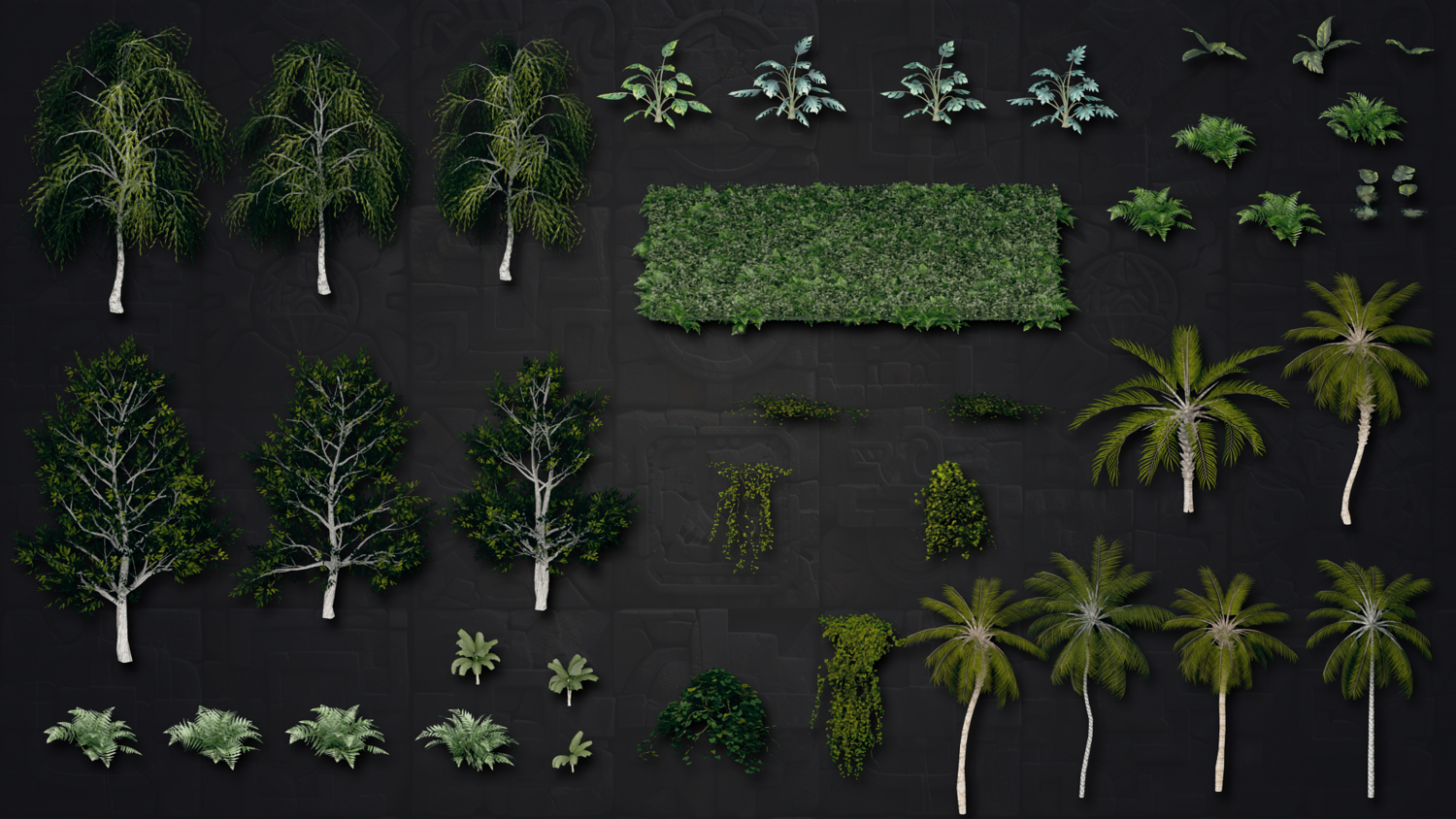
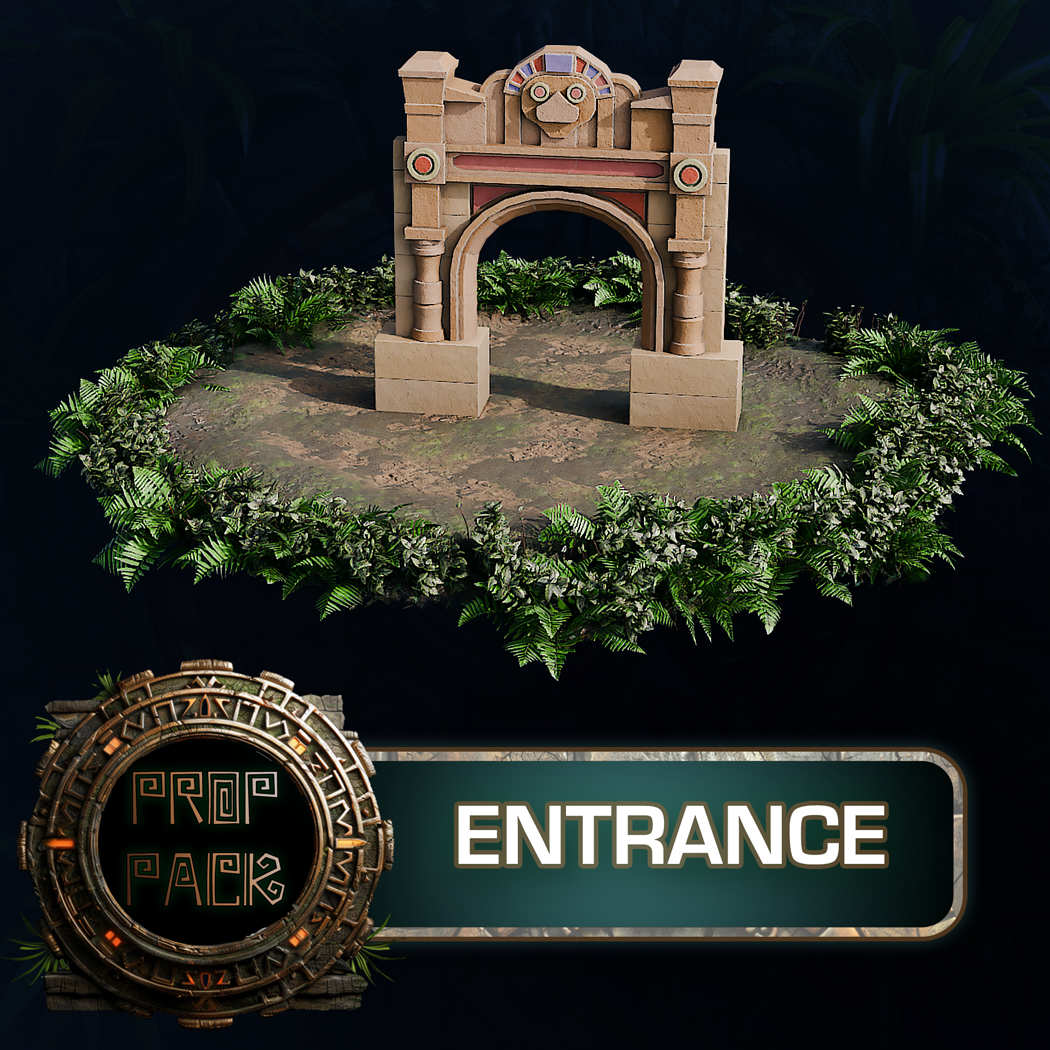
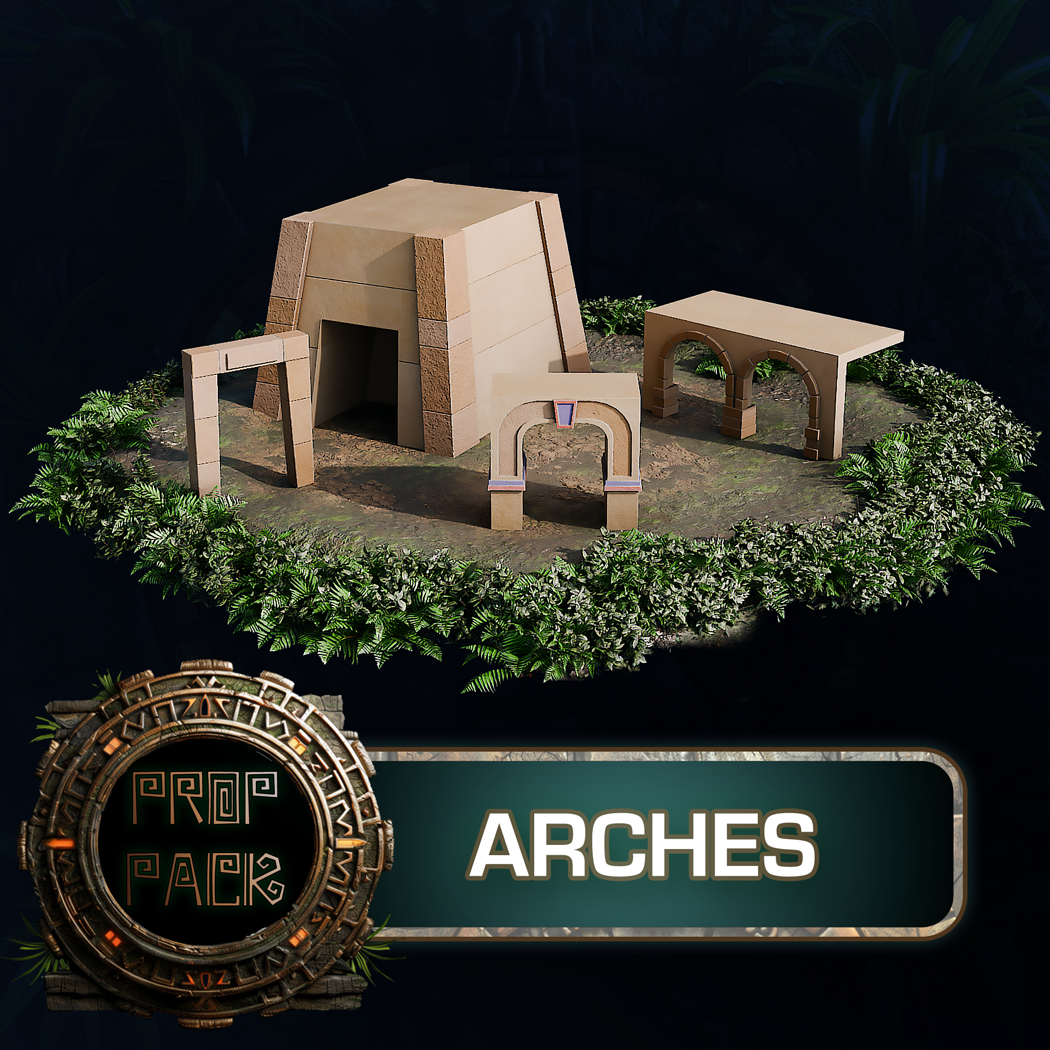
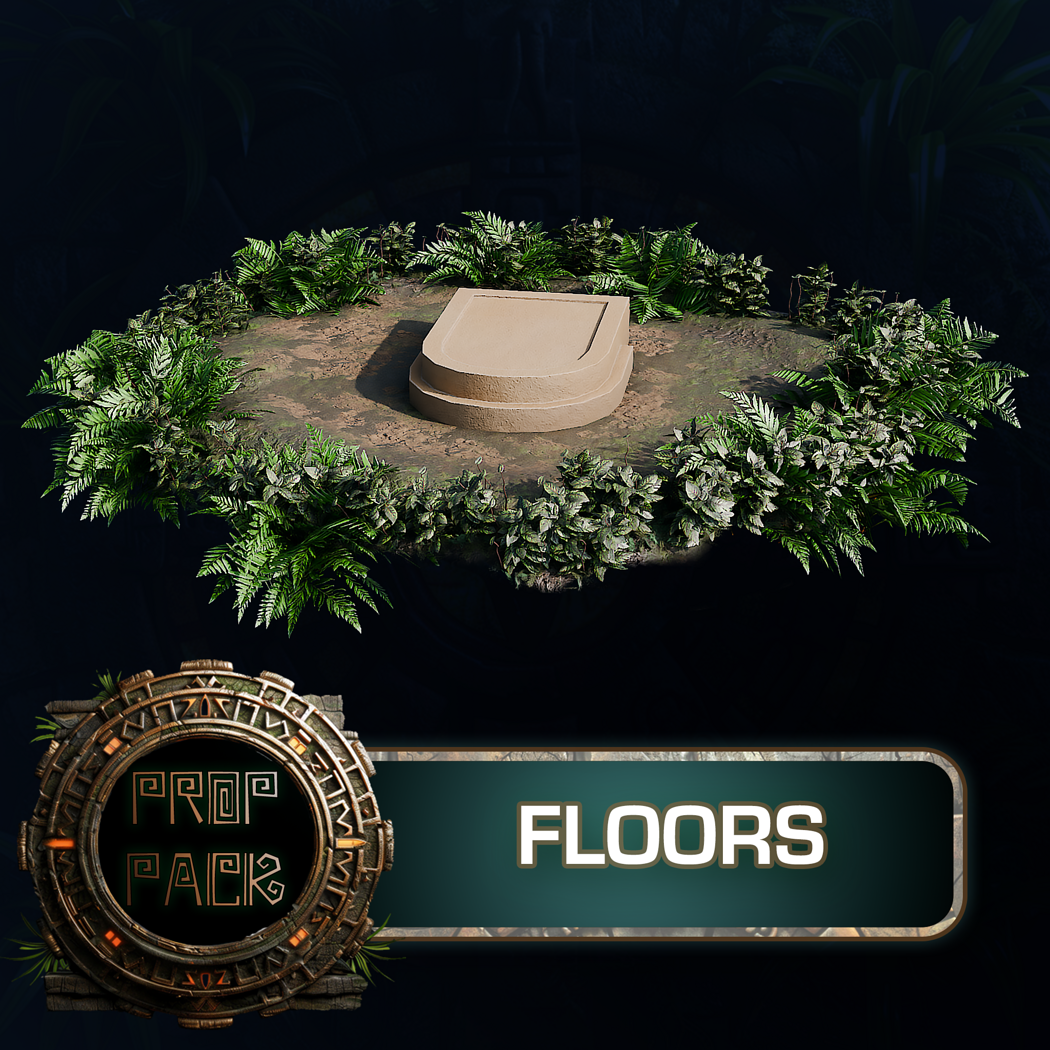
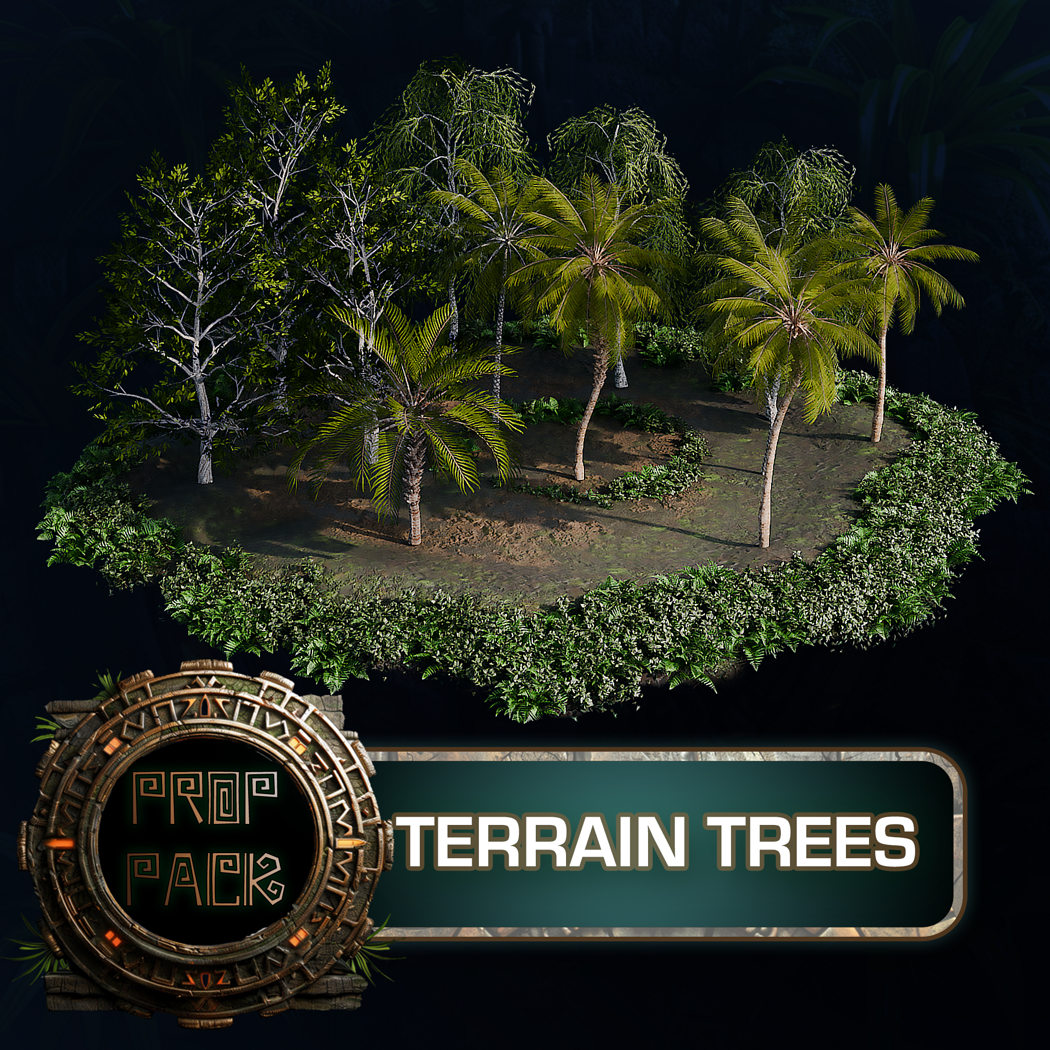
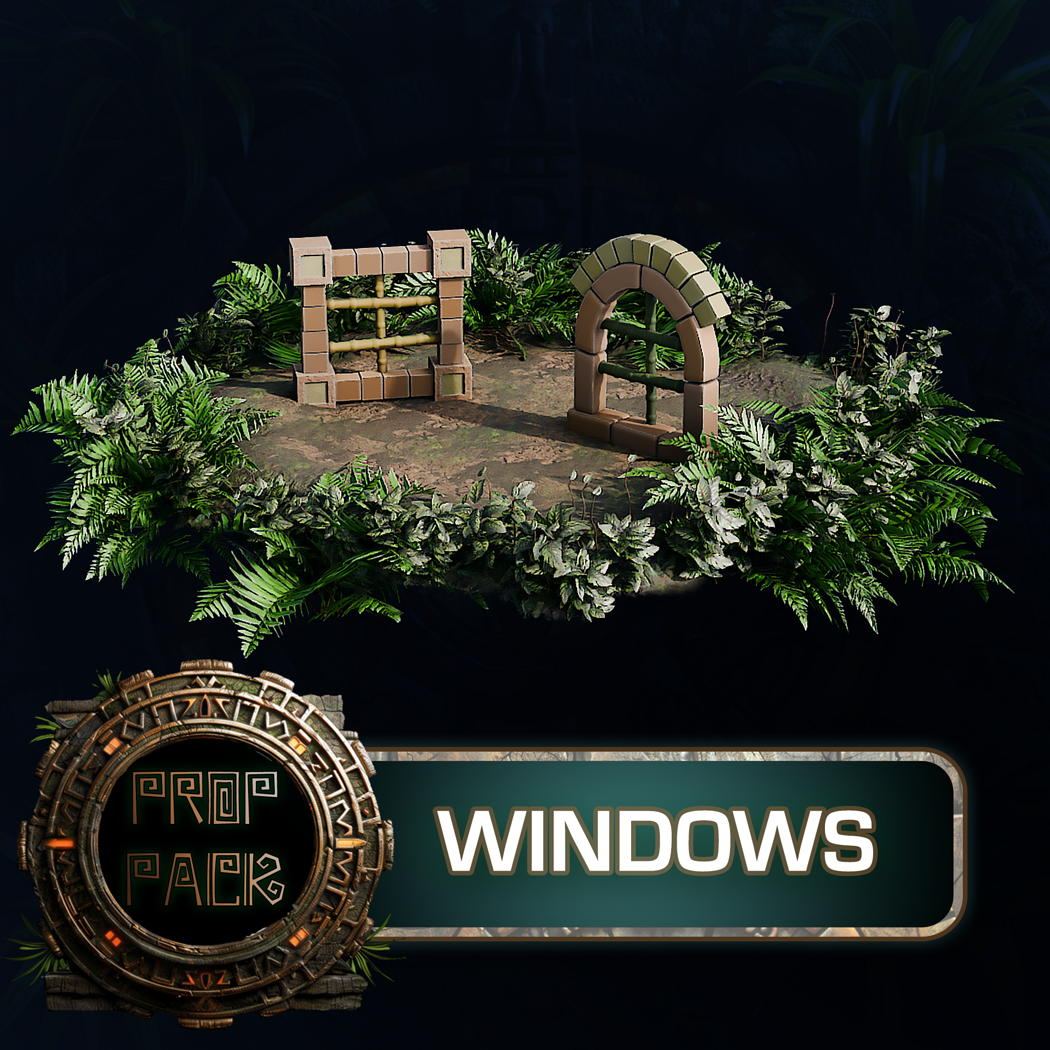
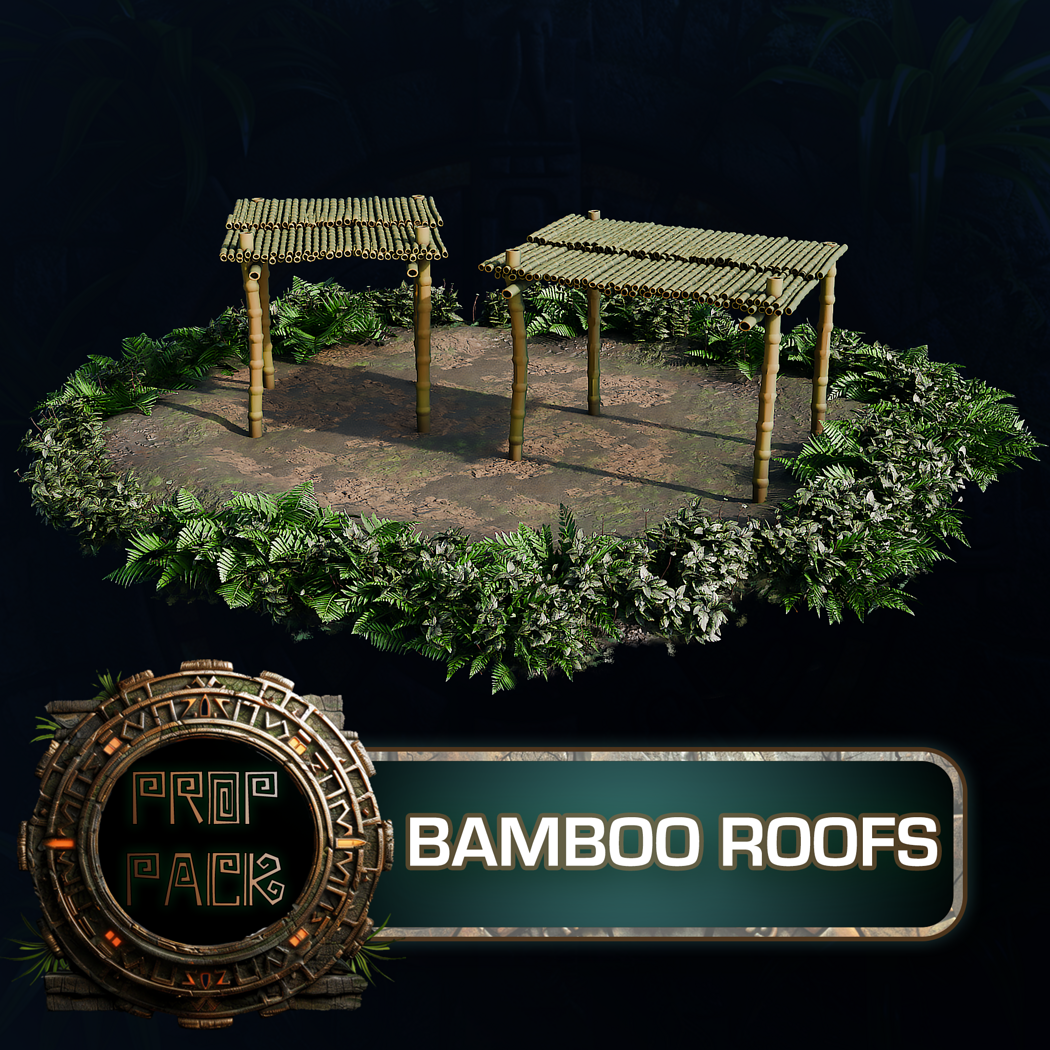
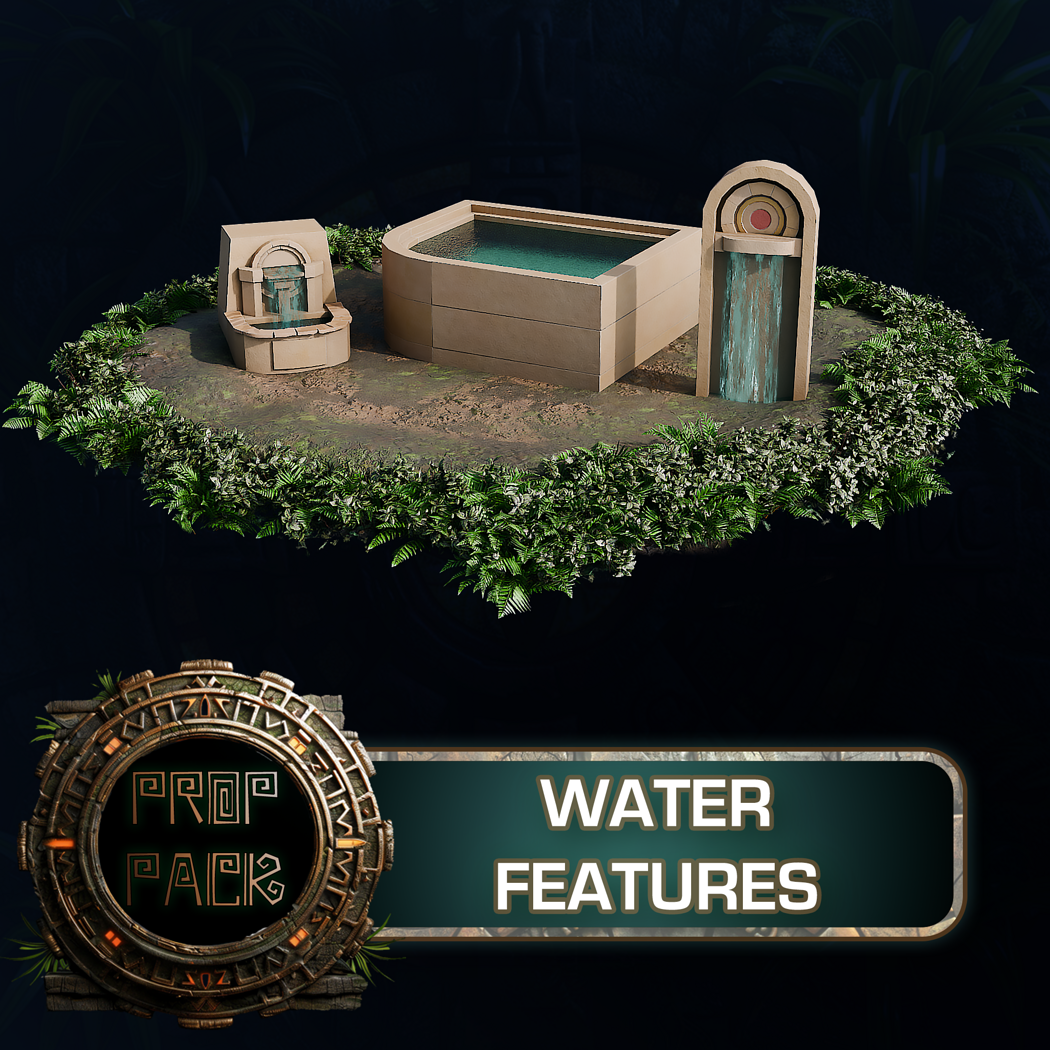
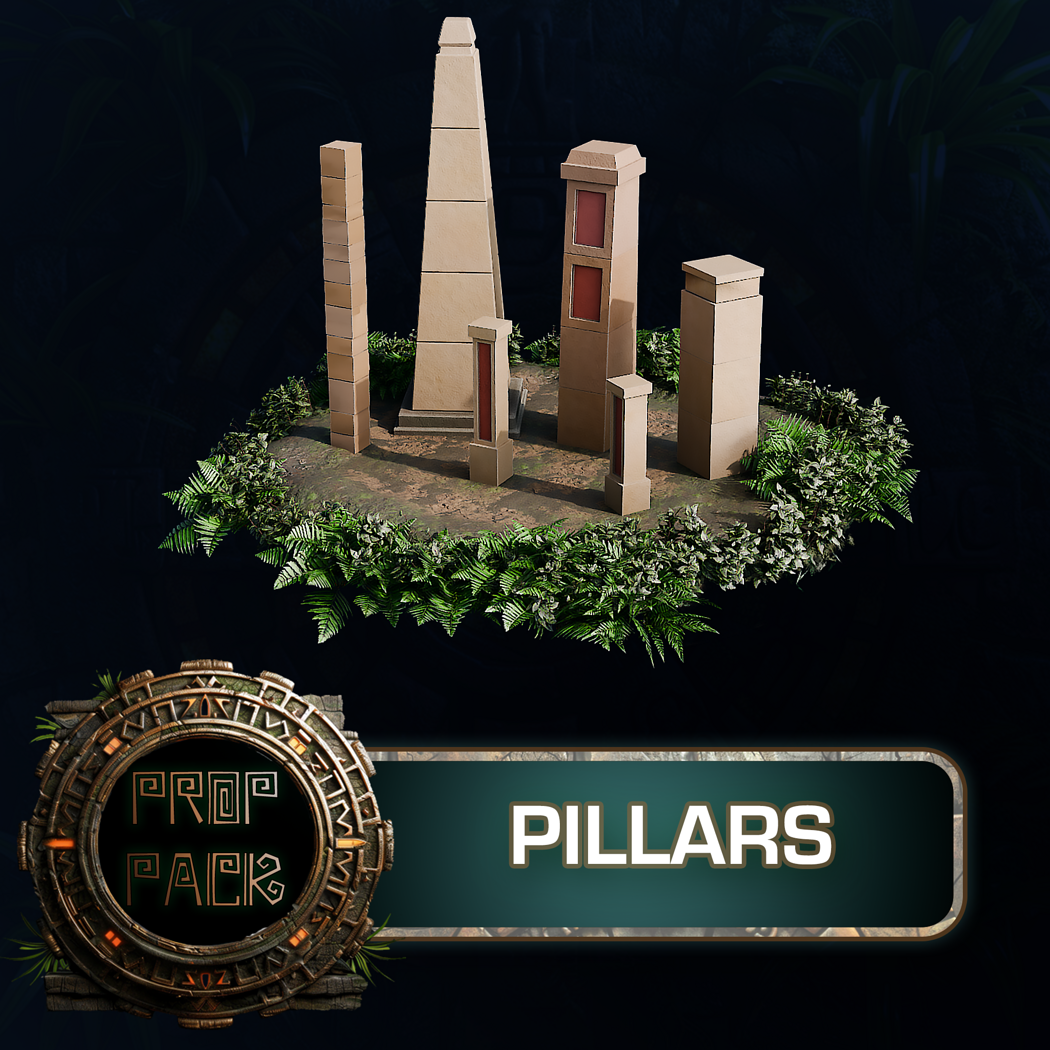
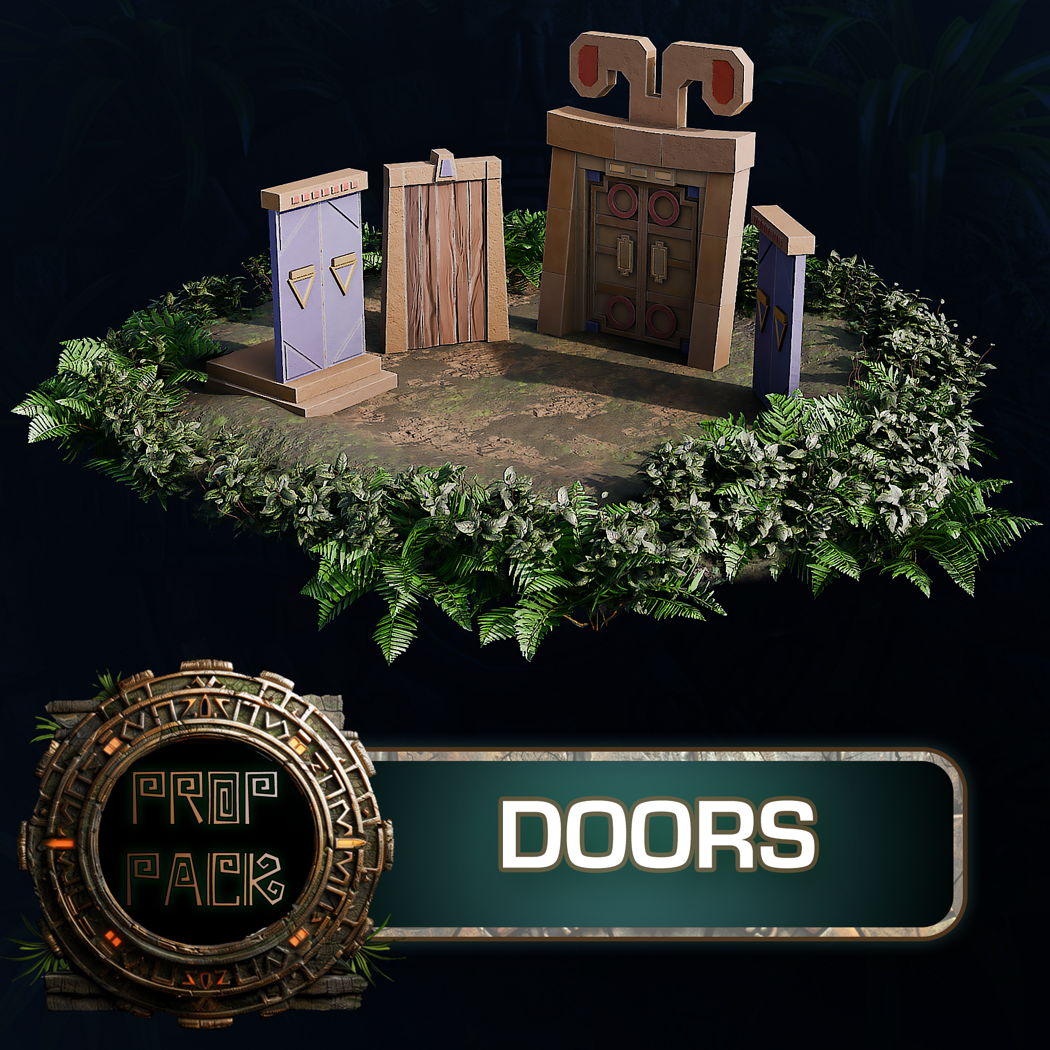
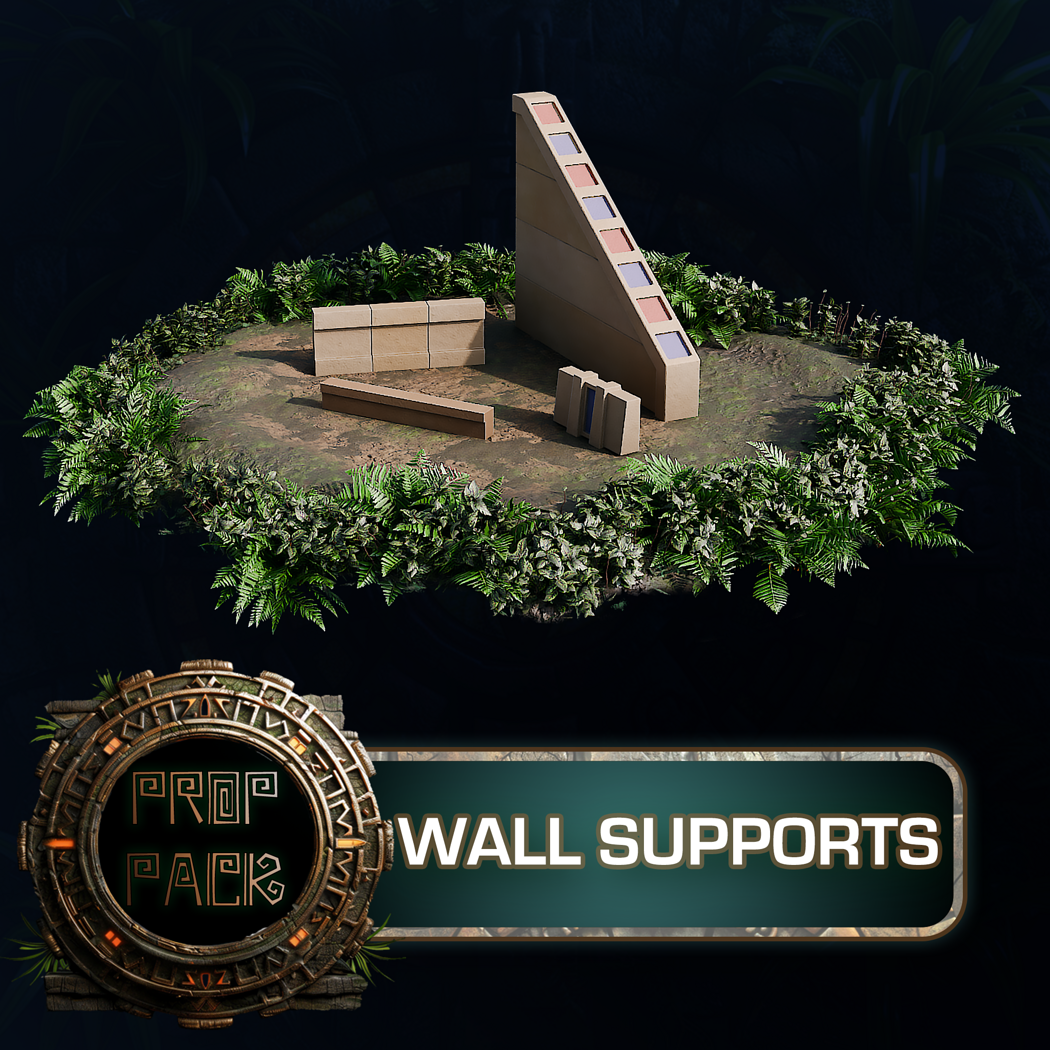
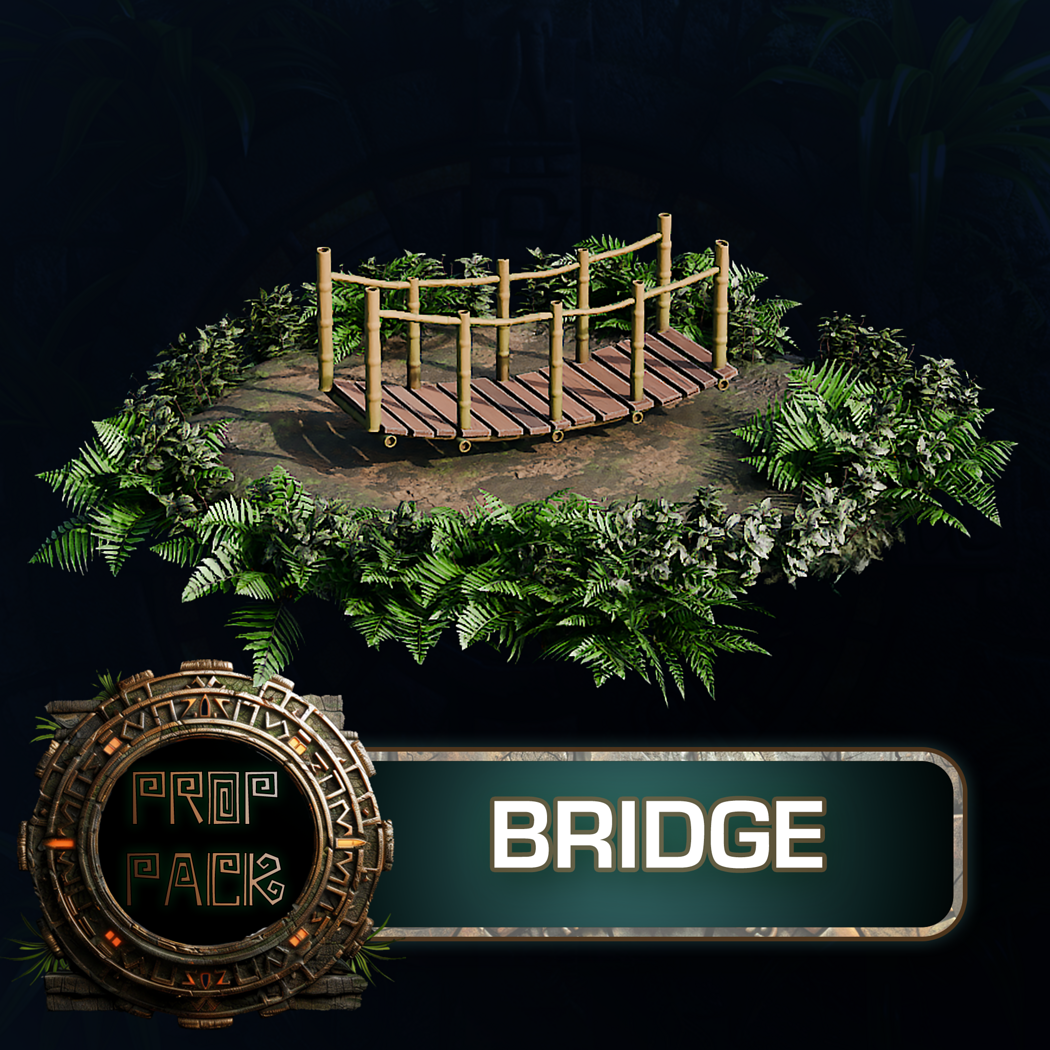
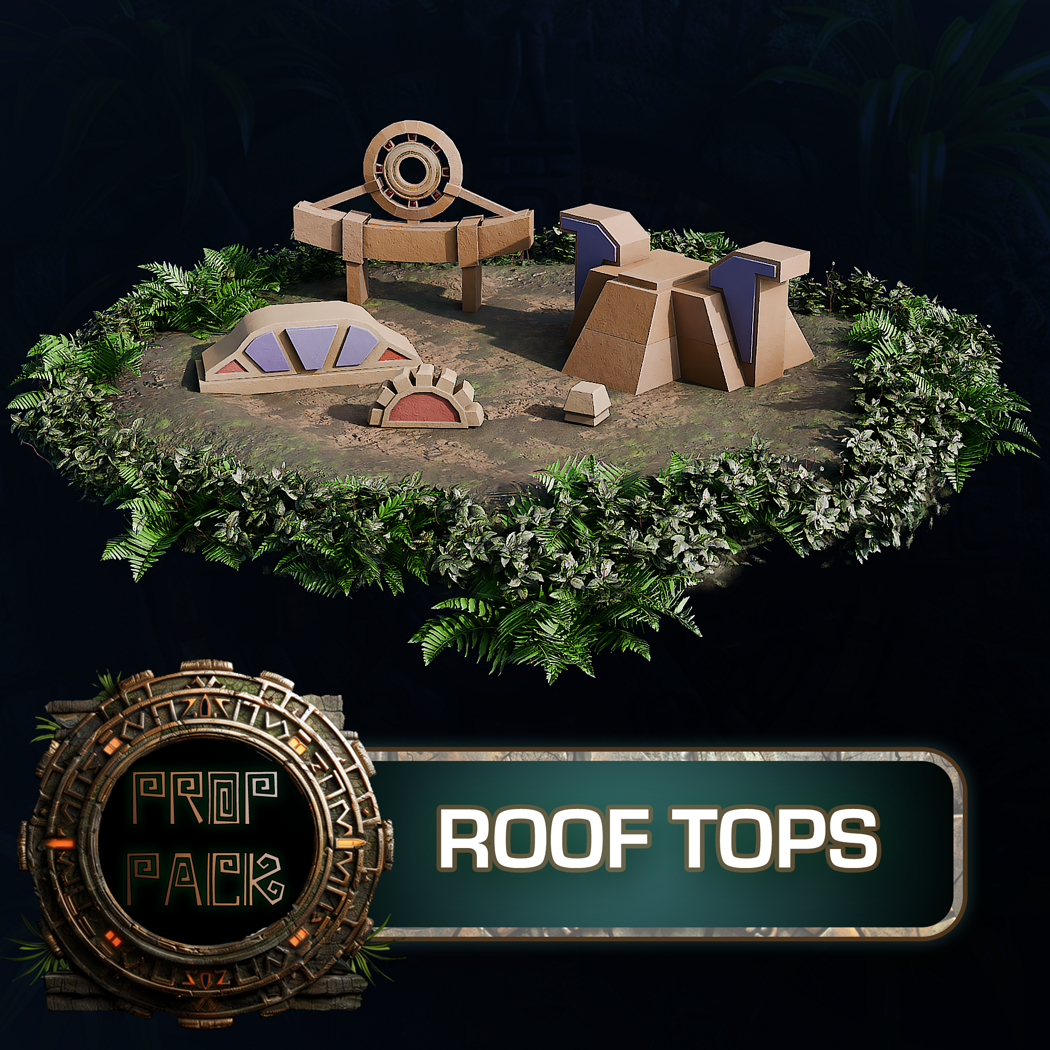
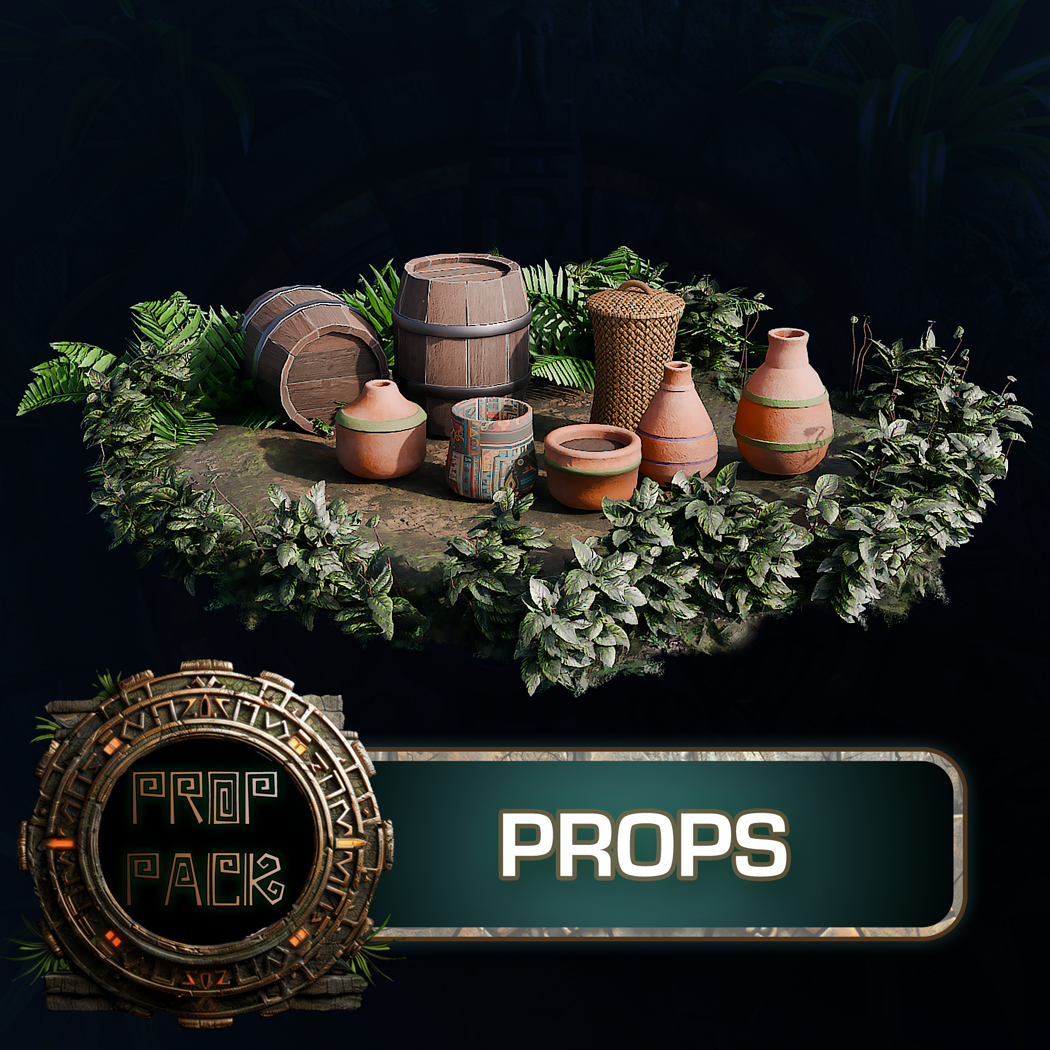
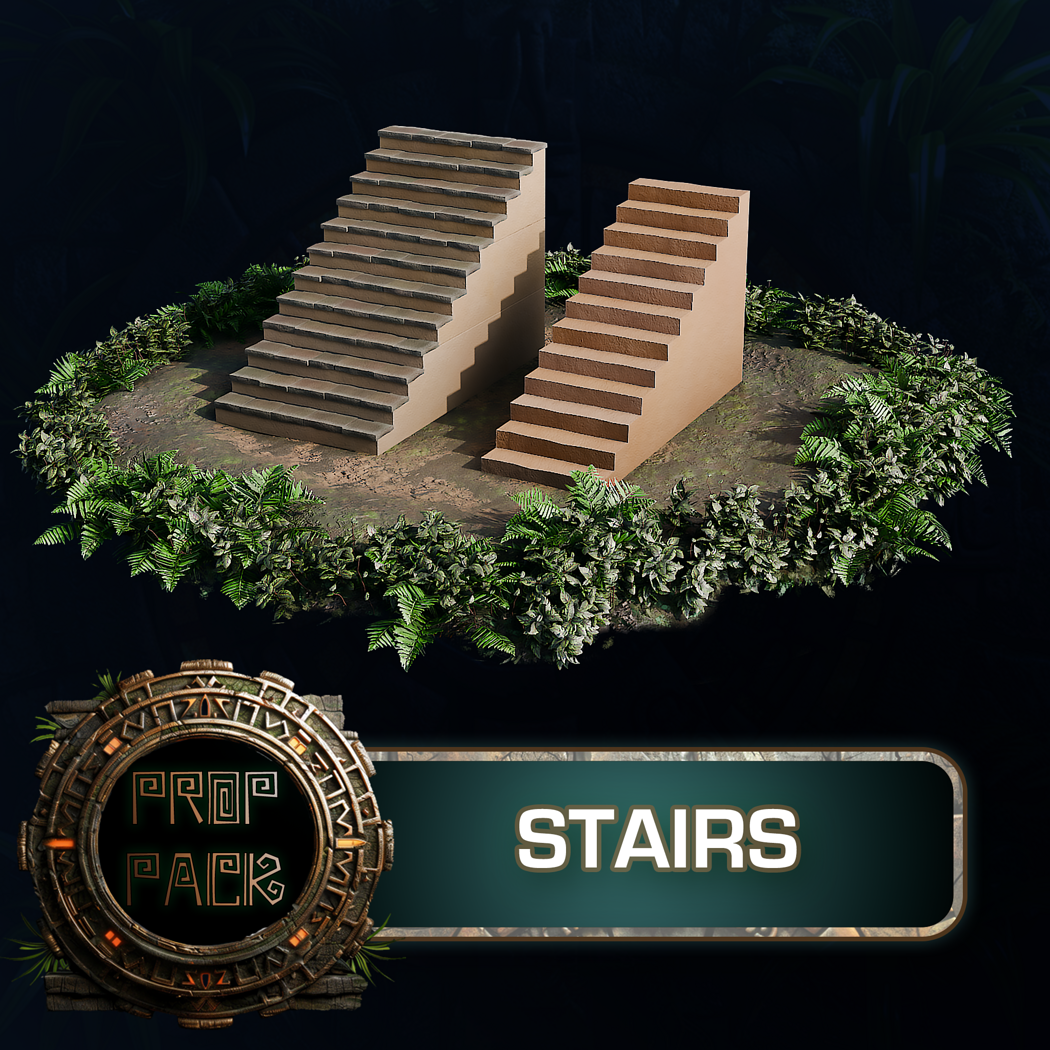
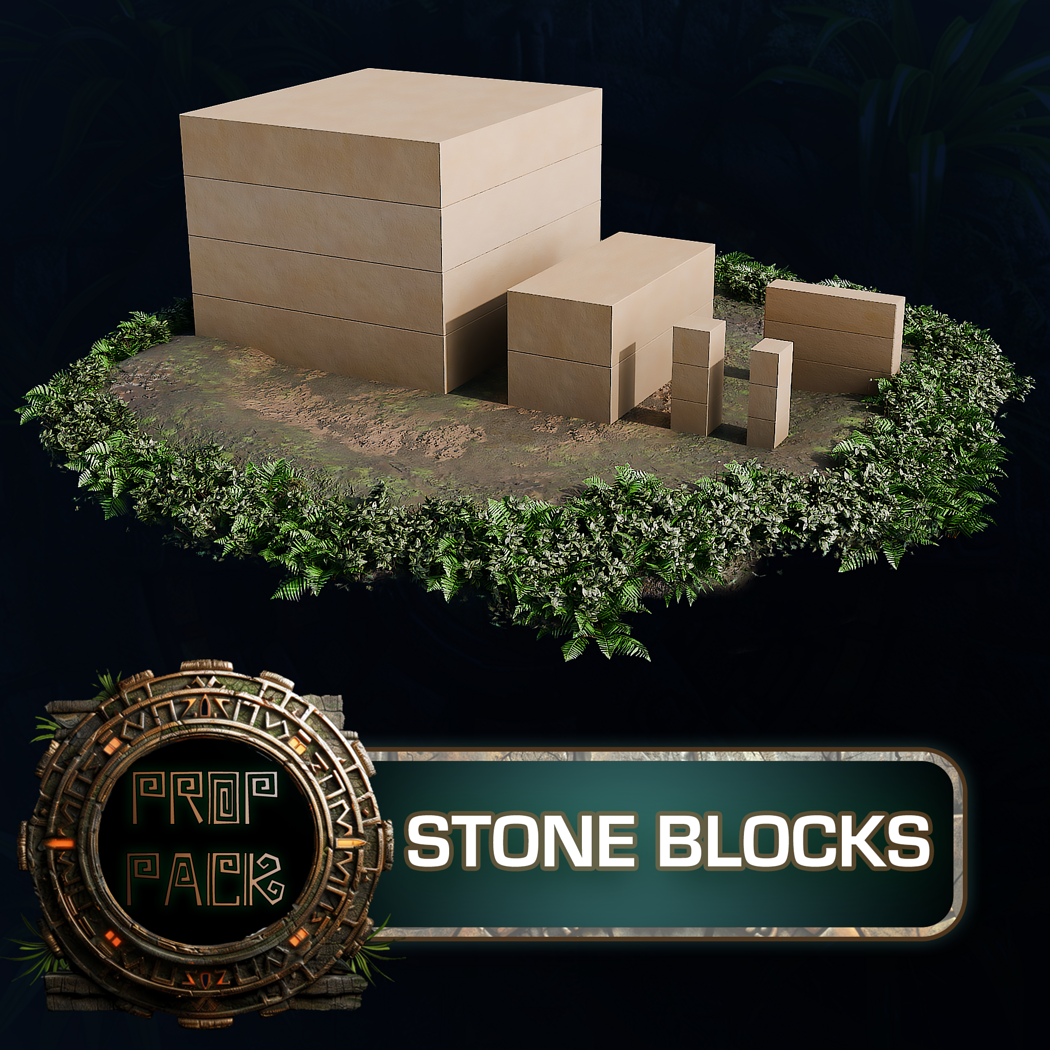
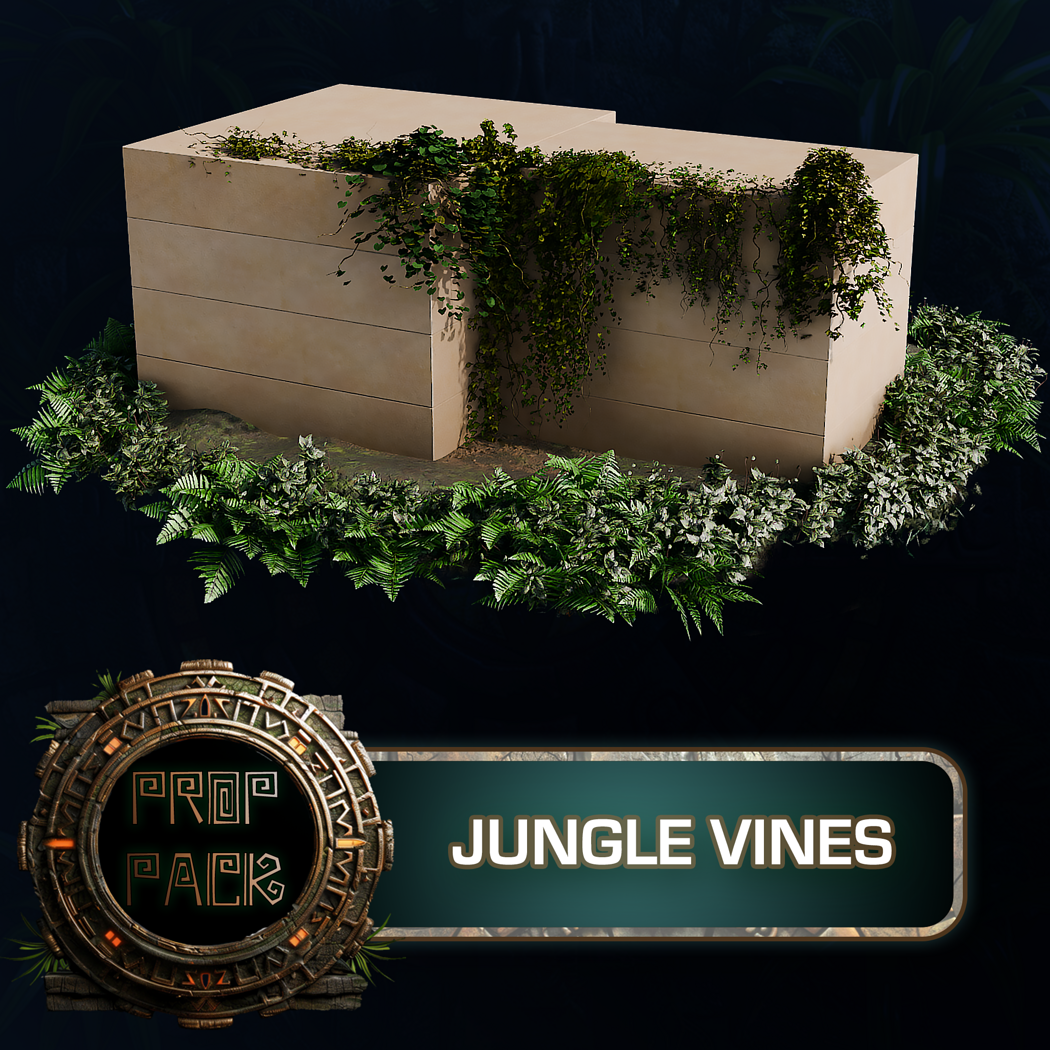
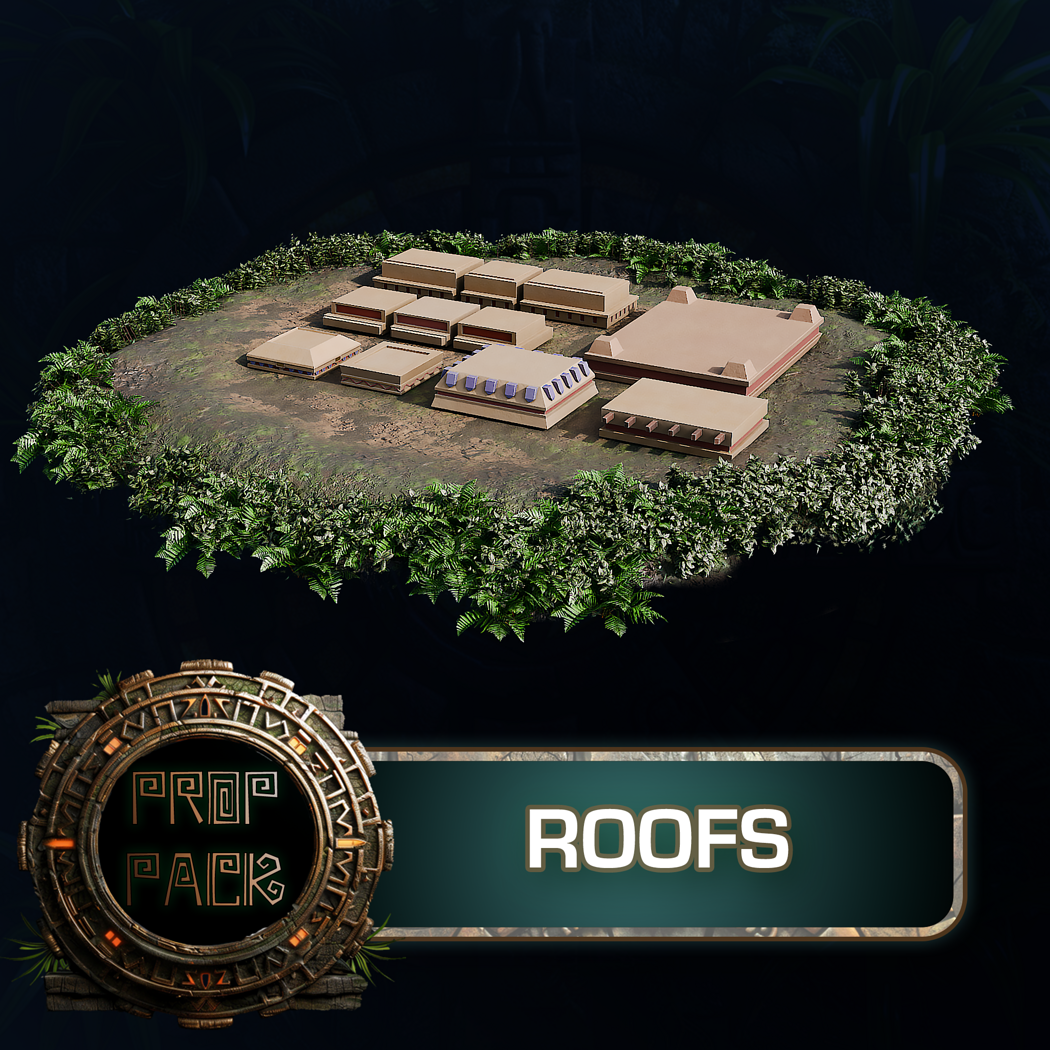
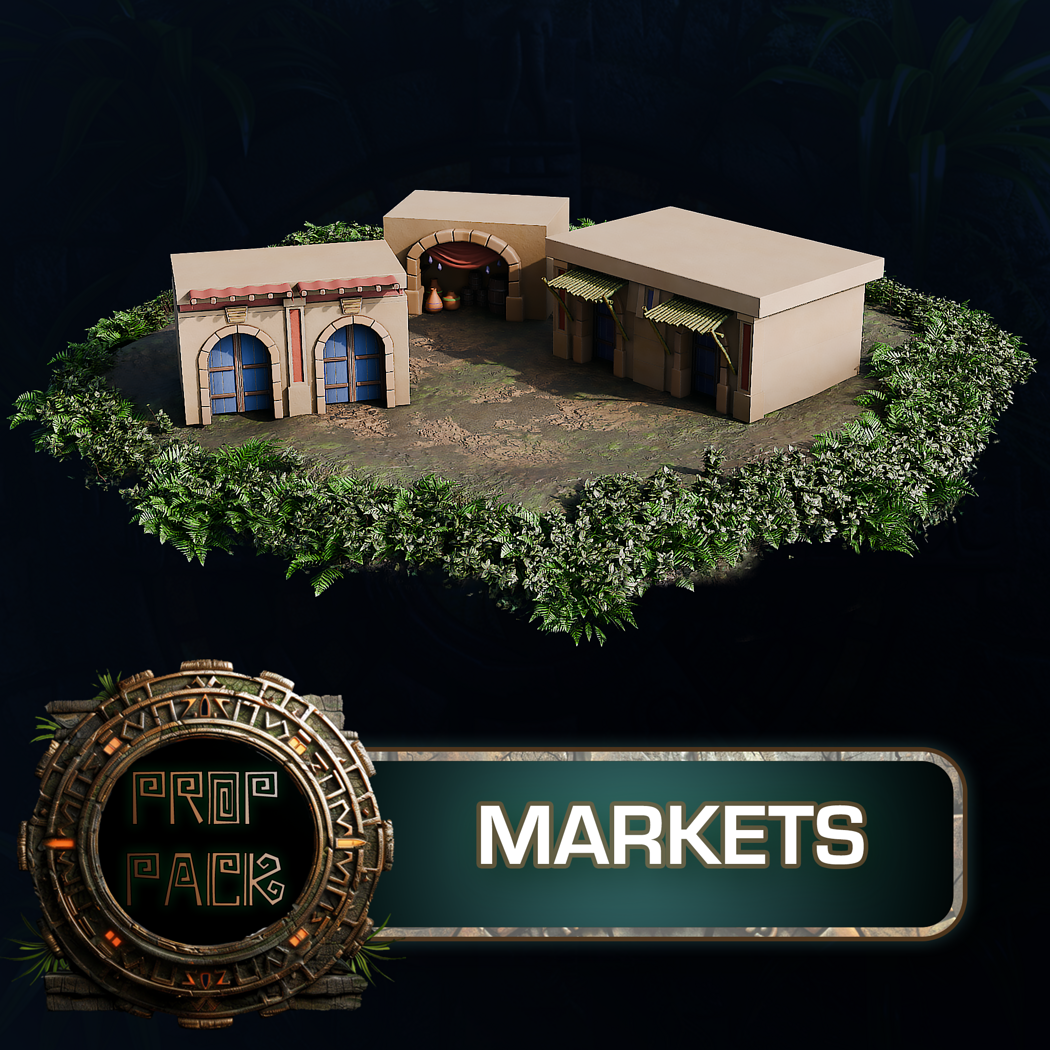
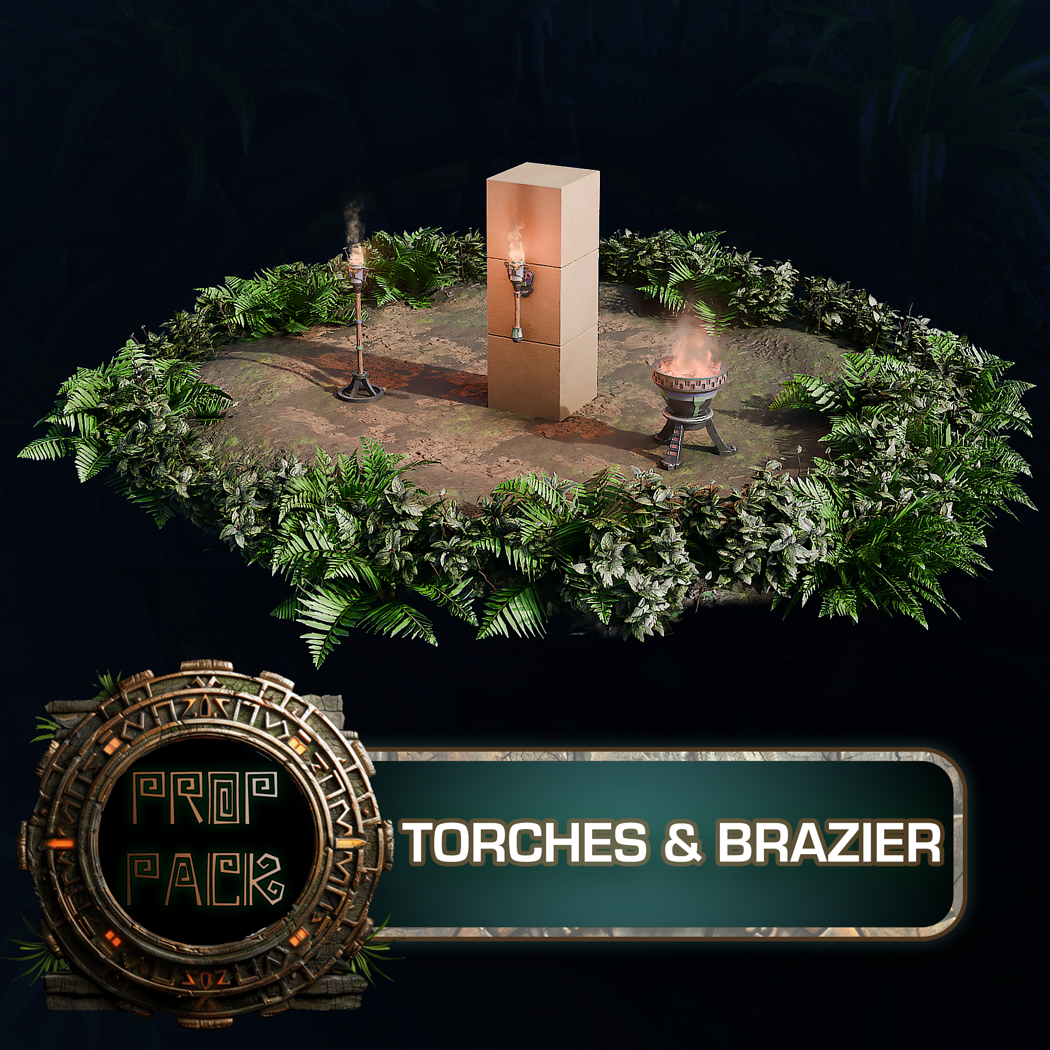
    • 153 Aztec-inspired modular assets (blocks, arches, torches, vegetation, more)
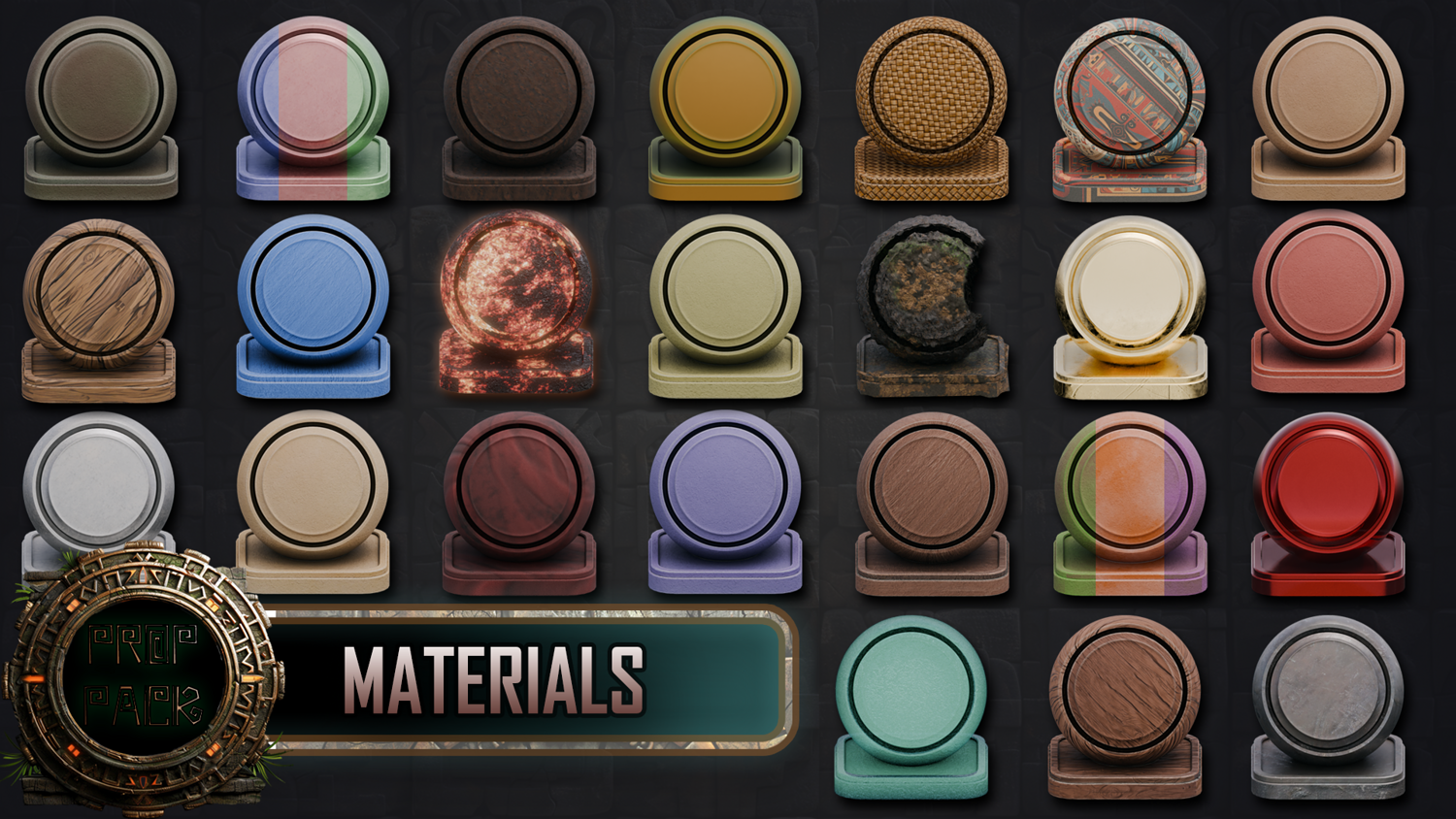
    • 24 stylized 2K material shaders for stone, dirt, metal, foliage, water, and props
    • 2 custom Geometry Nodes: Jungle Terrain and Stone Path
    • High-res MP4 preview videos of day and night scene setups
    • Blender 4.0 master file with organized collections

    Preview GIF 1


    ๐ŸŽฎ Use Cases

    • Game Concept Design โ€“ Craft dense jungle ruins and temple interiors
    • Blender Cinematic Shots โ€“ Use MP4 previews to explore ready-lit environments
    • Shader Practice โ€“ Customize and blend terrain and path materials


    ๐ŸŽจ Stylization & Performance

    • 2048x2048 Hand-Painted Materials โ€“ Designed for stylized realism
    • Volumetric Water Shader โ€“ Includes animated waterfall setup
    • Blender-Optimized Assets โ€“ Fast viewport performance with high visual fidelity

    Preview GIF 2


    ๐Ÿ”ง Modularity & Workflow

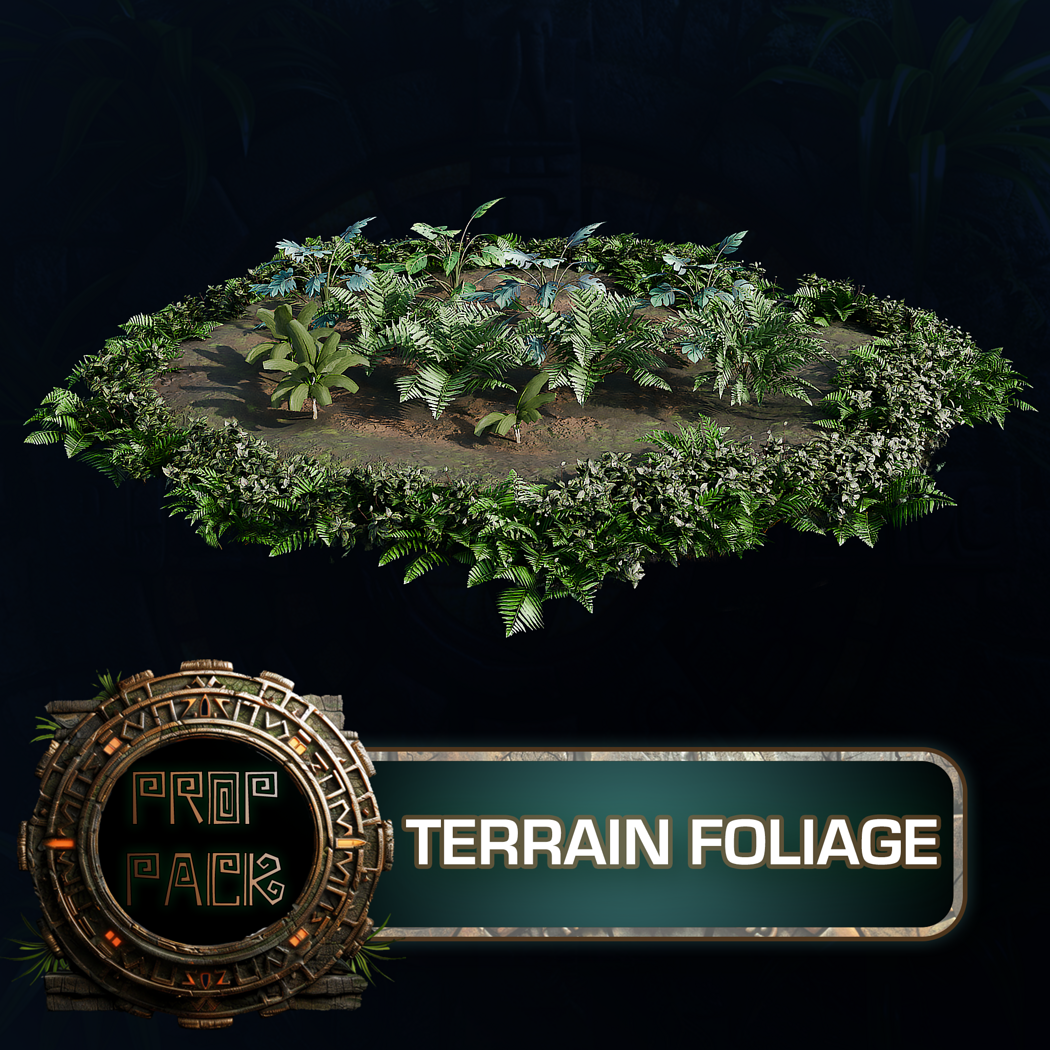
    • Jungle Terrain Node โ€“ Automatically distributes foliage, moss, and plants
    • Stone Path Node โ€“ Curve-based layout with control over shape, size, and randomness
    • Day & Night Scene Previews โ€“ MP4 walkthroughs included for lighting inspiration
    • Format: .blend only (for Blender 4.0+)


    โš™๏ธ Requirements

    • Blender 4.0 or newer
    • Geometry Nodes and Cycles/Eevee rendering recommended


    ๐Ÿš€ Installation Instructions

    Using the Blender File
    1. Download and unzip the product folder
    2. Open the included .blend file in Blender 4.0+
    3. Navigate the organized collections: Kitbash, Geometry Nodes, Materials, Previews

    Scene Navigation Tips
    - Use the Asset Browser or Outliner to drag objects into new scenes
    - Preview lighting setups using the included day and night MP4s
    - Tweak terrain blending and path shape via Geometry Node inputs


    ๐Ÿ’ฌ Community & Support

    Join the 3DTutor Discord to share your Aztec builds, get help with node workflows, and connect with other Blender artists.

    ๐Ÿ‘‰ Join the 3D Tudor Discord here

    Aztec_Temple_Blender, Jungle_Terrain_Modular, Stylized_Blender_Environment, Blender_Only_Asset, Geometry_Nodes_Terrain_Path, Jungle_Scene_Builder, Volumetric_Shader_Waterfall, Kitbash_Aztec_Blender, blender, kitbash, asset pack

    Model Details

    • FormatsBLEND
    • Polygons570659
    • Vertices628812
    • animatedno
    • materialsyes
    • texturesyes
    • riggedno
    • uvsyes
    • 3d print readyno

    You will get 4 files

    All files previously purchased will always be available for download in your Library