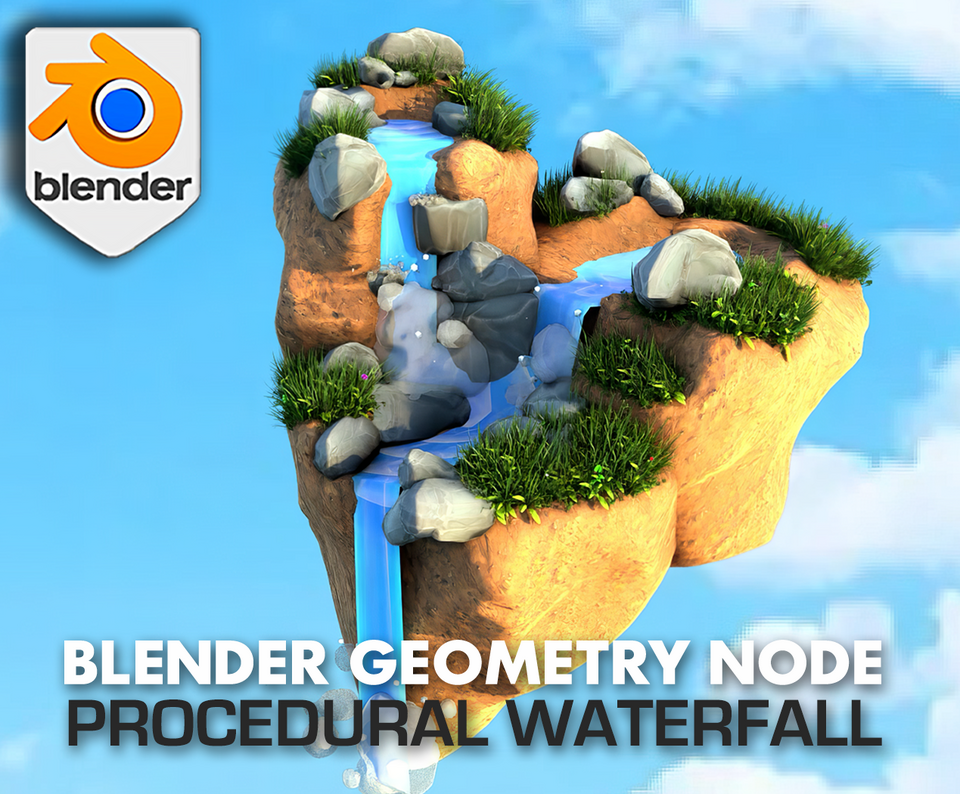
3DT Stylized Waterfall – Blender Geometry Nodes Procedural
3DT Stylized Waterfall – Blender Geometry Nodes
🎥 Demo Video
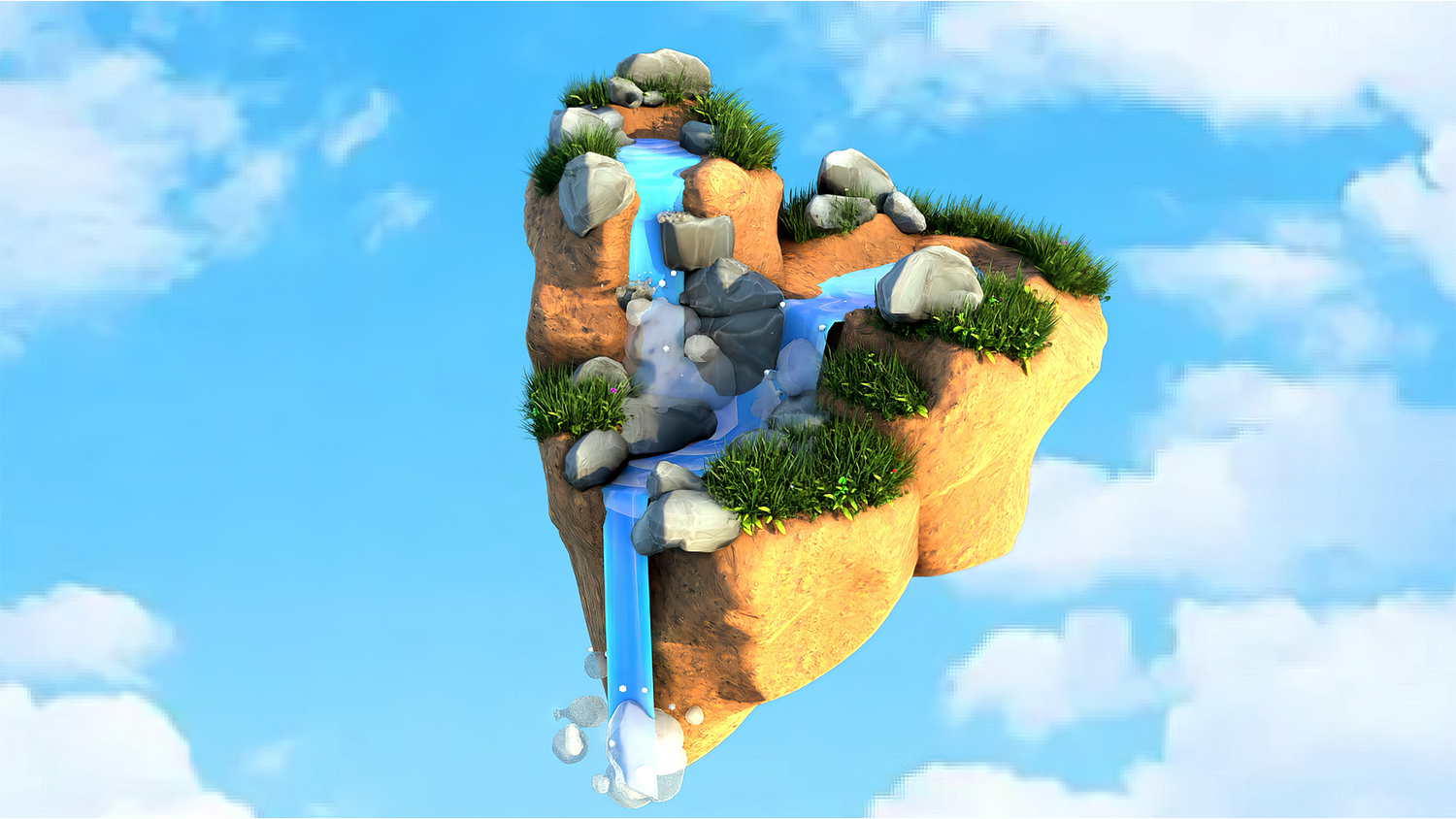
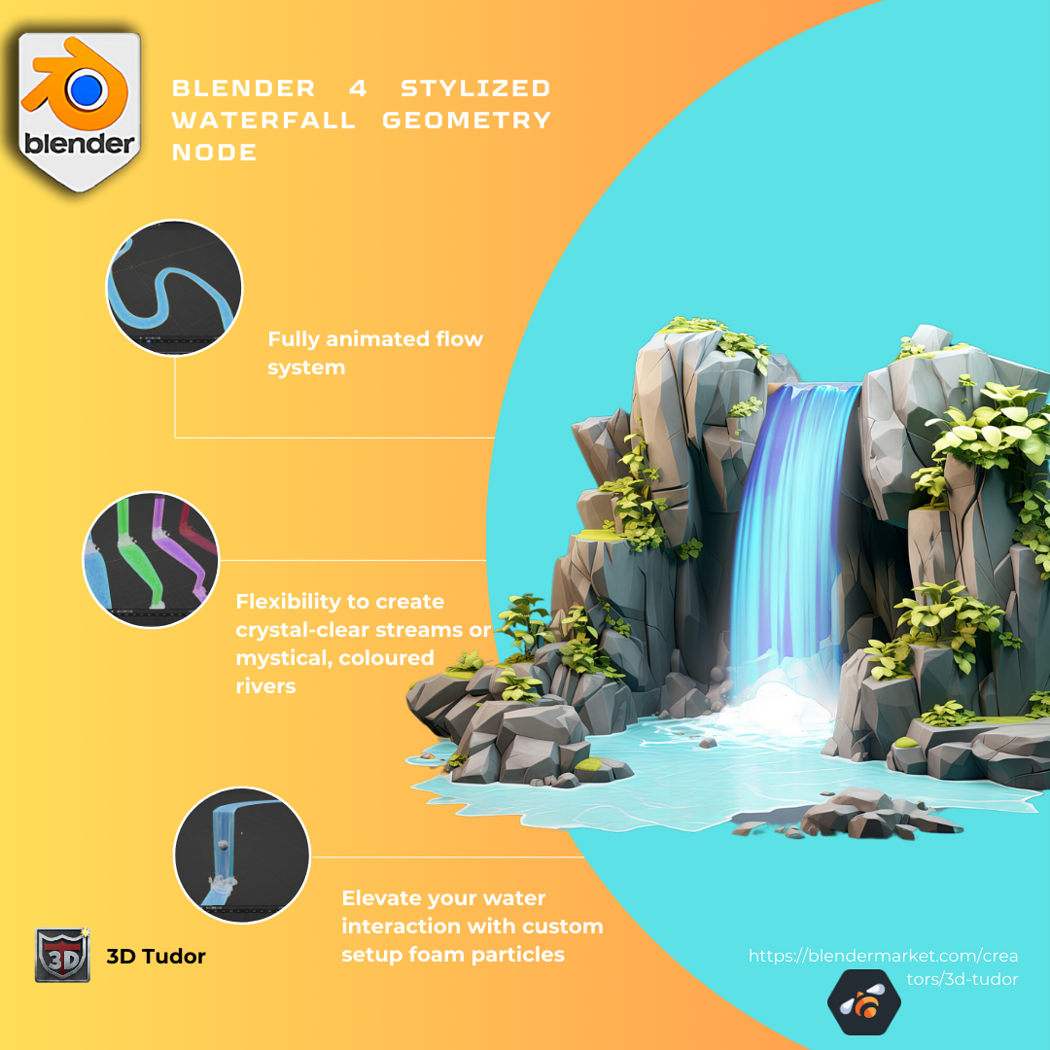
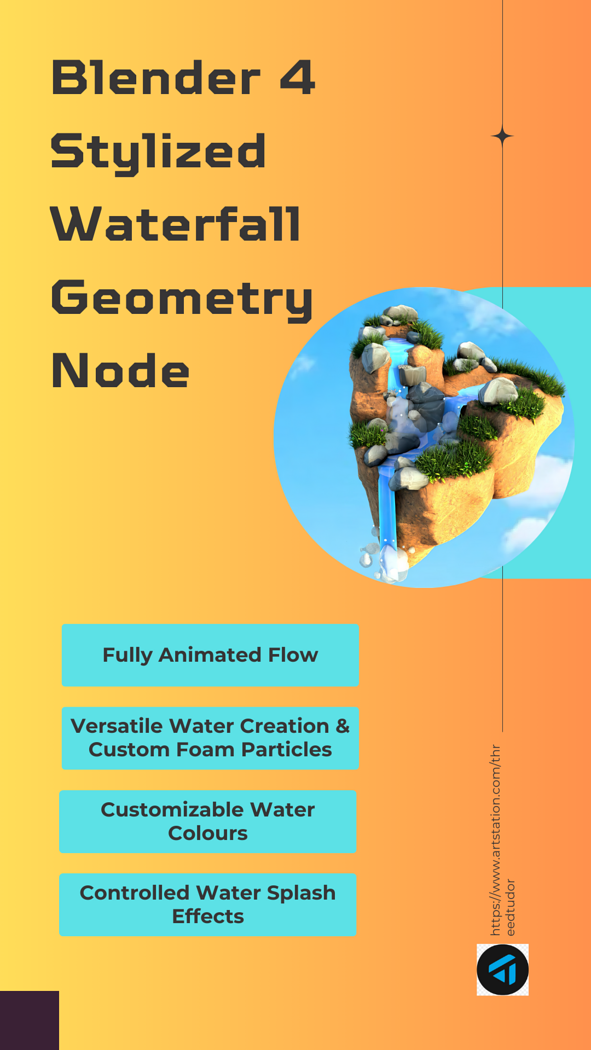
Create stunning, animated waterfalls in Blender 4 in just seconds with the 3DT Stylized Waterfall Generator!
Fully optimized for Blender 4.0+, this powerful geometry node system gives you full control over waterfall shape, speed, color, splashes, and foam. Whether you’re designing fantasy landscapes, animated shorts, or stylized games, this generator empowers you to craft realistic flowing water without any complex simulation setups.
🎯 Key Features
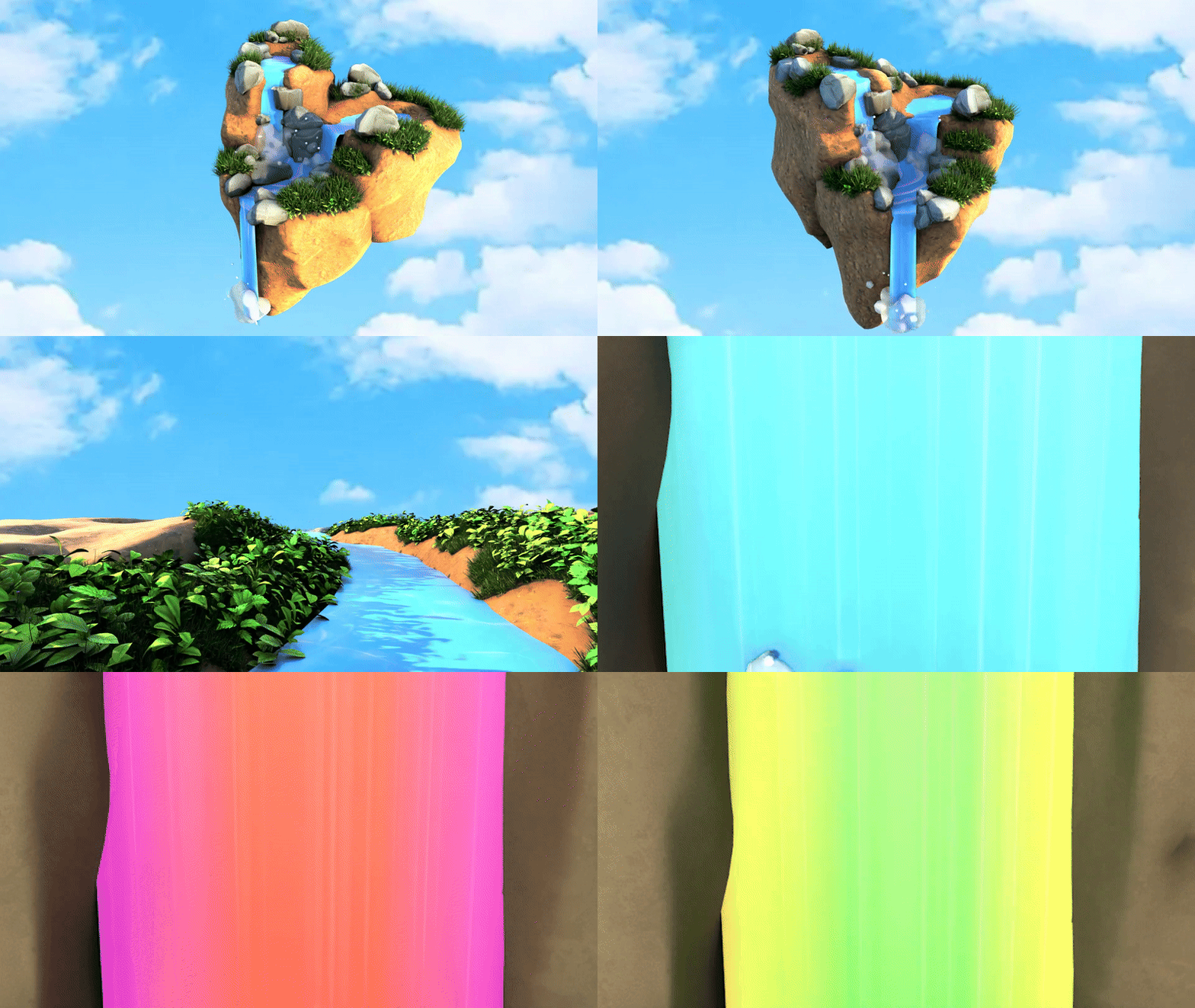
Full Waterfall Customization
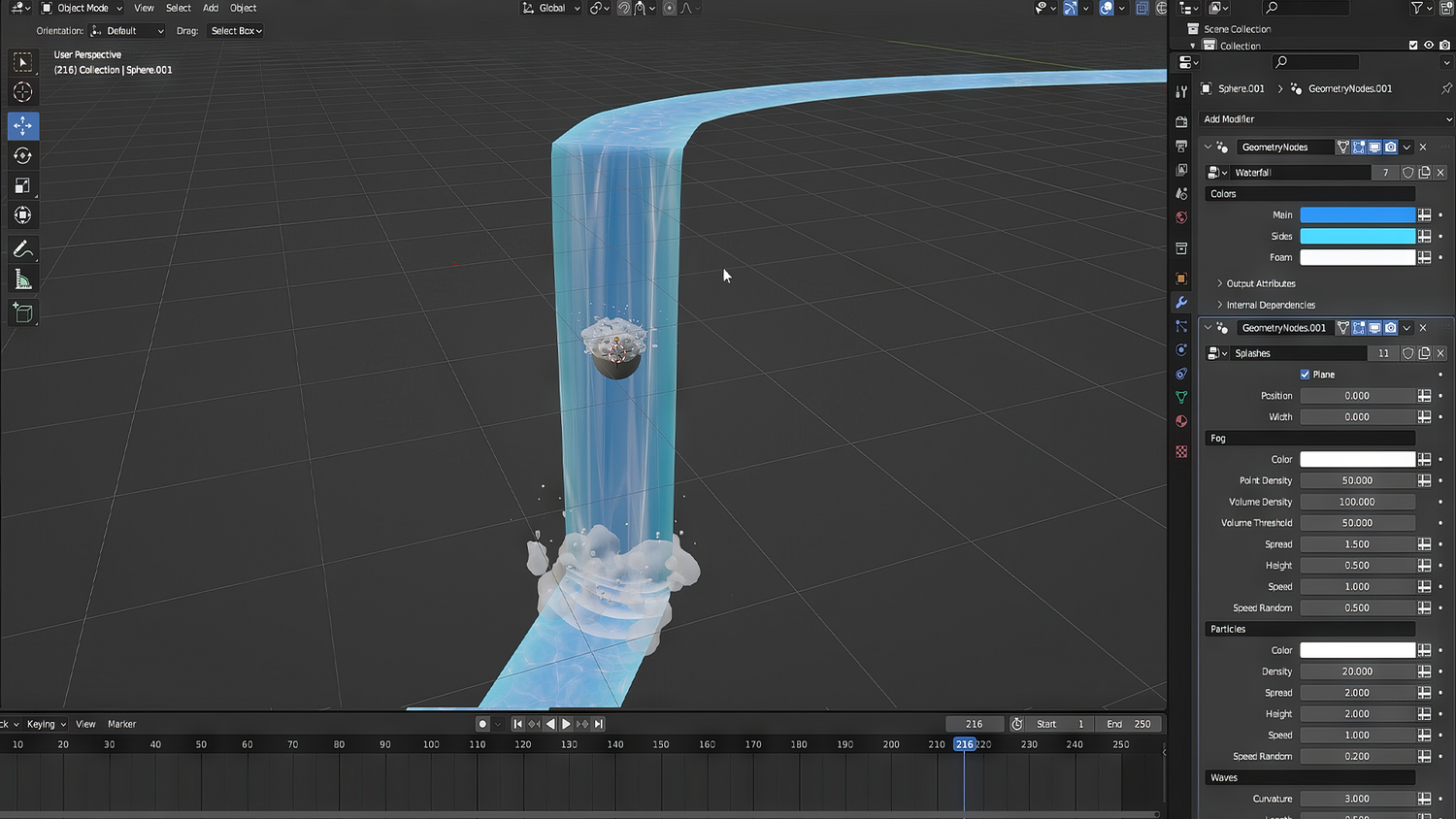
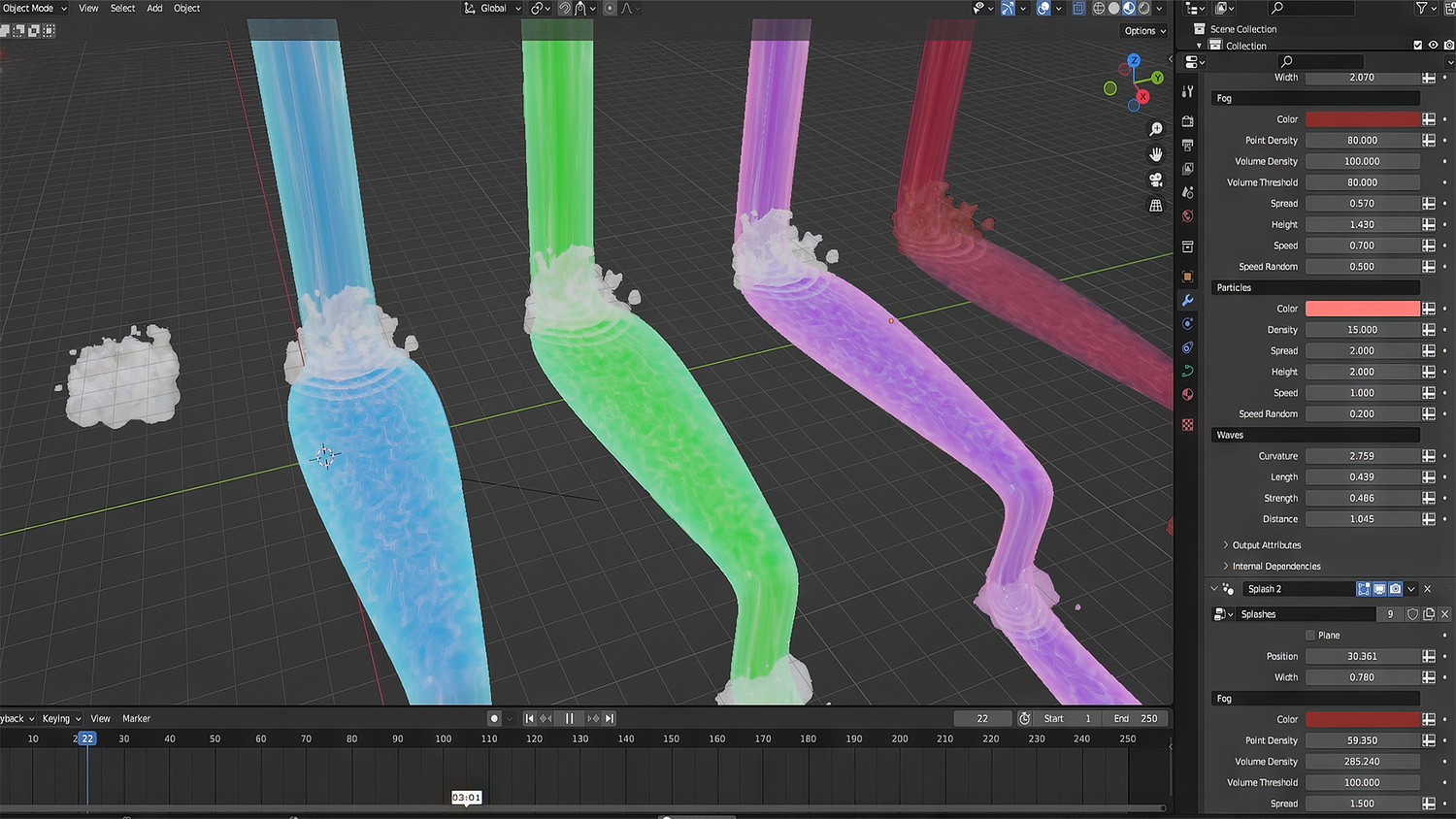
Easily control main color, side color, and foam color independently. Adjust flow speeds and splash behavior for ultra-dynamic results.
Spline-Based River Creation
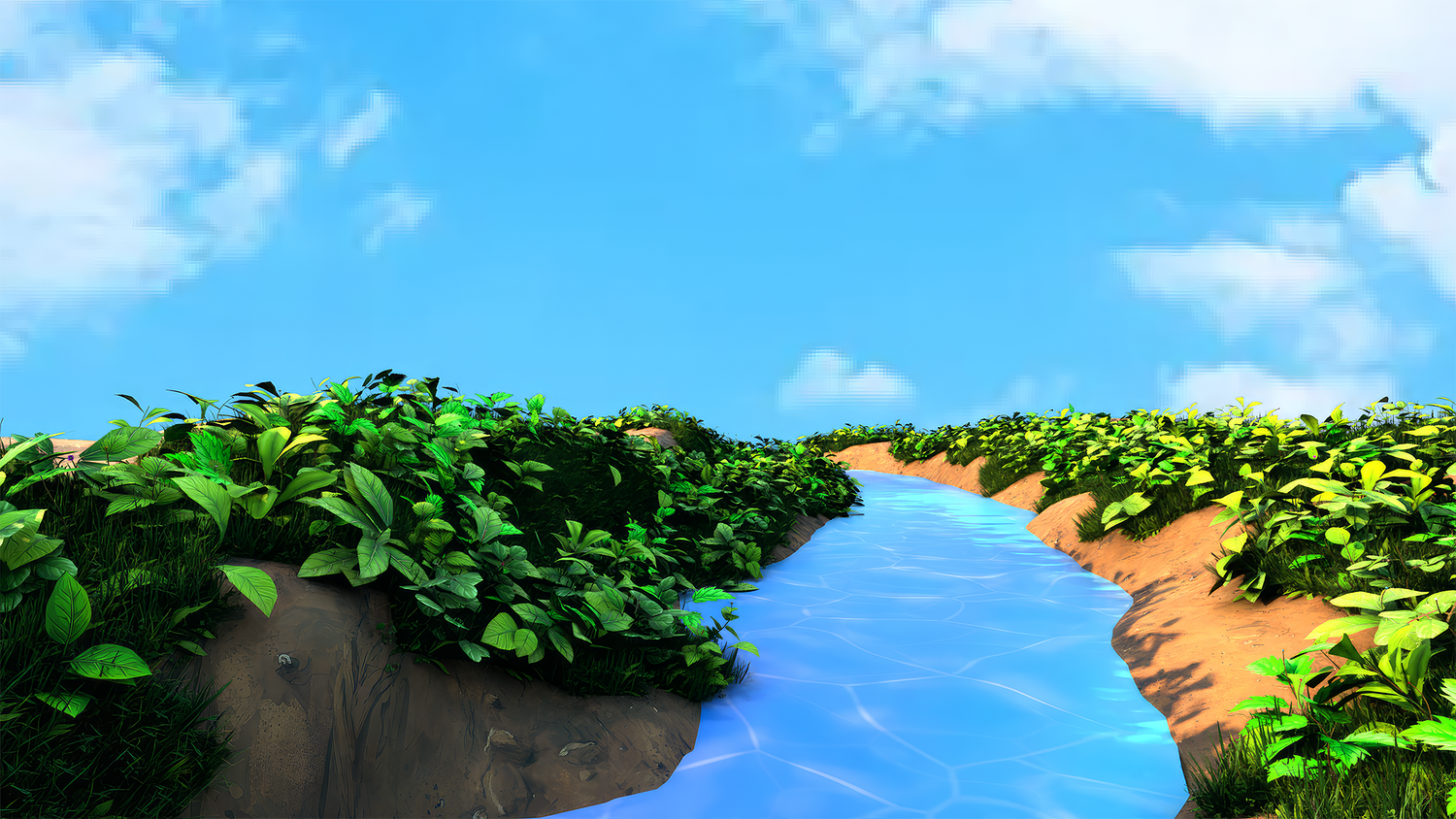
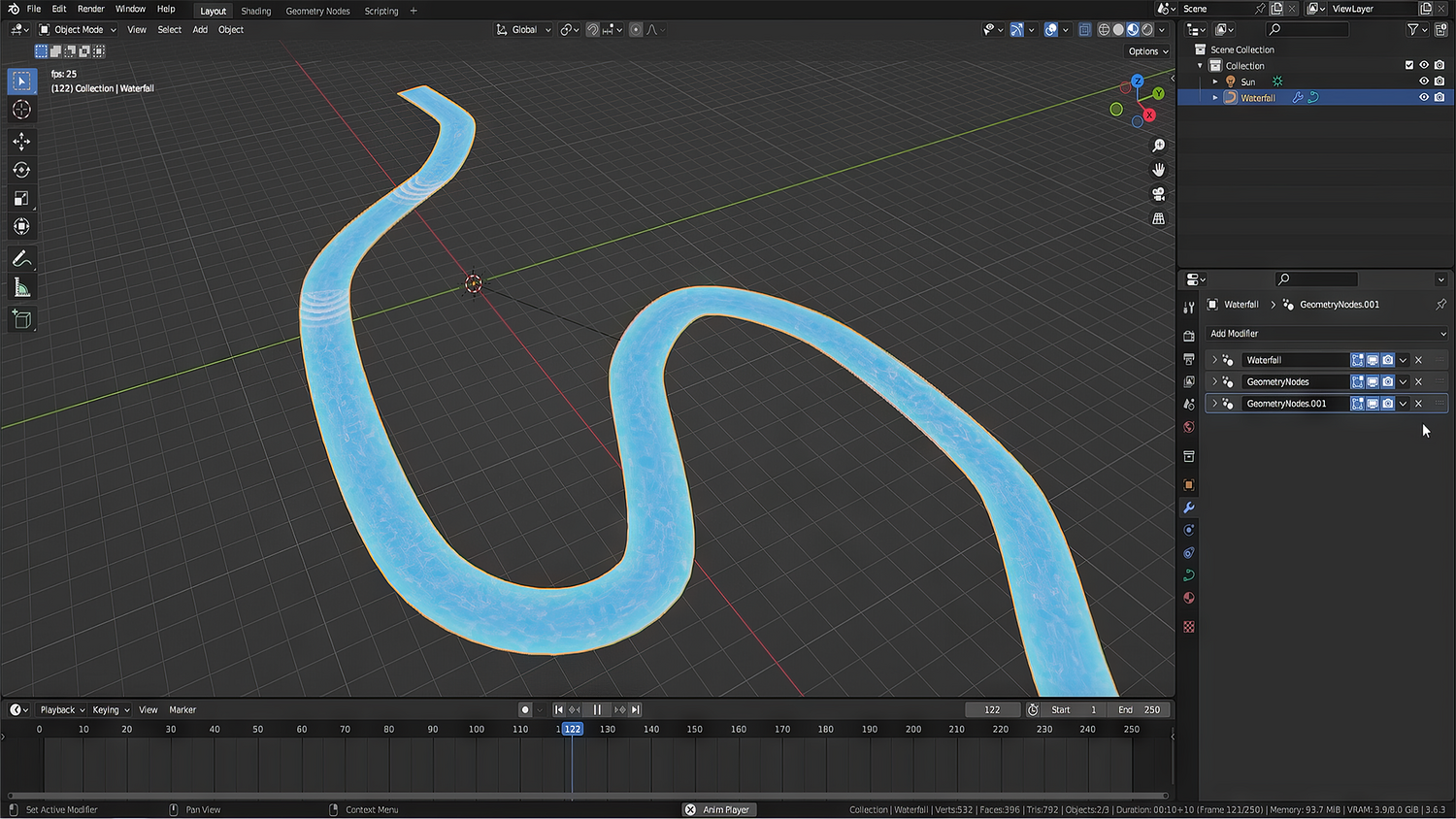
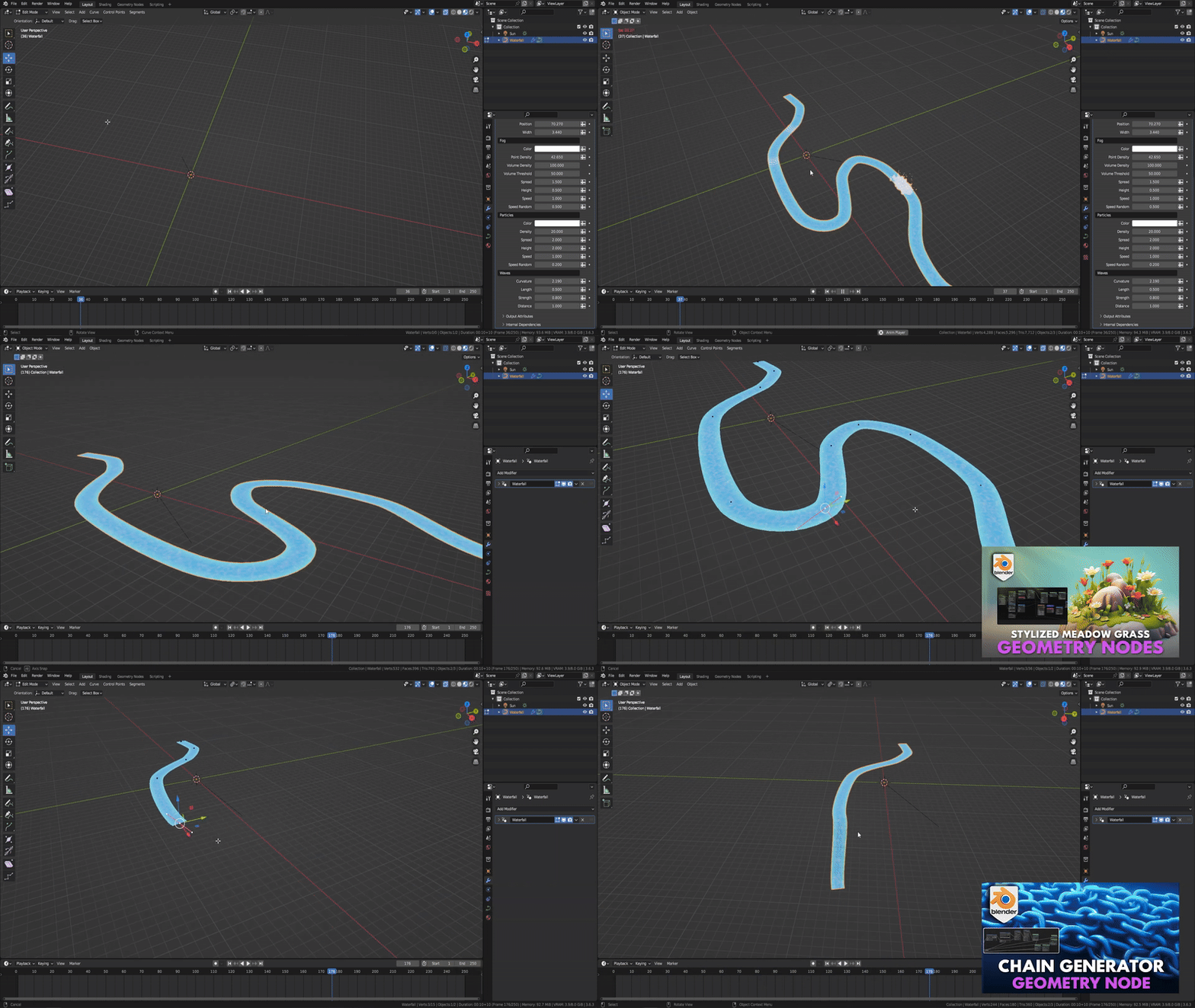
Simply draw curves to create freeform river and waterfall paths. Supports vertical drops, winding rivers, and rapid transitions.
Splash Particle Add-ons
Add customizable splash effects anywhere along your waterfall — at cliffs, river bends, rocks, and more.
Mesh Collision Ready
Simulate waterfalls interacting with rocks and obstacles with just a few clicks, adding realism without heavy simulation.
Lightweight, Fully Procedural Setup
Works smoothly in Blender’s viewport while delivering beautiful motion and organic flowing animation at render time.
🔥 Why You'll Love It
Instant Waterfalls Anywhere
From rivers to towering waterfalls, you can create stunning animated water scenes in minutes.
Ultimate Control Over Every Detail
Change colors, speeds, splash intensity, foam width, and more to perfectly fit your scene’s needs.
Perfect for Games, Animation, and Concept Art
Create stylized fantasy worlds, animated movies, or dynamic level designs with ease.
Rock-Solid Performance
Fully procedural setup keeps your workflow fast even in complex environments.
📦 What's Included
- 1x Blender .blend file with complete Stylized Waterfall Geometry Node setup
- Full color and animation controls
- Splash and foam customization options
- Pre-built demo scene for quick start
- Fully labeled, organized, and ready-to-use node groups
⚙️ Requirements
- Blender 4.0 or newer with lifetime updates
- From noob to pro — watch the 10 minute video to have everything up and running in no time
🚀 Installation Instructions
Method 1 – Add to Asset Library
- Download and unzip the product folder.
- Open Blender → Edit → Preferences → File Paths → Asset Libraries → click the "+" button.
- Navigate to the extracted folder and add it.
- Open the Asset Browser and drag the Stylized Waterfall Generator into your scenes.
Method 2 – Manual Append
- Open your Blender project.
- Go to File → Append → Locate the .blend file → Import the Geometry Node group.
Method 3 – Copy and Paste Between Projects
- Open the project containing the Stylized Waterfall setup.
- Select the Geometry Node group.
- Press Ctrl+C to copy.
- Open another Blender project and press Ctrl+V to paste it directly into your scene.
💬 Support
Need help? Join our growing 3D Tudor Discord community to connect with our support team and hundreds of fellow artists!
👉 Join the 3D Tudor Discord here
You will get 1 file
All files previously purchased will always be available for download in your Library