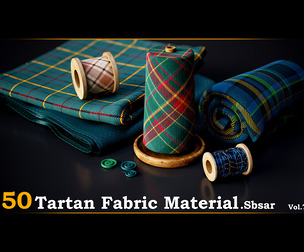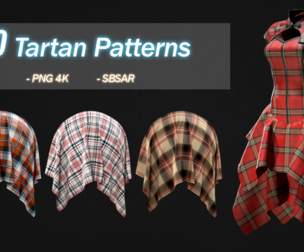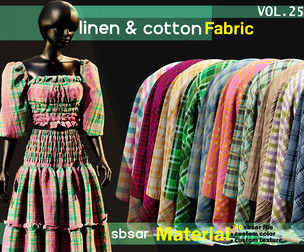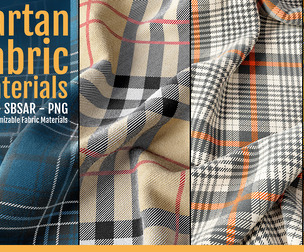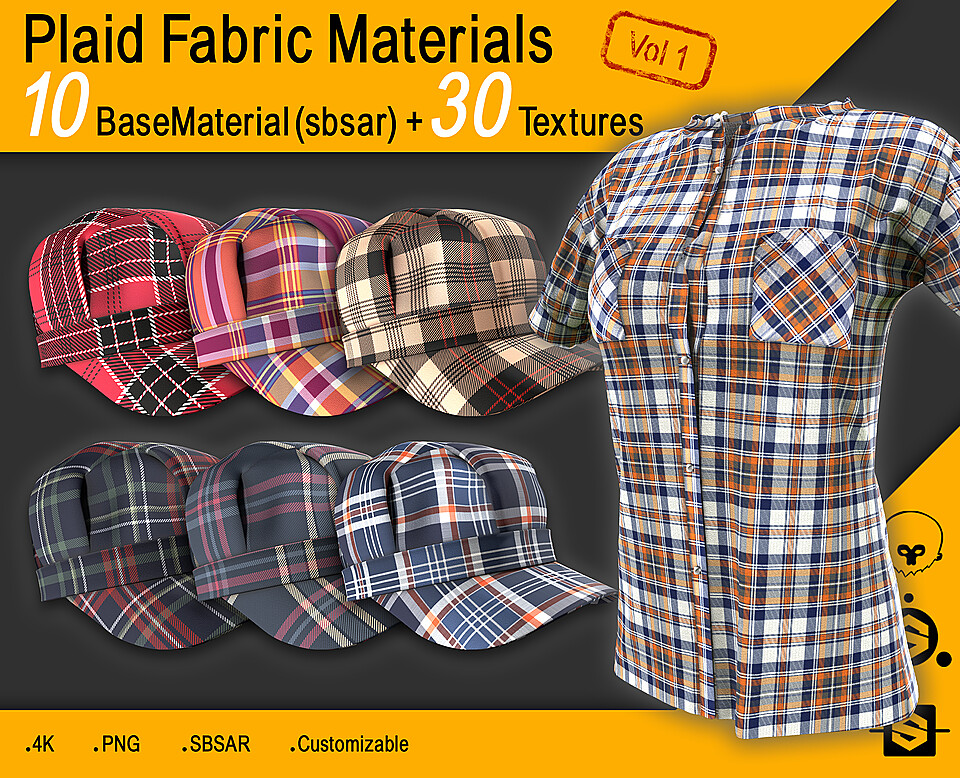
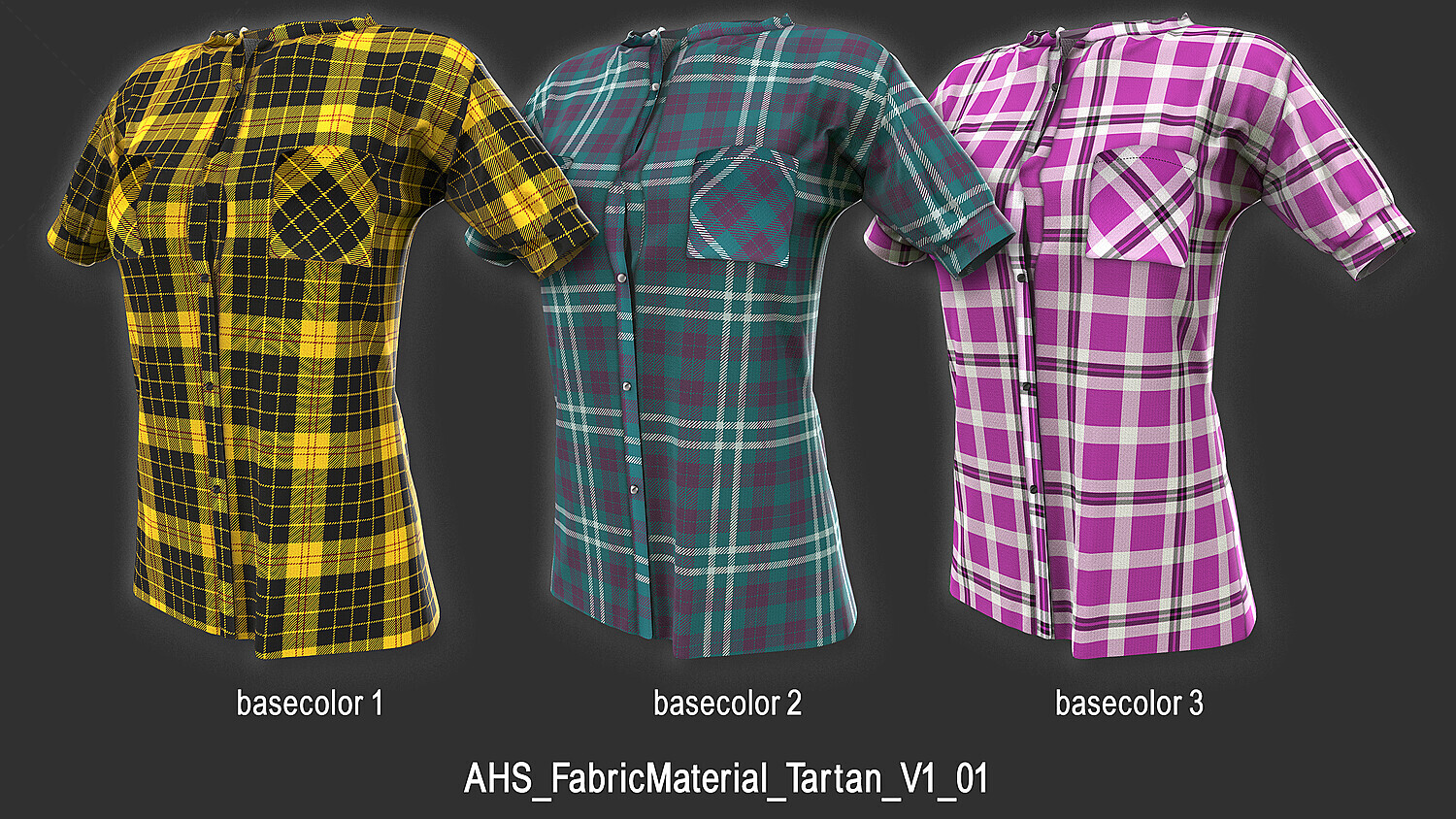


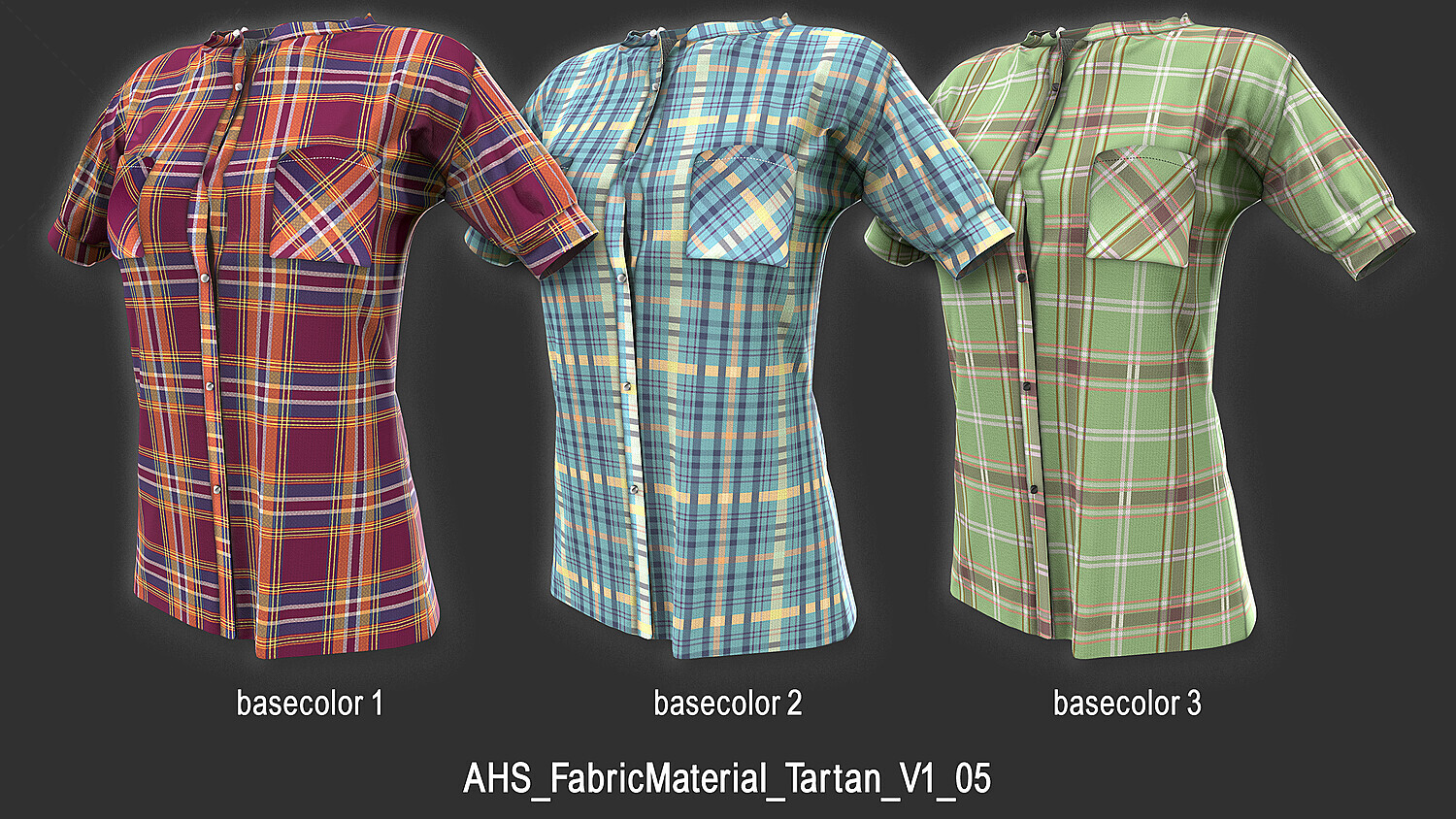
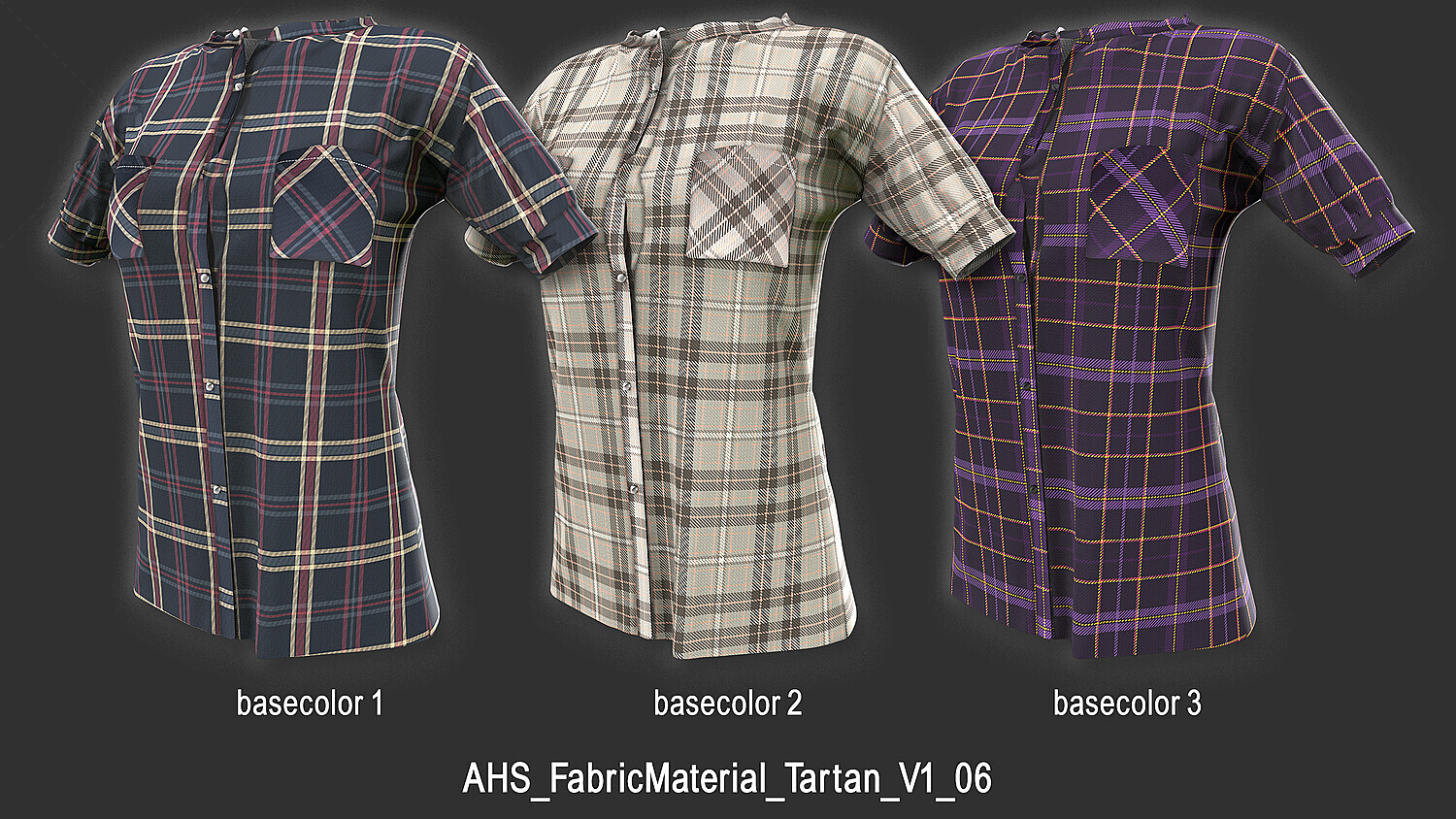


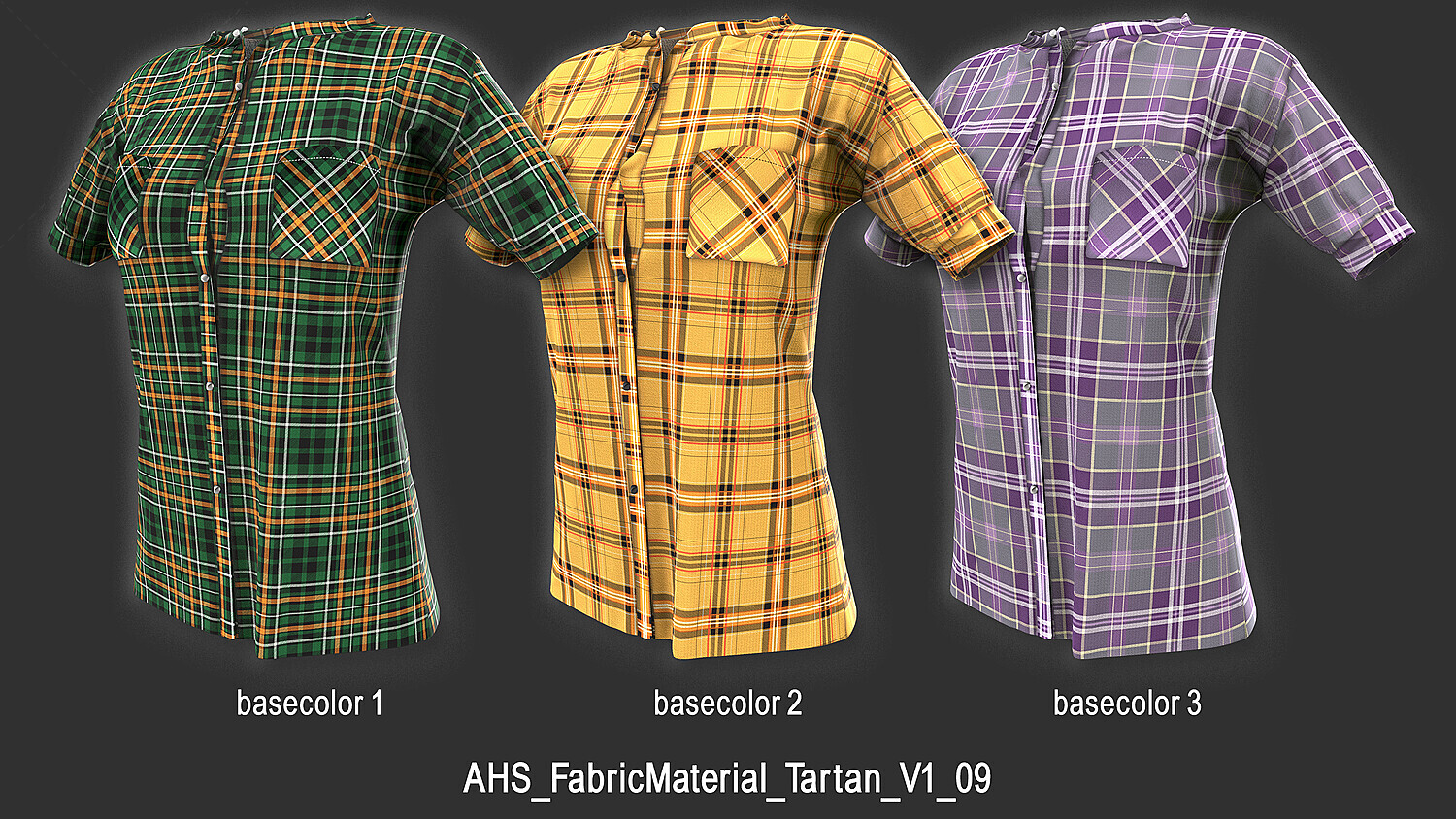


10 Plaid (Tartan) Fabric Materials (SBSAR) + 39 4K Textures | Vol 1
⚡ Create Hundreds of Plaid Fabric Variations in Seconds
Creating realistic plaid and tartan fabric materials from scratch can be time-consuming. This collection includes 10 fully procedural Plaid (Tartan) Fabric Materials, allowing you to generate hundreds of unique fabric variations by adjusting the available parameters.
All materials are created in Substance 3D Designer (v11.3.1) and are accompanied by a collection of seamless 4K textures, making them suitable for both procedural and traditional texture workflows.
✨ Features
✅ 10 Fully Procedural Plaid (Tartan) Fabric Materials (SBSAR)
✅ Generate Hundreds of Material Variations
✅ 39 High-Quality 4K Textures Included
✅ Seamless & Tileable Textures
✅ Fully Customizable Parameters
✅ Switch Between 3 Fabric Texture Styles
✅ Created in Substance 3D Designer (v11.3.1)
✅ Production-Ready Workflow
📦 Package Includes
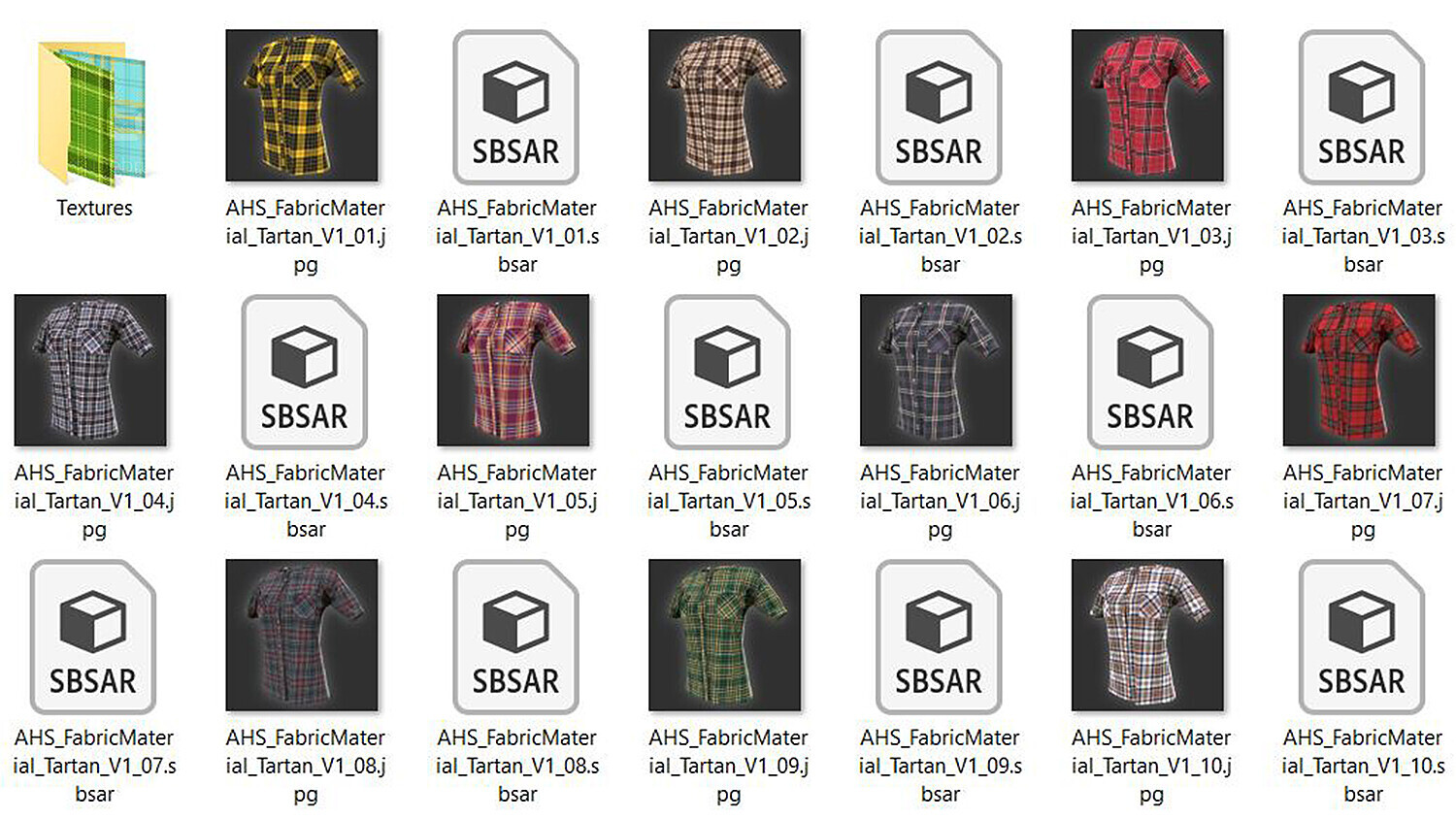
🧩 10 Procedural Plaid (Tartan) Fabric Materials (SBSAR)
- Compatible with Substance 3D Painter and any software supporting SBSAR
🖼️ 10 Preview Images
- One preview for each material
🎨 30 Seamless & Tileable Plaid Textures
- PNG (4K • 32-bit)
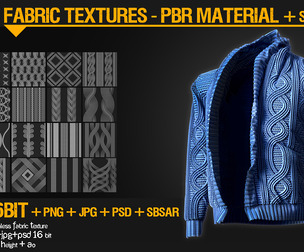
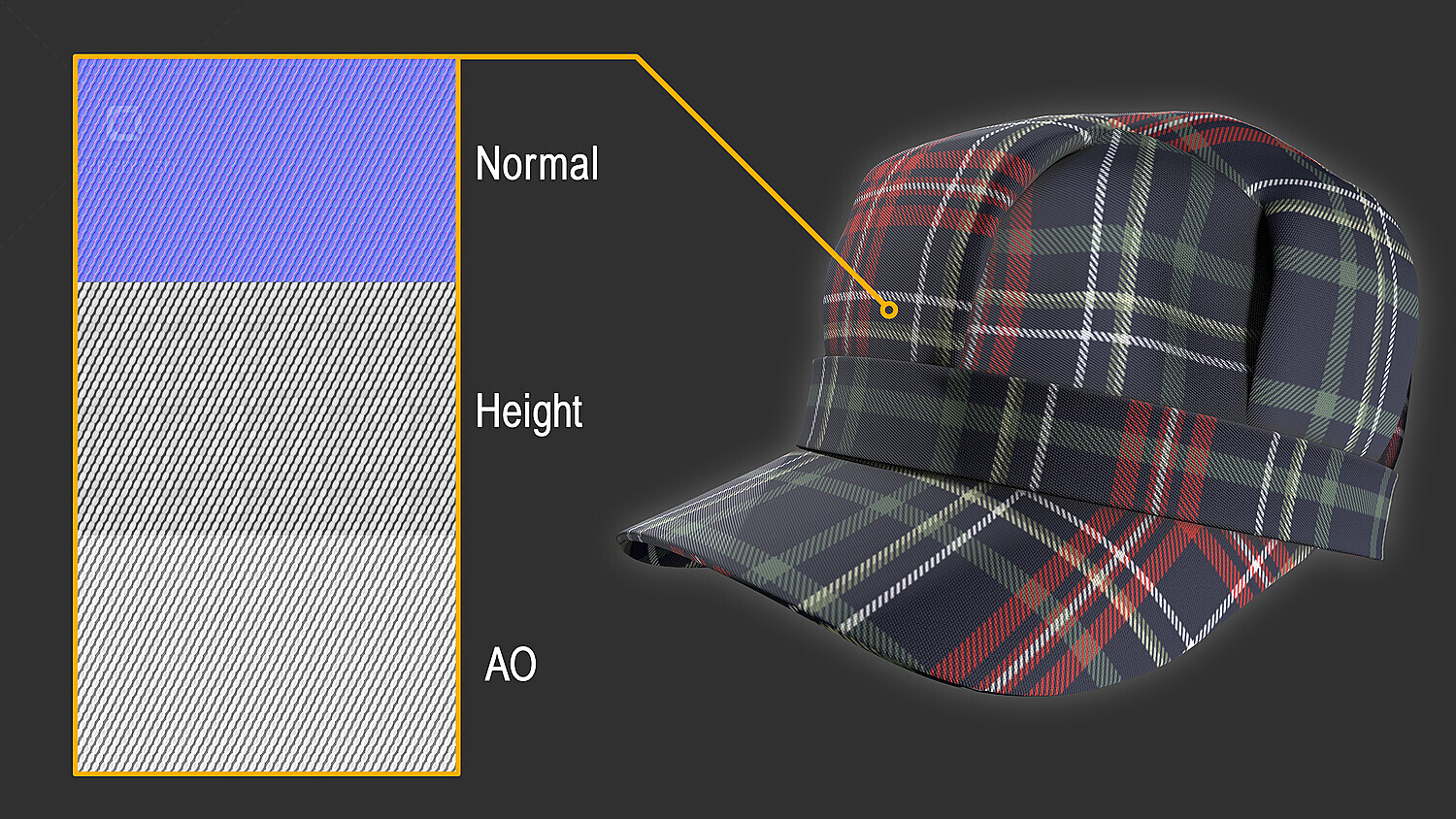
🧵 9 Fabric Detail Textures
- Normal (4K • 16-bit PNG)
- Ambient Occlusion (4K • 16-bit PNG)
- Height (4K • 16-bit PNG)
📌 All textures are seamless and tileable.
💻 Compatible With
✔️ Substance 3D Painter
✔️ Substance 3D Designer
✔️ Substance Player
✔️ Blender (with SBSAR support)
✔️ Unreal Engine (via SBSAR workflow)
✔️ Unity (via SBSAR workflow)
✔️ Any software supporting SBSAR or image textures
🎯 Perfect For
🧥 Clothing & Apparel Materials
🧵 Textile & Fabric Design
🛋️ Interior & Furniture Visualization
🎮 Game Asset Development
🎬 VFX & Cinematic Projects
🌍 Procedural Material Workflows
🎛️ Customizable Parameters
✅ Individual Section & Line Colors
✅ Line Opacity
✅ Line Width
✅ Line Gap
✅ Line Offset
✅ Scale & Tile Amount
✅ Blur
✅ Switch Between 3 Fabric Texture Styles
✅ And much more...
🎥 Learn How to Use It
Please watch the included video to learn more about this product and how to use it in Substance 3D Painter.
📥 Installation
Simply drag and drop the SBSAR files into the Substance 3D Painter Shelf.
🚀 How to Use
Drag and drop a material onto your layer stack or directly onto your model, then adjust the parameters to create the exact fabric style you need.
❤️ Please Support My Work
⭐ Please rate and review this product!
Your feedback helps me improve future products and supports my work as an independent creator. I truly appreciate every rating and review.
Hope you download it and enjoy! 😊
My other products
Alpha Pack Vol 1: http://cbr.sh/rt5gwq
Patterned Fabric Materials + 40 Textures Vol 2: http://cbr.sh/e8hi0i
Logo Alpha Pack Vol 2: http://cbr.sh/5zlwfj
You will get 4 files
All files previously purchased will always be available for download in your Library