in Tutorials
Compositing
Illustration
Modeling
Guides
Digital Art
ZBrush
Photoshop CC
Concept Art
Rendering
Props


ZBrush to Photoshop PDF Guide
477 Views
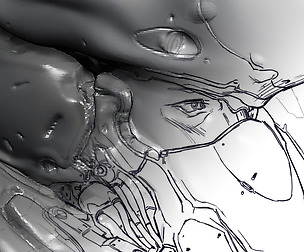
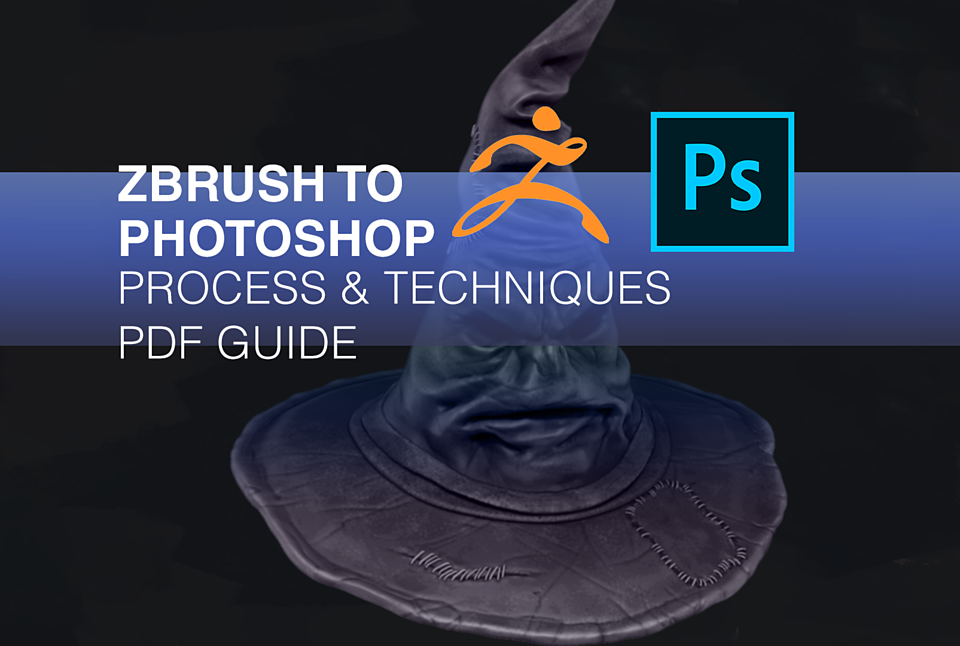
Improve your process with this step by step PDF walk-through. Learn how to create 2D images from your 3D models using ZBrush and Photoshop. The techniques covered in the PDF have a variety of applications for concept artists or illustrators who are looking to add new tools or speed up to their workflow. For users with an intermediate level understanding of Zbrush and Photoshop. Project files and assets are included with the guide to help you follow along. Plus 3 IMM presets for stitches and cloth.
- ZBrush 4R8 and above Adobe Photoshop CC are required. The ZBrush to Photoshop plugin is available for free on the Pixologic Download Center: https://pixologic.com/zbrush/downloadcenter/zplugins/
- For installation and in-depth information on the plugin visit: http://docs.pixologic.com/user-guide/zbrush-plugins/zbrush-to-photoshop-cc/
You will get 3 files
All files previously purchased will always be available for download in your Library