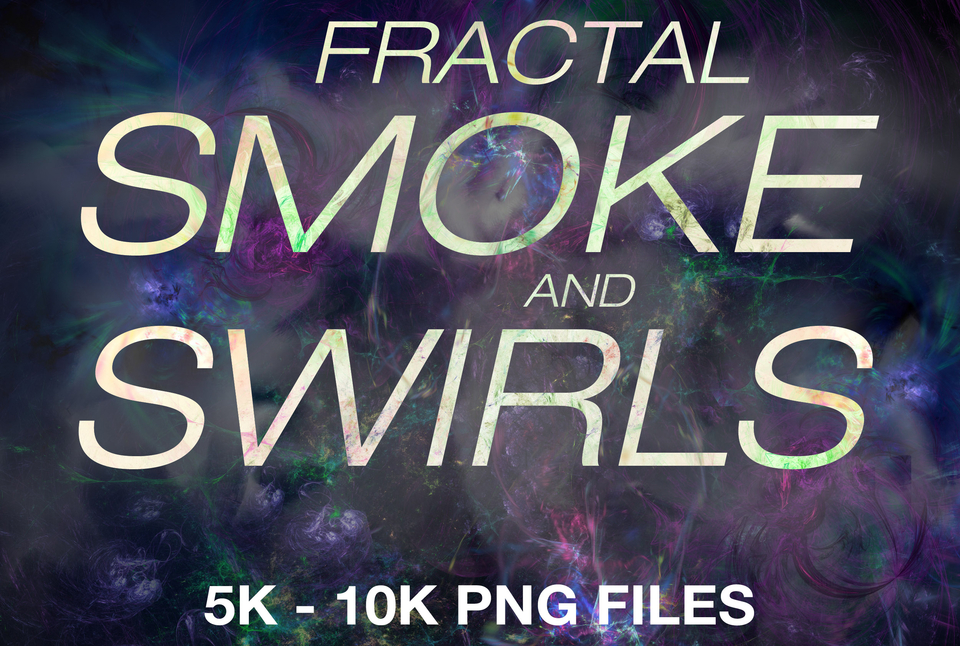


30x Fractal Smoke and Swirls
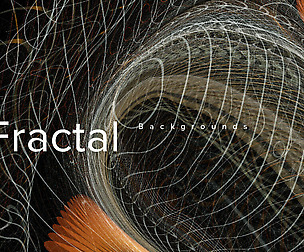
30x fractal smoke and swirls png files with 5k - 10k resolution on each side for you to photobash and in general for your artworks.
The textures I did with exploring and experimenting with Apophysis and Chaotica Studio 2. Fractals are basically a combination of math formulae and visuals. I first did some random fractal flames in Apophysis, which is a small fractal flame generating software, and then I importet those saved formulae into Chaotica Studio to refine and play around with numbers and changing formula settings. I also used partial randomization, that changes iterations and settings randomly. I kept doing it until I was satisfied with different kinds of swirls and then saved the different formulae. Then rendered them to the size of 10k. As with all rendering, it took a long time. Chaotica Studio is more of a 2D fractal rendering program and is great for finding unique patterns and, as I mostly use it, for creating space nebulae and other space related stuff.
What do you get?
Basic License: 30x PNGs in high resolution of 3k, sample of 5k
Commercial License: 30x PNGs in high resolution of 5 - 10k
The files you get are .zip compressed files that you can extract with any unzipping software like 7 Zip.
No reselling, destribution or copying the raw files, please.
How to extract zip files
Mac:
Double-click on the zipped file to unzip any zipped file on your Mac.
This will prompt the Archive Utility tool to unzip the files in the same folder the zipped file is in.
Click appropriate icons to access the extracted files.
Windows:
Open File Explorer and find the zipped folder.
To unzip the entire folder, right-click to select Extract All, and then follow the instructions.
To unzip a single file or folder, double-click the zipped folder to open it. Then, drag or copy the item from the zipped folder to a new location.
You will get 2 files
All files previously purchased will always be available for download in your Library