$12.0
Detail2Body – Fusion 360 Add-in for Extracting Surface Details
107 Views
Detail2Body – Fusion 360 Add-in
Extract Surface Details as Separate Bodies
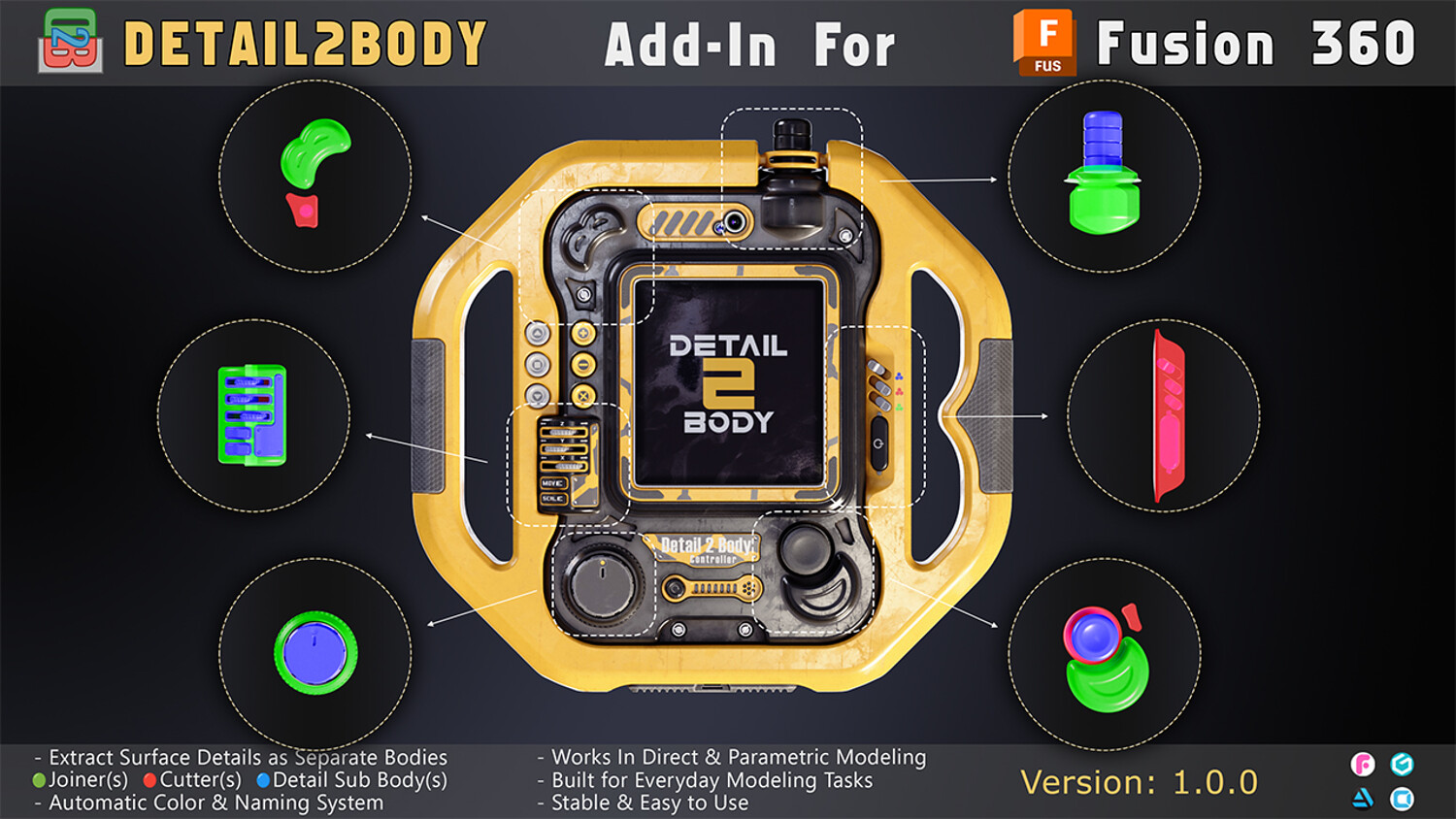
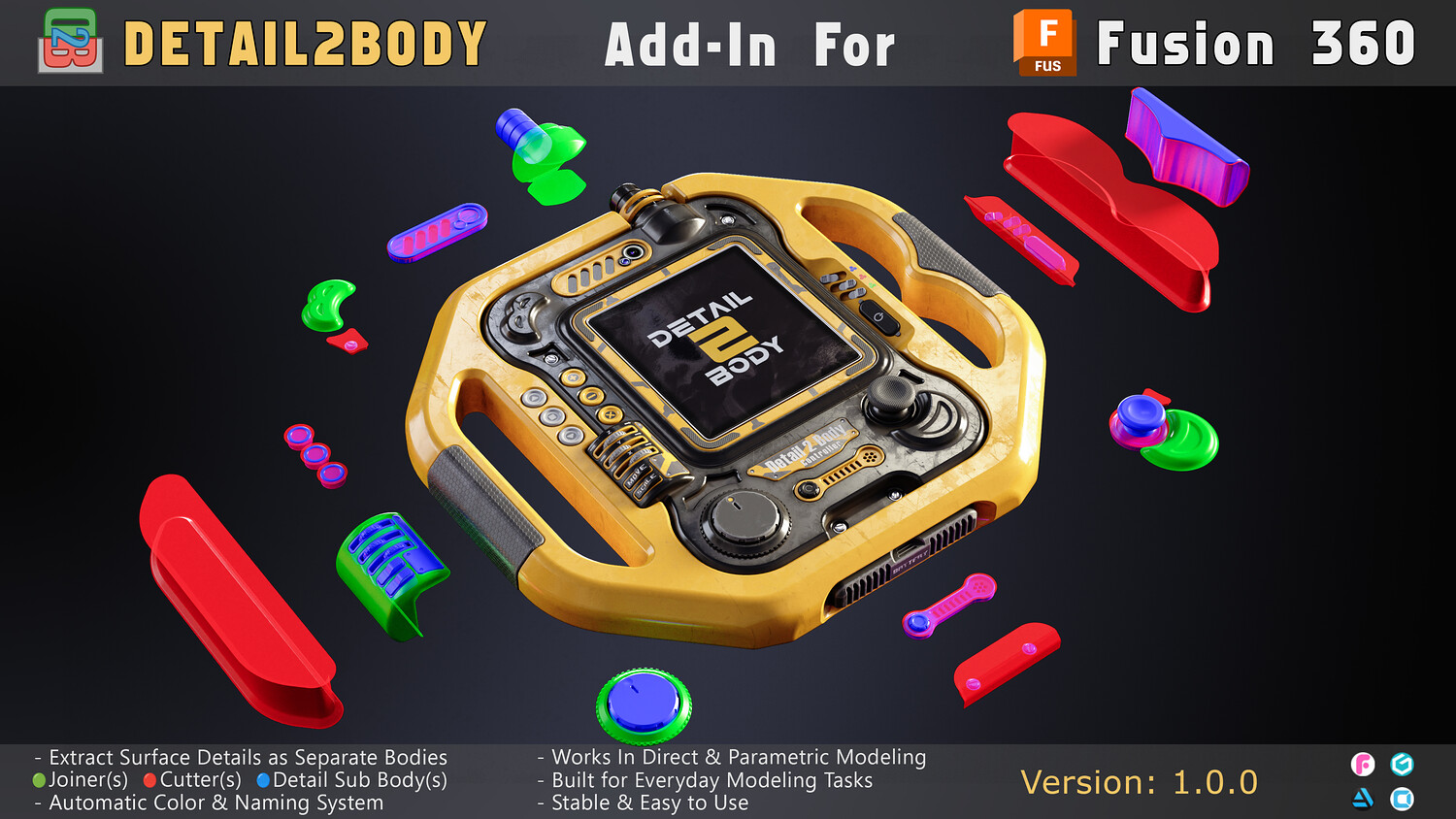
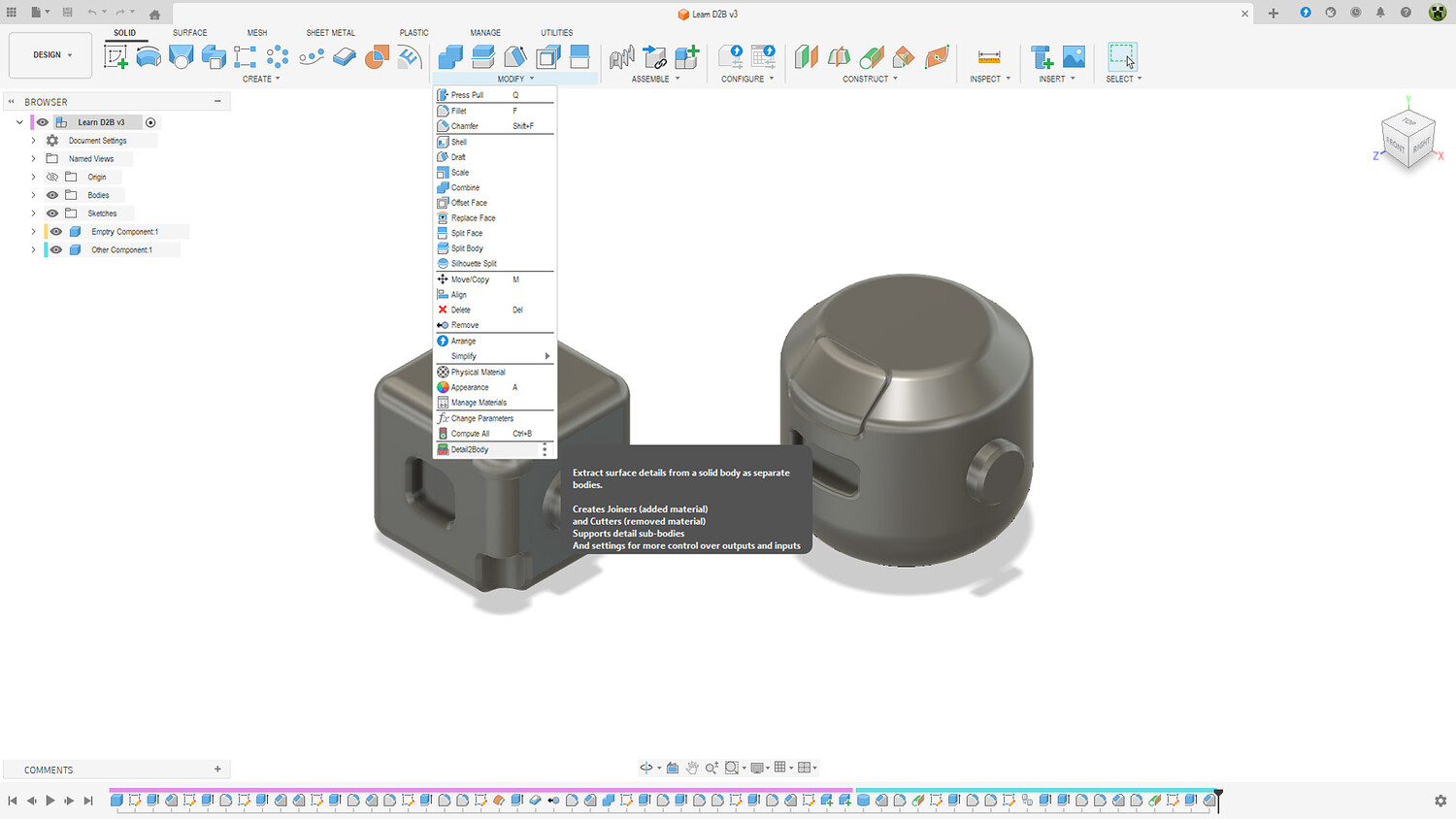
Detail2Body is a powerful Fusion 360 add-in that extracts surface details from solid bodies and converts them into separate Joiner and Cutter bodies. Perfect for kit-bashing, 3D printing, and design reuse.
What Does It Do?
When you apply features like fillets, chamfers, or holes to a solid body, they become part of that body. Detail2Body reverses this process:
- Joiners — Extracted bodies representing added material
- Cutters — Extracted bodies representing removed material
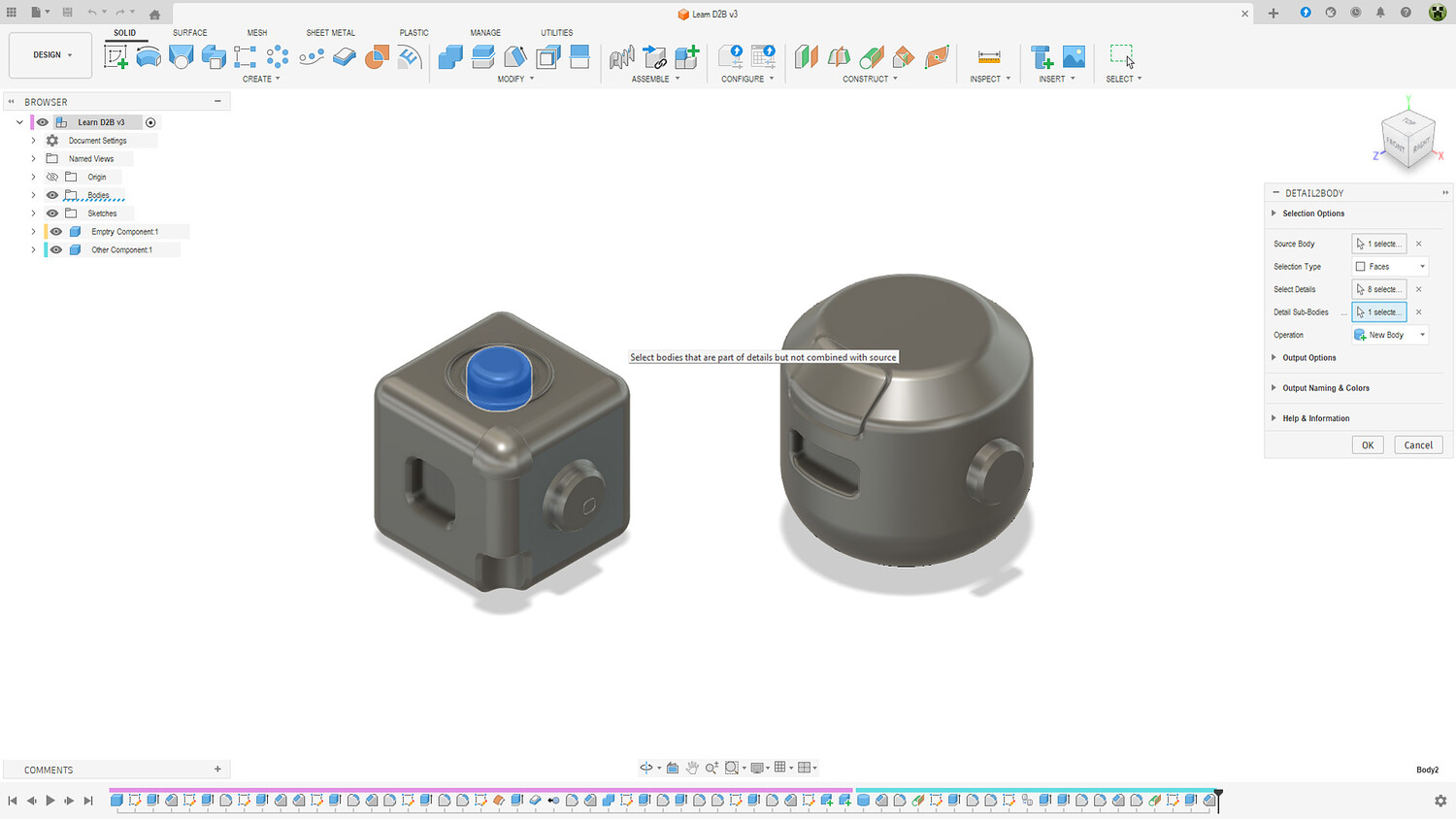
- Sub-Bodies — Copy related bodies that are not combined with the source
Build Once, Use Everywhere!
Demo Version
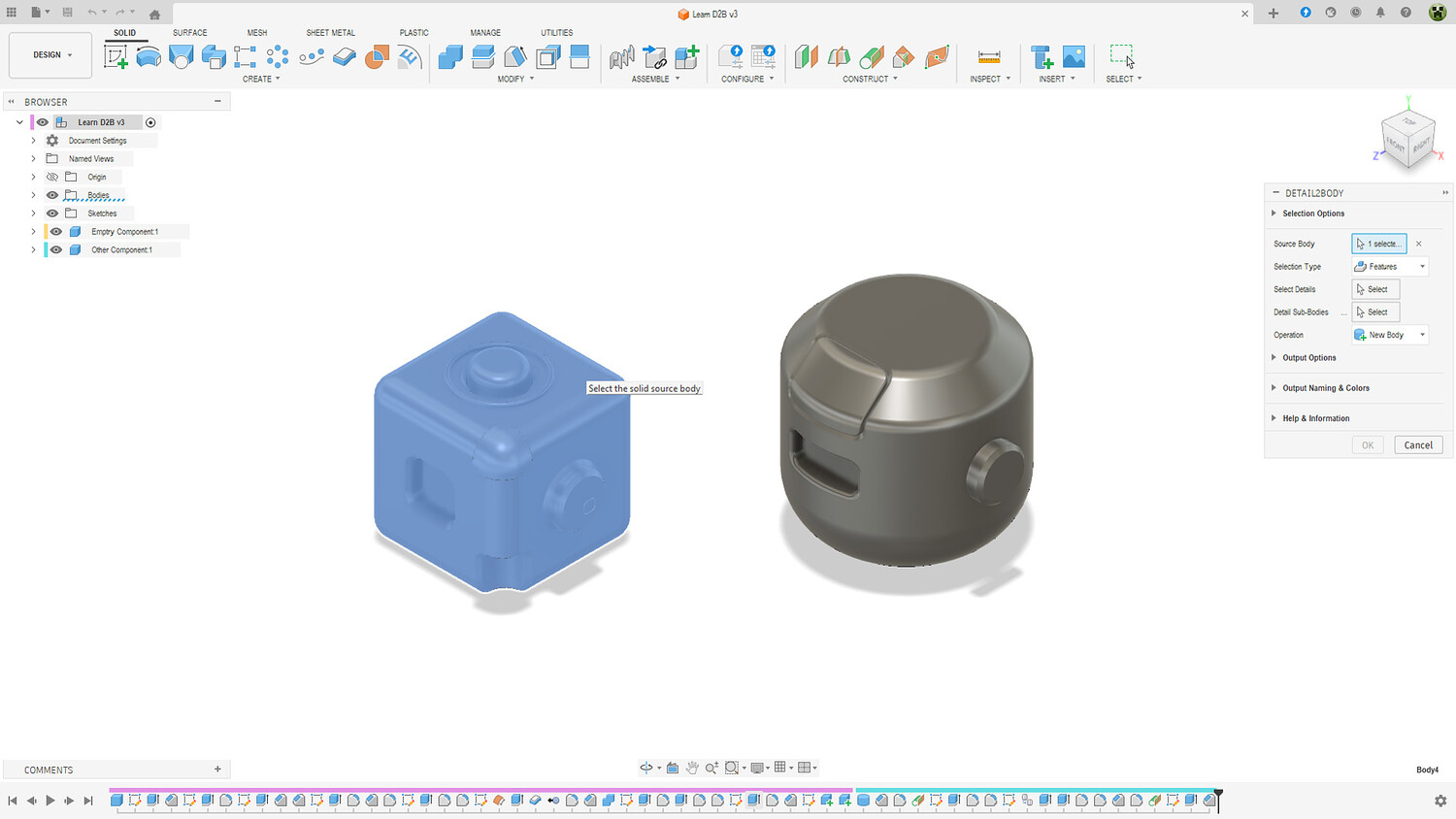
- Select Source Body
- Selection Type (Features / Faces)
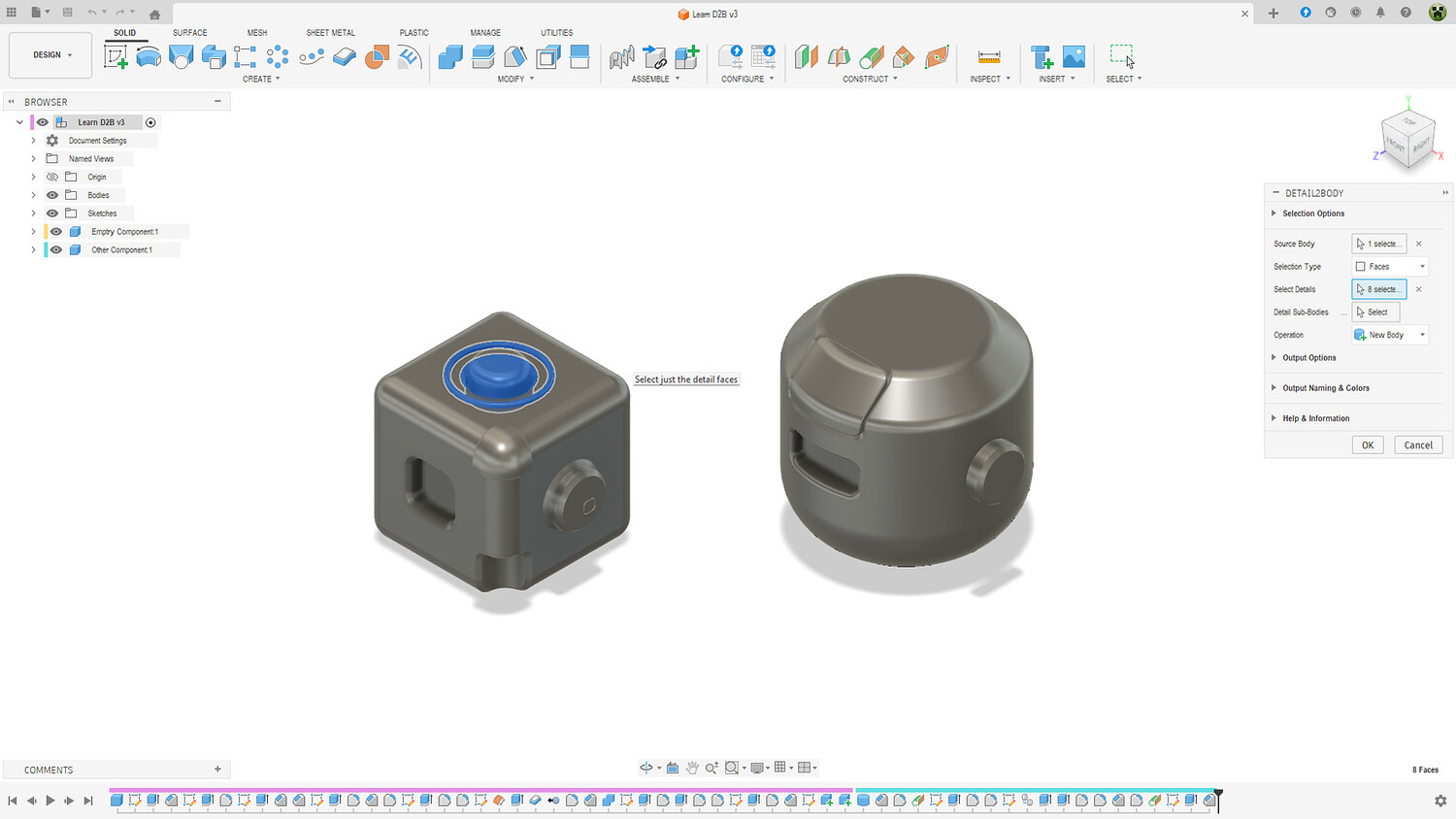
- Select Details
Full Version
Everything in Demo, plus:
- Detail Sub-Bodies
- Operation (New Body / New Component)
- Component Location (Source / Active / Root)
- Select Outputs
- Create Selection Sets
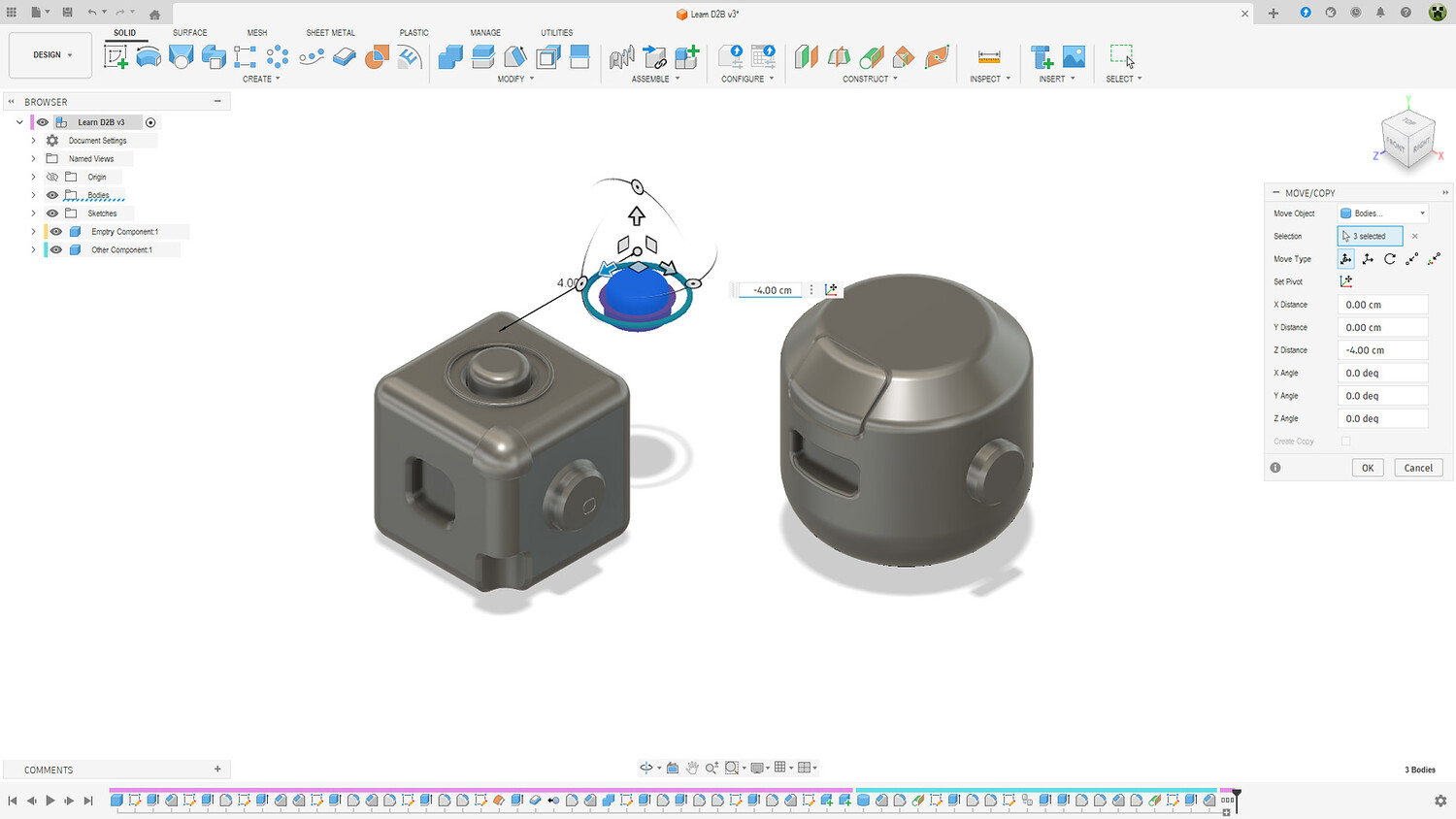
- Auto-Open Tools (Move/Copy, Scale, Move to Group)
- Custom Naming Prefixes
- Custom Colors for Joiners, Cutters, and Sub-Bodies
- More options for selections
- Auto-save settings and Reset to Default option
Key Features
Two Selection Modes
- Feature Mode — Select entire features from the timeline, fast and automatic
- Face Mode — Select individual faces manually for precise control
Smart Output Options
- Create as New Body or New Component
- Automatic color coding for easy identification
- Generate Selection Sets for quick re-selection
- Custom naming prefixes (Source Body, Component, File, Project, or Custom)
Workflow Integration
- Auto-open tools after completion
- Works in both Parametric and Direct Modeling modes
- Timeline grouping for clean history
- All settings auto-saved between sessions
Full Customization
- Custom names for Joiners, Cutters, and Sub-Bodies
- Multiple color options for each body type
- Component location control (Source, Active, or Root)
- Result notifications with detailed summary
How to Use
- Select Source Body
- Choose Selection Type (Features or Faces)
- Select Details
- Optional: Add Sub-Bodies
- Click OK — Your Joiners and Cutters are ready
Perfect For
- Kit-bashing
- 3D Printing
- Design Reuse
- Reverse Engineering
What's Included
- Detail2Body Add-in files
- Ready to install and use
Requirements
- Autodesk Fusion 360 (Personal, Educational, or Commercial license)
- Windows or macOS
Coming from Other Software?
From CAD Software (SolidWorks, CATIA, Inventor, etc.)
- Import your model as STEP, IGES, or SAT
- Your solid body is ready to use with Detail2Body
From 3D Software (Blender, 3ds Max, Maya, etc.)
- Import your mesh as OBJ or STL
- Convert Mesh Body to Solid Body first
- Then use Detail2Body on the converted solid
Support
For questions or support, please contact me via the marketplace messaging system or email: [email protected]
Free Demo Coming soon on the official Autodesk App Store.
Thank you for your purchase!
You will get 2 files
All files previously purchased will always be available for download in your Library