





Sculpting Characters from Concepts Workshop
This is a workshop that anyone can follow and work at your own pace. In this new Sculpting Characters from Concepts workshop, I'll show you how to follow an approved concept and bring it to glorious 3D life!
After 18+ years in this industry and well over 150 characters, I've learned that if you can create something from a 2D concept, you'll have a good and stable career. If you can take it further and bring it to (virtual) life, then you'll be considered a Pro.
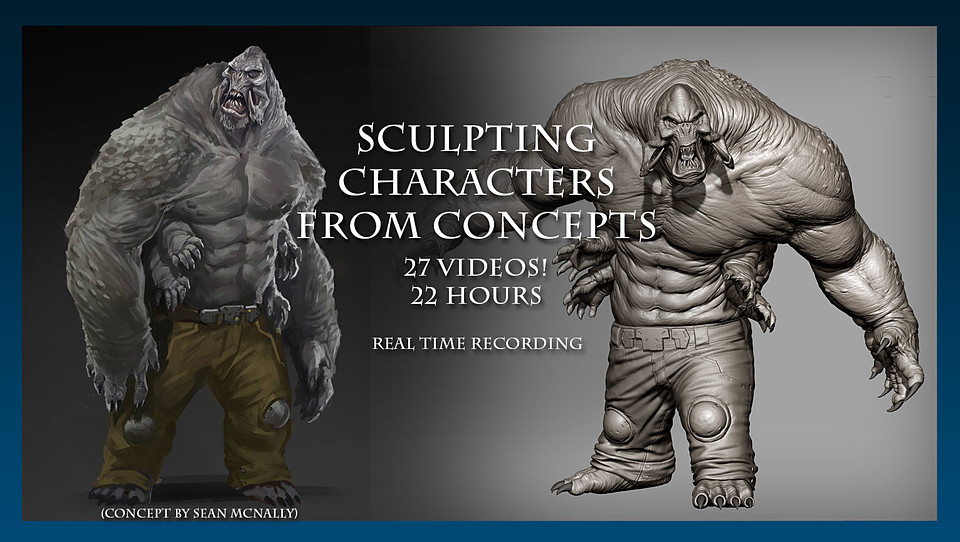
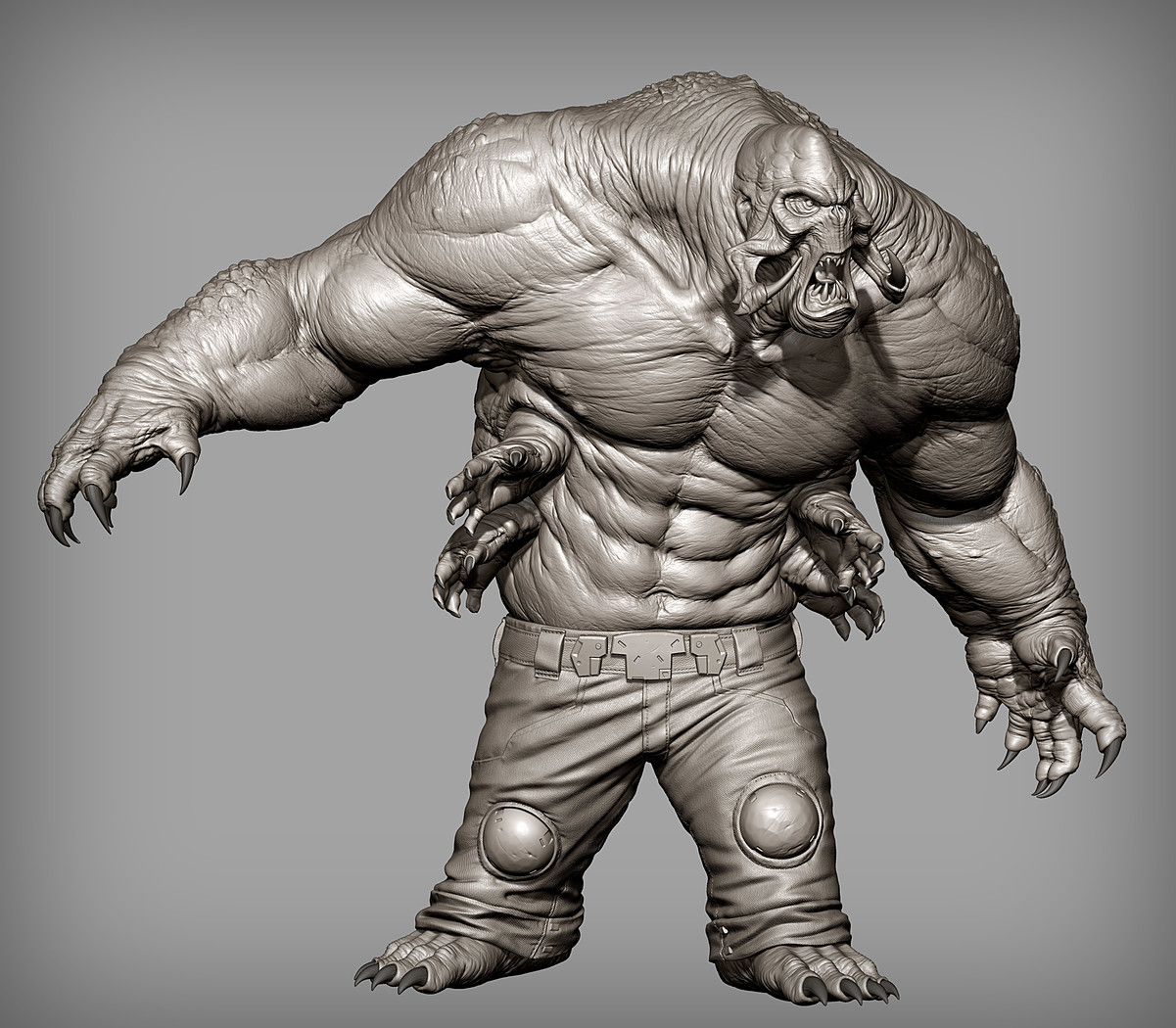
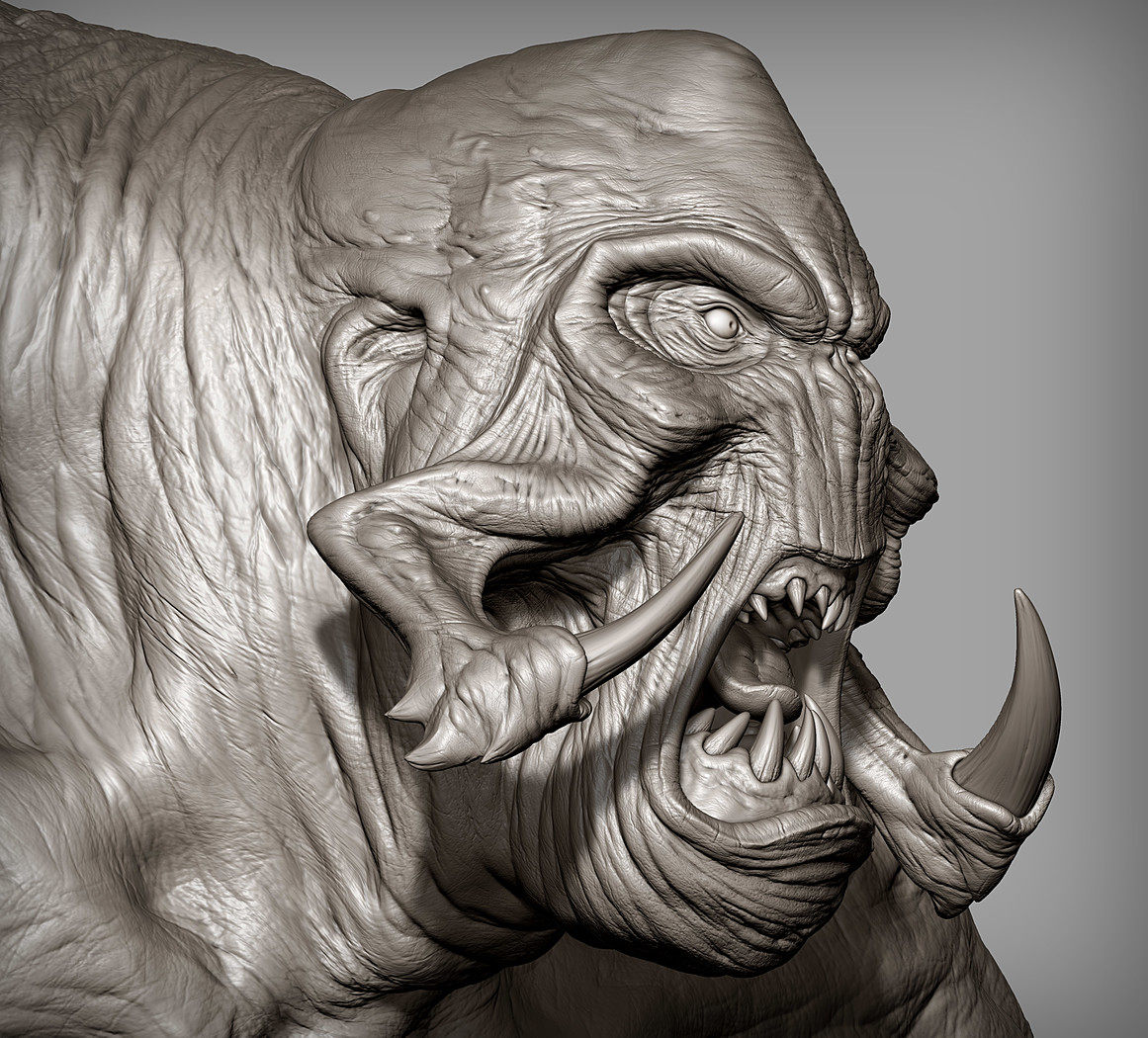
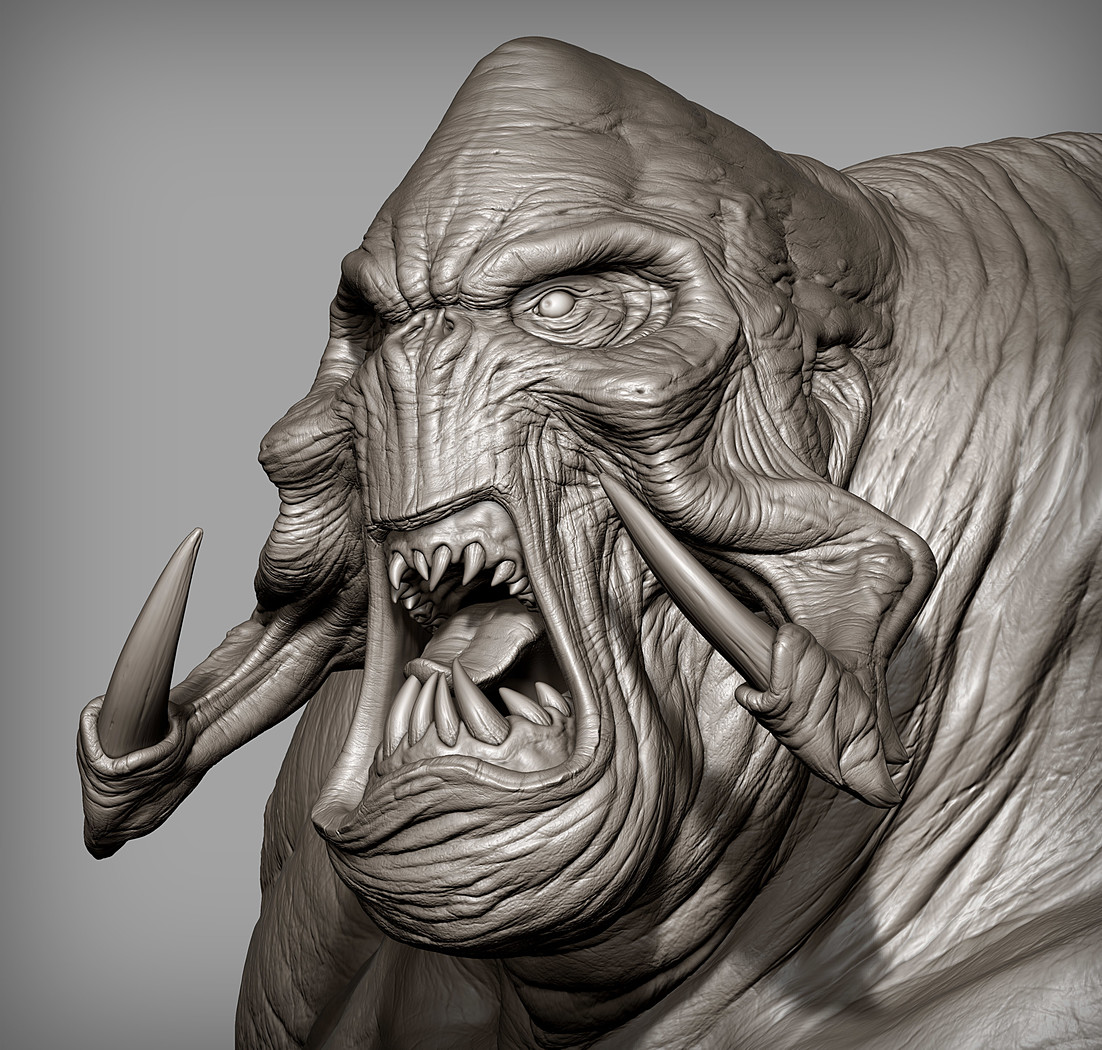
“Concept” can be from your internal concept department at work or an external client who wants you to “make this”. The approach is pretty much the same and that's what the heart of this workshop will be. (Our concept above is from the great Sean McNally! - Lucas Arts, Blur Studio, Blizzard, Whitemoon Dreams....and my sculpt on the right was to show a quick mockup). This isn't about “tracing”, it's about visual analysis, and using techniques to translate what you see and give them true form.
Here's a short preview (timelapsed with no audio to give you a general look):
https://www.youtube.com/watch?v=7wQB-brQ8oQ&t=73s
Here's a breakdown of the workshop:
Objectives -- Approaching sculpting from a 2D concept -- Working iteratively (don't just jump to the details!) -- Pose and silhouette (It's all about the initial read)
Length: 27 lesson segments (varies 30-60 min each)
Why should I buy this? -- If you want to accurately interpret concept art into 3D form -- If you already have basic knowledge of ZBrush but want to push yourself to sculpt accurately and creatively -- If you have trouble thinking of your own concepts
What mistakes will I learn to avoid? -- Sculpting details too early in the process makes your work appear amateur -- Not using proper anatomy reference that can lead to unrealistic final product
OUTLINE
01_Introduction and project overview
02_Studying the concept art - analyze the concept before sculpting
Identifying key design features Studying silhouette and proportion Analyzing style and lines
03_Beginning the sculpt in ZBrush - learn how to block in limbs and elements
Zspheres vs Dynamesh Separating elements into subtools Working in symmetry
04_Blocking in anatomy - learn how to block in major anatomical forms
Relating human anatomy to unique creature designs Using the major muscles to clarify surfaces Identifying areas of unique anatomical design
05_ Primary forms on the head - refine primary forms for the head
Block in major facial features Add eyes Opening the mouth Add simple teeth and tongue
06_ Primary forms on the torso
anatomical flow muscle groups
07_Primary forms on the arms
anatomical flow muscle groups
08_Primary forms on the hands & feet
anatomical flow sculpting in the nails
09_Primary forms on the lower body
muscle groups creating the pants solidify buckle elements
10_ Secondary forms on the head
Break down primary shapes into secondary
11_ Secondary forms in the mouth
Refining teeth/gums Refining tongue
12_ Secondary forms on the torso
anatomical flow muscle groups
13_ Secondary forms on the arms
anatomical flow muscle groups
14_Secondary forms on the hands & feet
anatomical flow skin, muscle, tendon, and bone sculpting the nails
15_ Secondary forms on the little torso hands
anatomical flow
sculpting the nails
skin, muscle, tendon, and bone
16_ Secondary forms on the pants
refine cloth folds and wrinkles on pants thinking about gravity, tension, and compression techniques for cloth sculpting
17_ Refining hard surface elements
adding hard surface qualities mech details
18_ Detailing on the head - add tertiary and fine details for the head
final details and refining wrinkles surface variation
19_ Detailing the torso - add tertiary and fine details for the torso
final details and refining wrinkles surface variation
20_ Detailing the arms - add tertiary and fine details for the arms
final details and refining wrinkles surface variation
21_ Detailing the hands - add tertiary and fine details for the hands
final details and refining wrinkles surface variation
22_ Detailing the feet - add tertiary and fine details for the feet
final details and refining wrinkles surface variation
23_ Detailing the mouth - add tertiary and fine details on the mouth items
final details and refining surface variation
24_ Detailing pants - add tertiary and fine details on pants
final details and refining using UV master and Surface Noise to create fabric patterns
25_ Posing with Transpose Master - pose the character
breaking symmetry to create dynamic pose silhouette exploration adding tension to hands and face applying to final model cleaning up distortions from pose adding final touches/details
26_ Final Polish
cleaning up distortions from pose adding final touches/details adding final expression
27_ Making a base – giving the character some context
Quick methods for making a simple base to set the creature Making quick renders with shadows, anti-aliasing, and saving cameras
FINALLY DONE!
You will get 26 files
All files previously purchased will always be available for download in your Library
- SCFC_01_02_IntroandConcep...238.59 MB
- SCFC_03_BeginningtheSculp...440.51 MB
- SCFC_04_BlockinginAnatomy...594.19 MB
- SCFC_05_PrimaryFormsHead.mp4625.29 MB
- SCFC_06_PrimaryFormsTorso...565.08 MB
- SCFC_07_PrimaryFormsArms.mp4479.97 MB
- SCFC_08_PrimaryFormsHands...680.56 MB
- SCFC_09_PrimaryFormsPants...482.22 MB
- SCFC_10_SecondaryFormsHea...943.29 MB
- SCFC_11_SecondaryFormsTee...861.72 MB
- SCFC_12_SecondaryFormsTor...413.95 MB
- SCFC_13_SecondaryFormsArm...516.95 MB
- SCFC_14_SecondaryFormsHan...693.0 MB
- SCFC_15_SecondaryFormsLit...360.99 MB
- SCFC_16_RefiningPants.mp41.03 GB
- SCFC_17_RefiningHardSurfa...377.87 MB
- SCFC_18_DetailingTheHead_...651.92 MB
- SCFC_19_DetailingTheTorso...1.03 GB
- SCFC_20_DetailingTheArms.mp4771.44 MB
- SCFC_21_DetailingTheHands...538.7 MB
- SCFC_22_DetailingTheFeet.mp4272.8 MB
- SCFC_23_DetailingTheMouth...259.18 MB
- SCFC_24_DetailingThePants...965.18 MB
- SCFC_25_Posing_.mp4556.42 MB
- SCFC_26_FinalPolish.mp4960.26 MB
- SCFC_27_MakingTheBaseandQ...808.88 MB