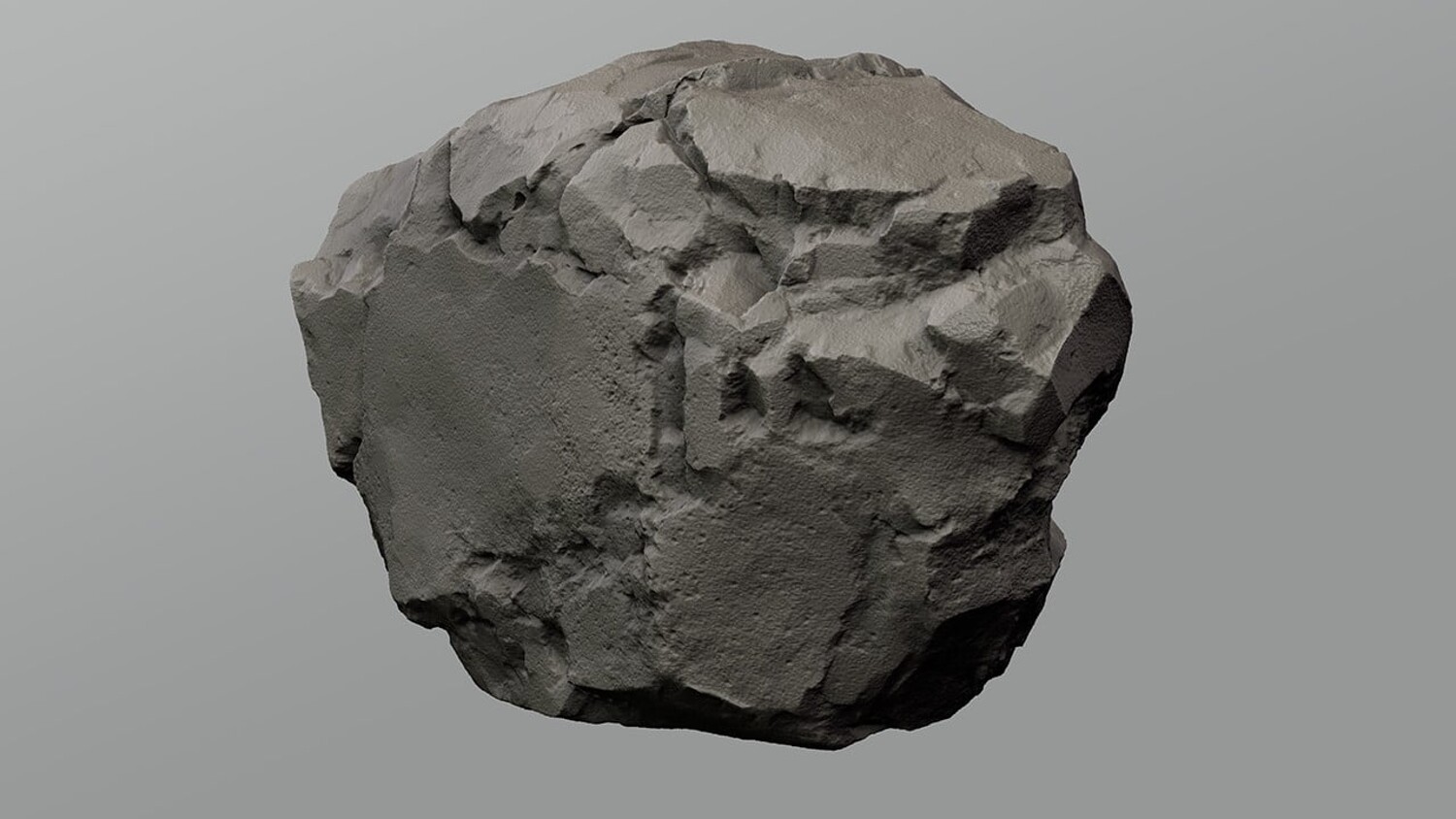
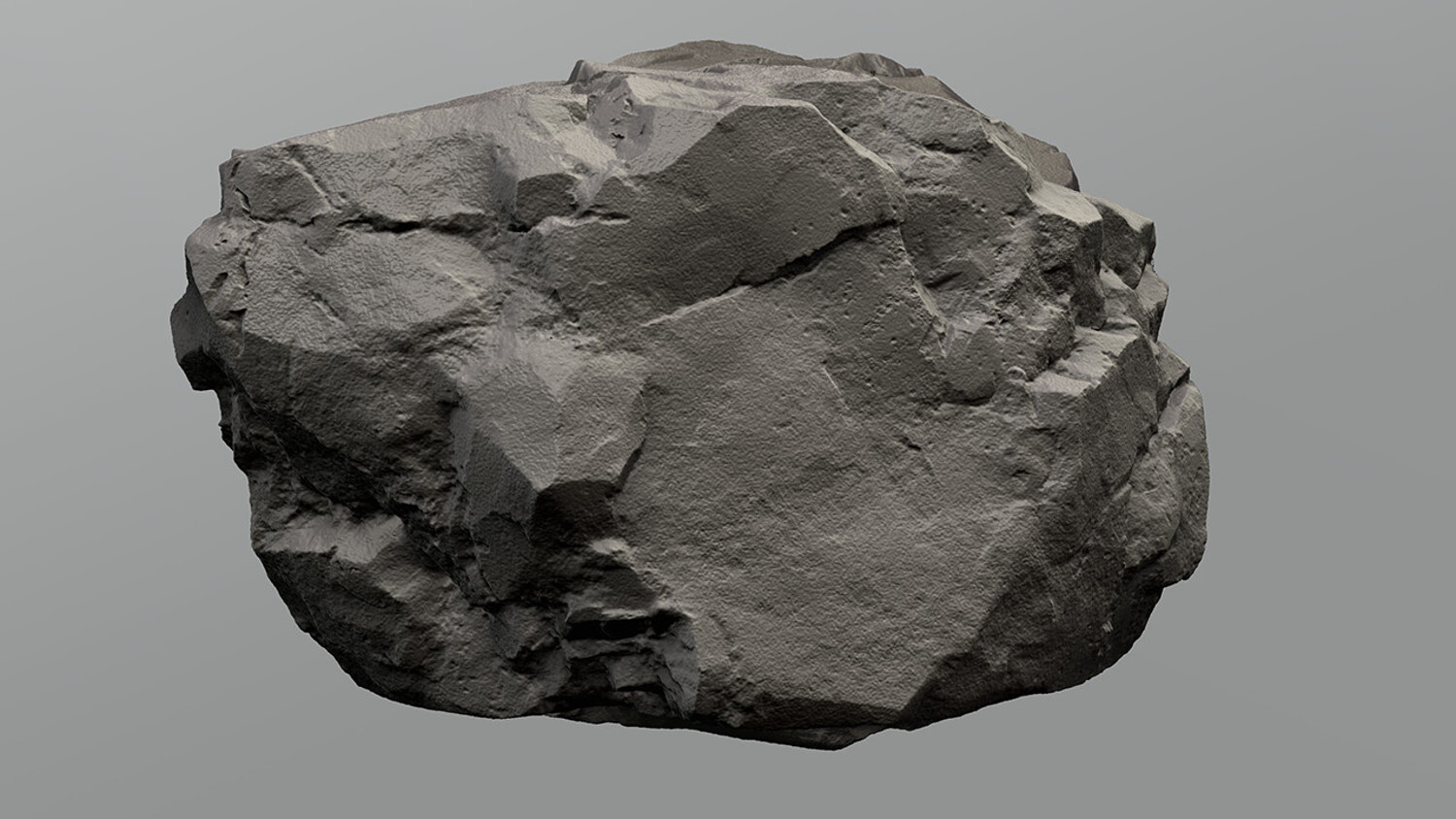
Rock Sculpt Brushes
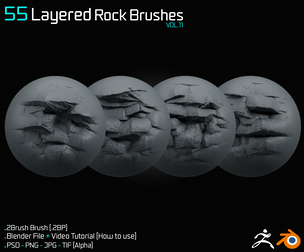
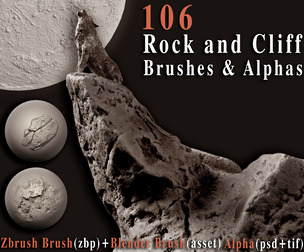
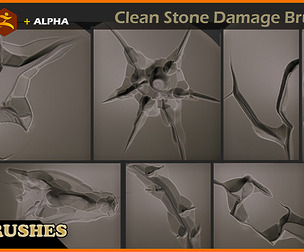
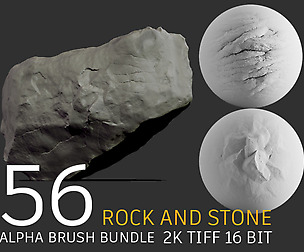
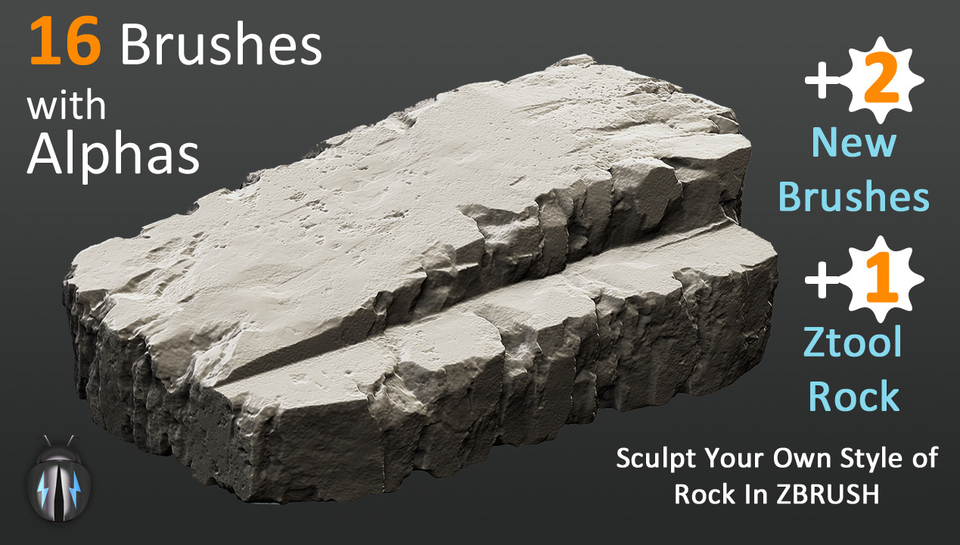
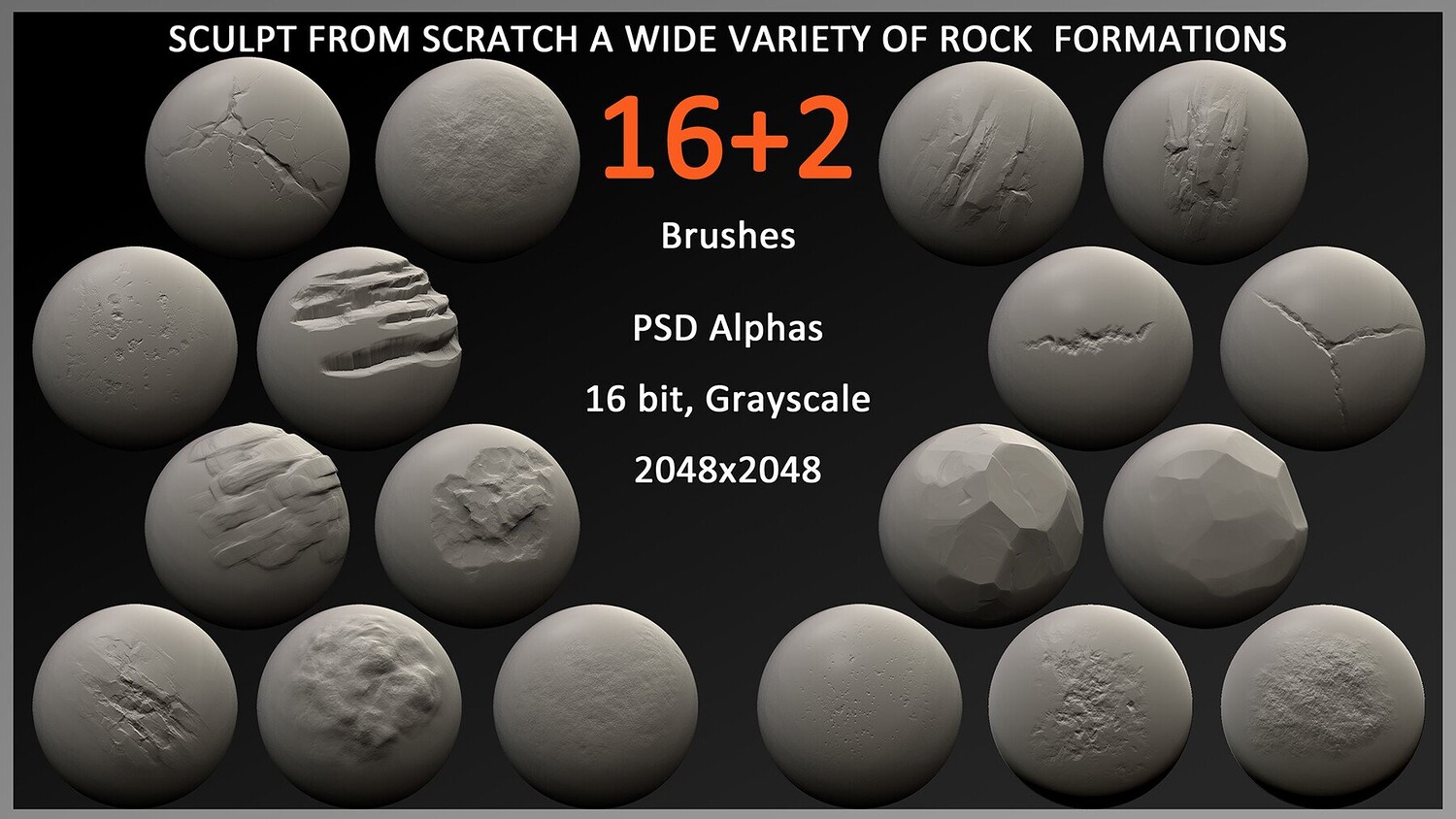
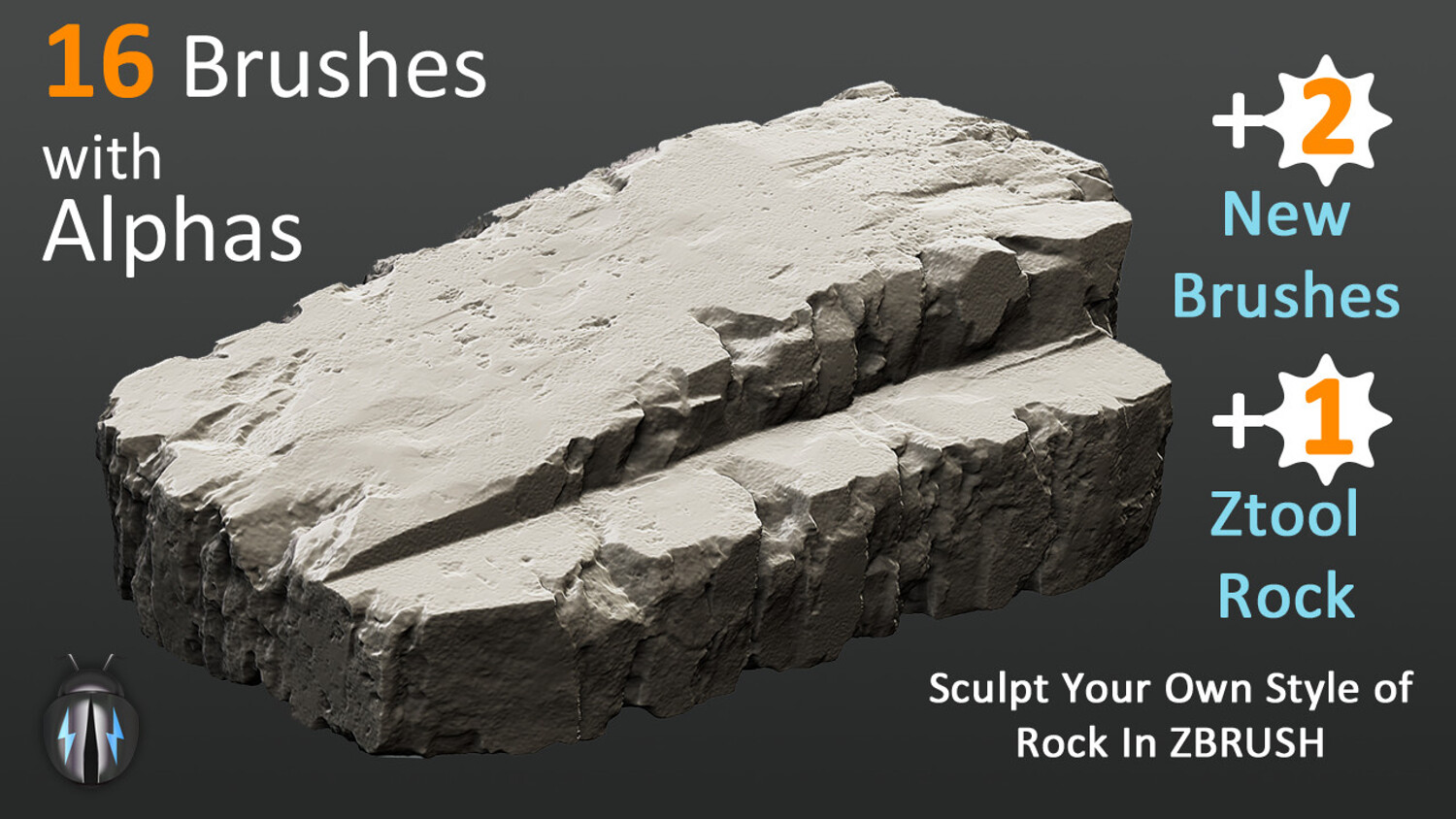
Manually sculpt your own style of rock in Zbrush with this pack of 18 rock brushes. These brushes are strictly for manually sculpting rocks. They are not for creating instant sculpted rock surfaces or patterns in one go. Therefore, go for this brush pack only if you are trying to create a rock manually from zero. You can use them to create endless variety of rock / terrain and ground patterns for generating 3D environment, landscape, game models, concept art, modular assets or illustrations.
IMPORTANT:
Please go through the instructions provided with the pack Please watch the two video links to know more about how to use these brushes to create a detailed rock surface:
https://youtu.be/ae1UFIhmKUU?si=YNW77Y4T2xGPIsJR
https://youtu.be/pYJQV01wUgM?si=39kT1fEXGjps4GdX
This pack contains:
One .zip file with
- 18 Zbrush brushes and 17 corresponding alphas
- One document with instructions.
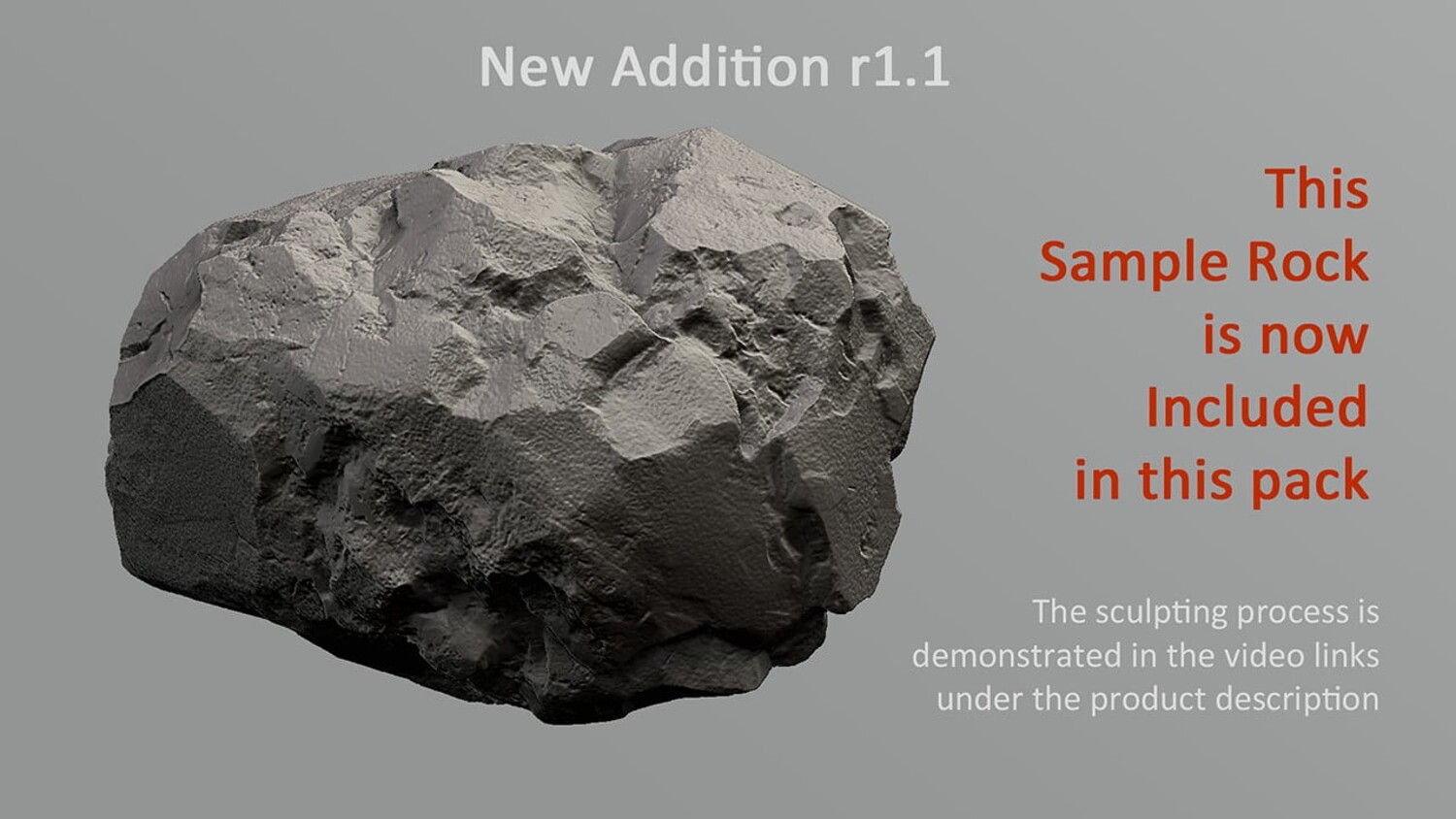
- One Ztool rock with three subtools at different resolutions and UV maps added.
Alpha details:
- Product created in ZBrush R8. The ZBrush brushes are not tested in versions older than R8.
- Size: 2048x2048px
- 16 bit, Grayscale
- Format: PSD
Specifications for the sample ztool rock (Sample Rock.ZTL):
- The Ztool rock consists of UV maps
- The Ztool has different subtools with different resolutions from low to high
- The Ztool has no textures or baked maps
- It can be used in any of your projects
Please go through the instructions provided with the pack. Even though you have freedom to change or manipulate all the brush and alpha settings however it is optional. You can create complete detailed rocks without changing any settings. Please watch the videos provided above in the description to see how to create a rock without changing the brush settings.
You will get 1 file
All files previously purchased will always be available for download in your Library