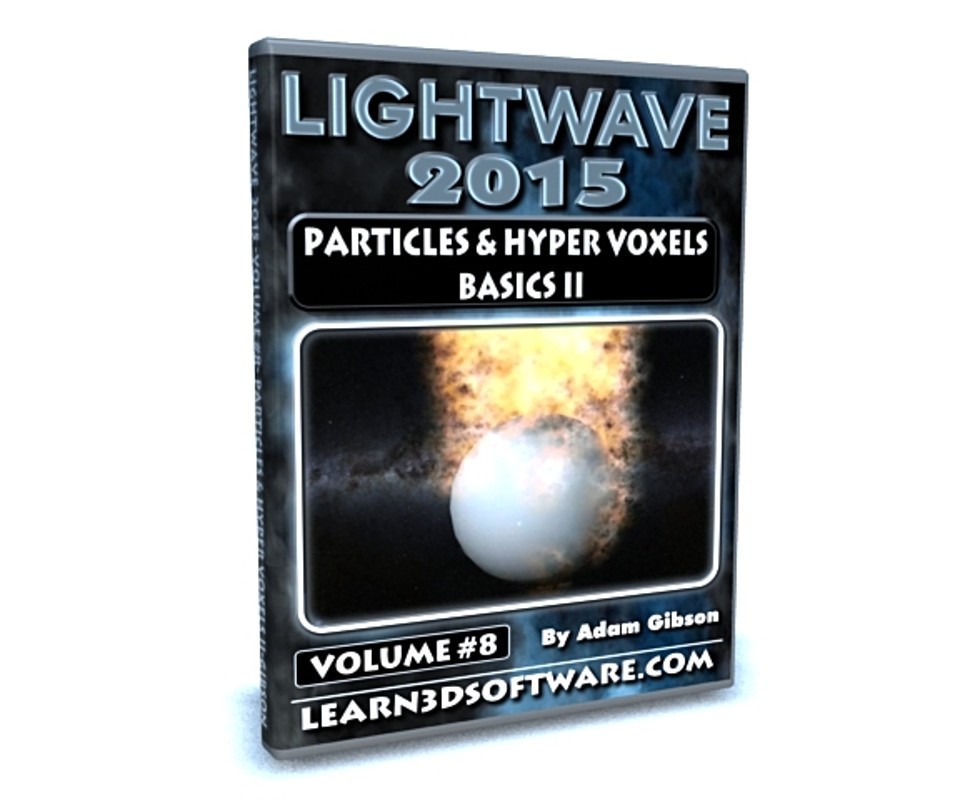
Lightwave 2015- Volume #8- Particles & Hypervoxels
In Particles and HyperVoxels II 3D Instuctor Adam Gibson demonstrates how to make your particles and hypervoxels interact with other objects and 3D Models in your scene. This can be useful for limitless amount of situations whether it be making dust, debris or liquids fall and bounce off the ground, a character, or any other 3d models in the scene or for making a 3d object realistically pass through smoke, steam, or fire. The possibilities are limitless.
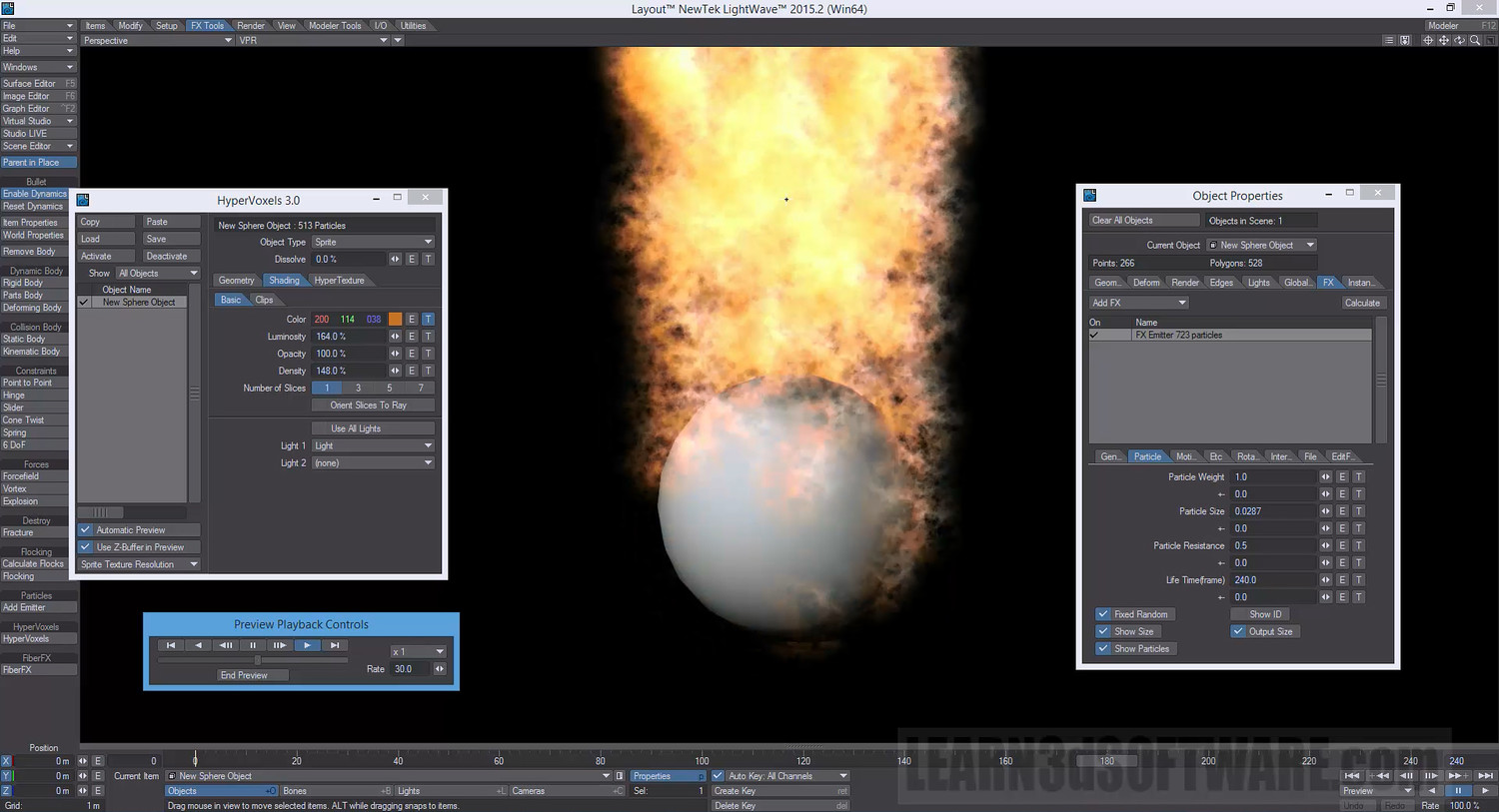
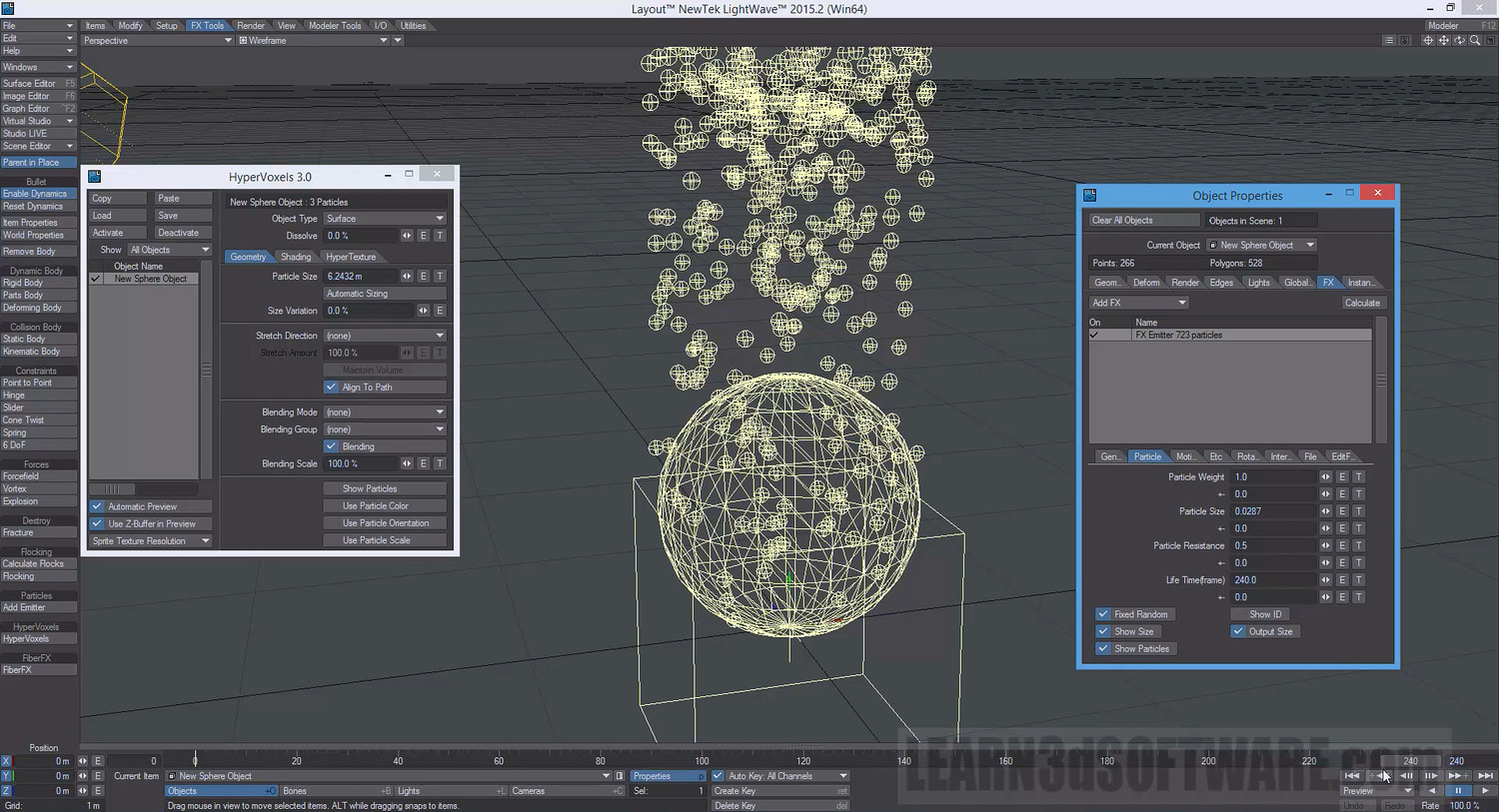
In the second part of the tutorial how to convert your 3D models/meshes into Particle Emitters is shown. This is a very powerful feature as you can create effects like making your 3D models look like they are on fire or emitting smoke or steam or even sweating. If you are new to Lightwave 3D this a great tutorial to get started fast with Particles and HyperVoxels.
Table of Contents for Volume #8
Chapter 1- Intro
Chapter 2- Collision Object (Plane-Type)
Chapter 3- Collision Object (Roughness Setting)
Chapter 4- Using 2 Collision Planes at the Same Time
Chapter 5- Collision Mode Types
Chapter 6- Polygonal Collision Mode (for Polygonal Models)
Chapter 7- HyperVoxel Surface Permeation Problem (Radius/Level Fix)
Chapter 8- SubDiv Collision Mode (for Sub-D Models)
Chapter 9- Particle Collision Using Textured Deformed Terrains
Chapter 10- Using an Object/Mesh as a Particle Emitter
Chapter 11- Final
Running Time: 1 hrs. 51 mins.
High Quality (Screen-Res 1920 x 1080 pixels)
Video Format: MP4 (.mp4)
Level: Beginner
You will get 2 files
All files previously purchased will always be available for download in your Library