Create a Photorealistic 3D Fountain
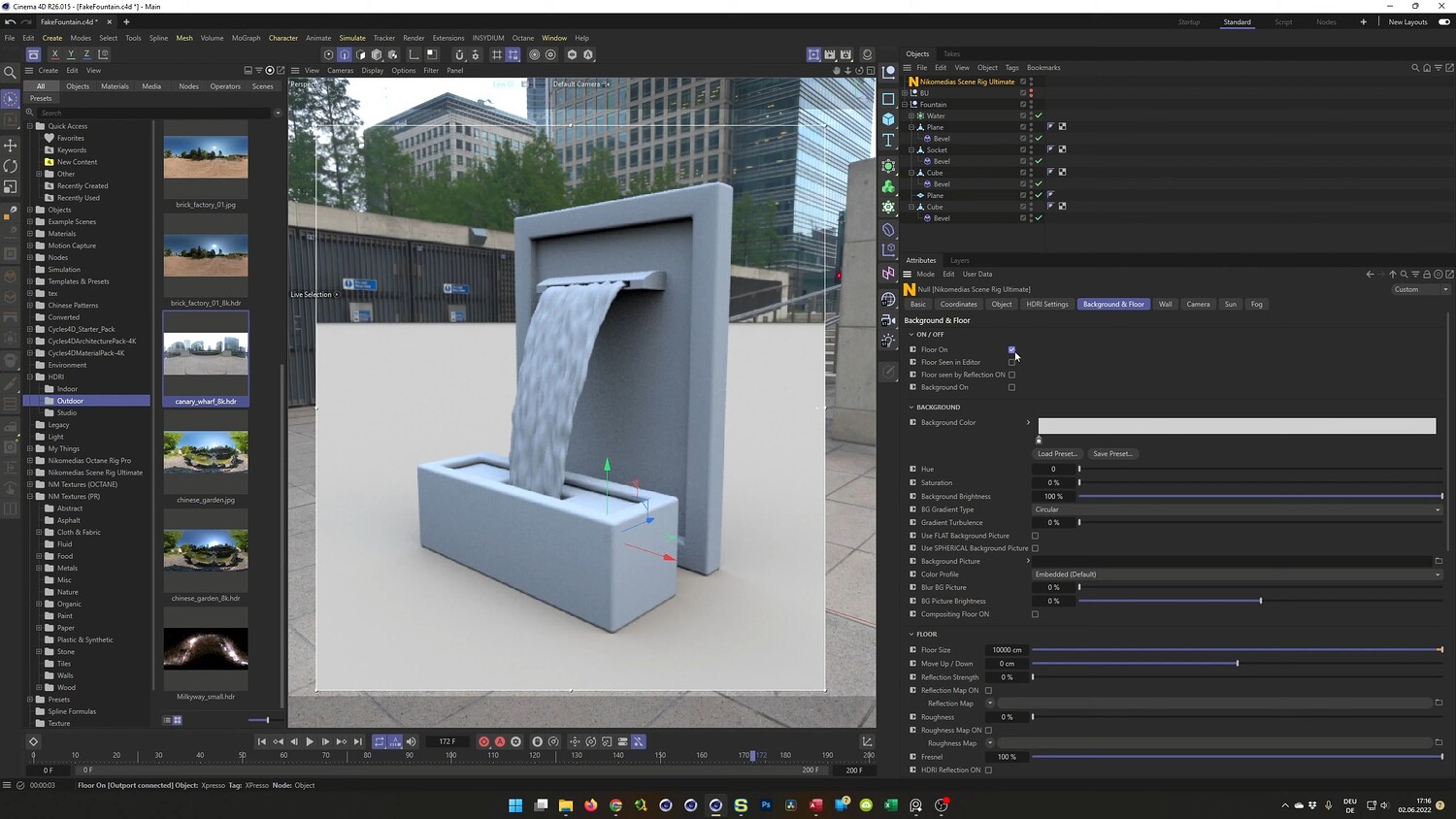
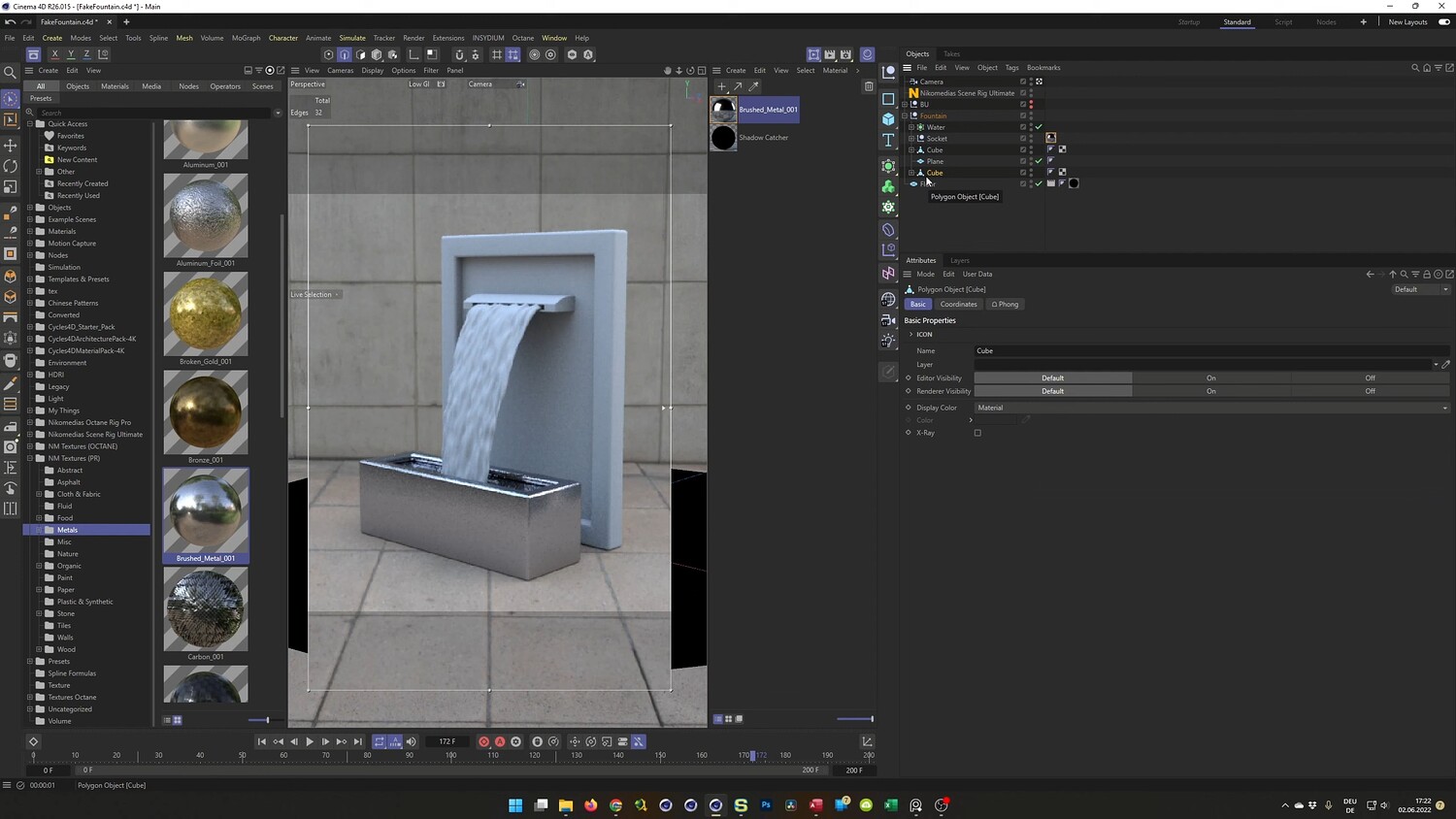
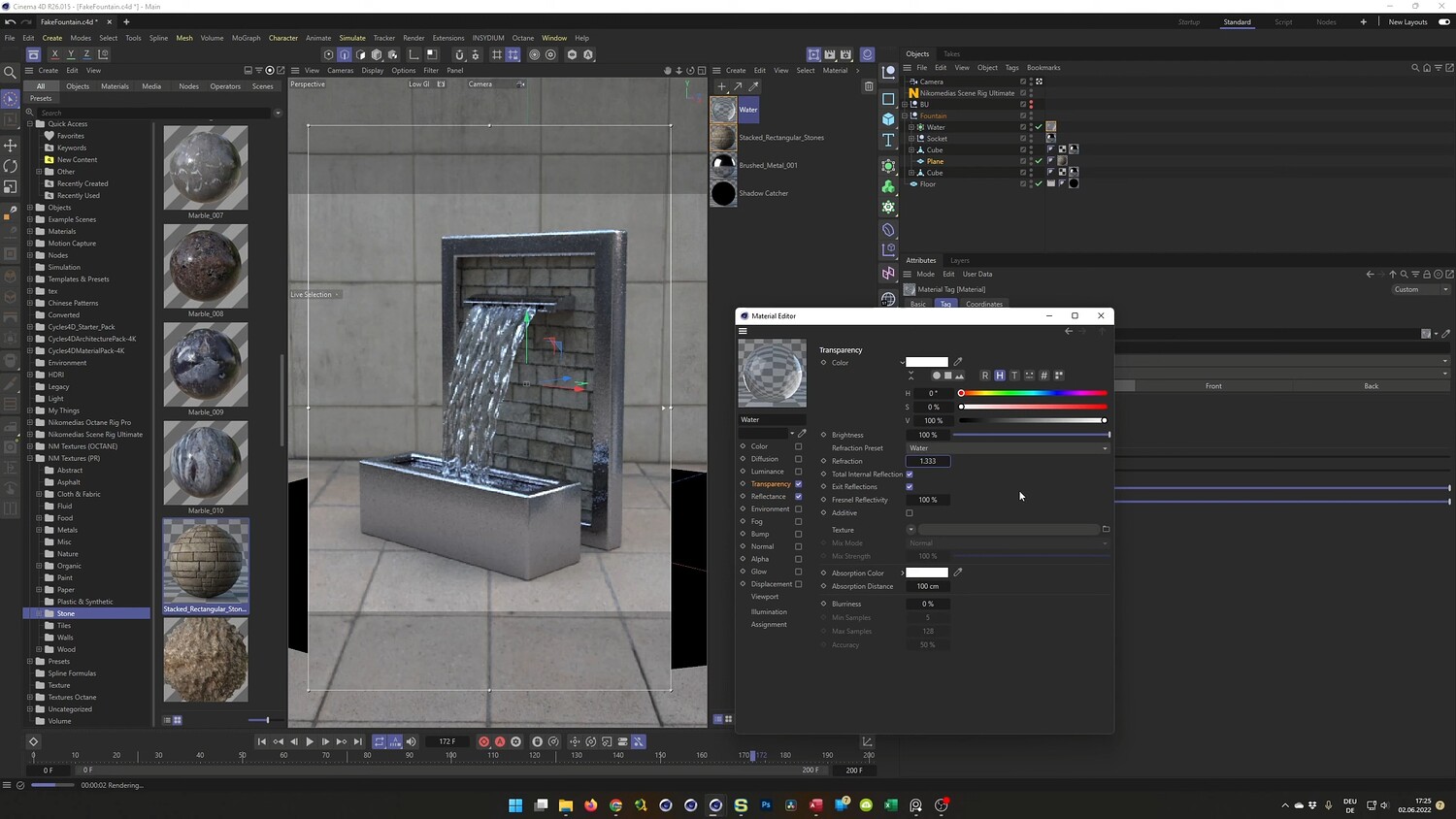
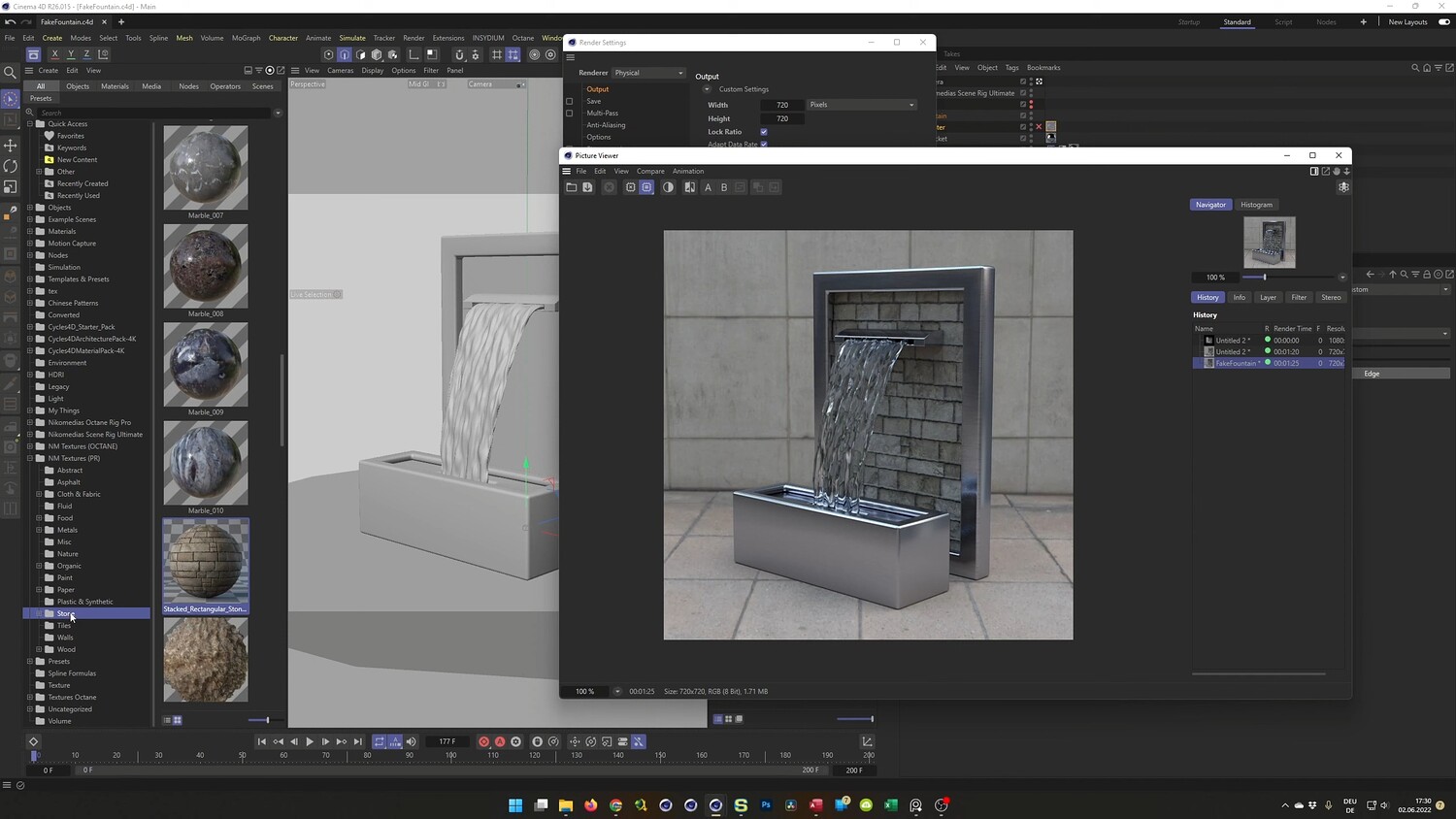
Learn how to design and render a modern, photorealistic fountain scene in Cinema 4D without relying on complex fluid simulations. This tutorial walks you through the entire process of hard-surface modeling the fountain structure, from the brushed metal frames to the stone backplate. The highlight of the lesson covers a technique to simulate flowing water using standard tools like Splines and Deformers, allowing for a convincing water effect that renders quickly. The video concludes with lighting setup using HDRI and finalizing materials for the Physical Renderer.
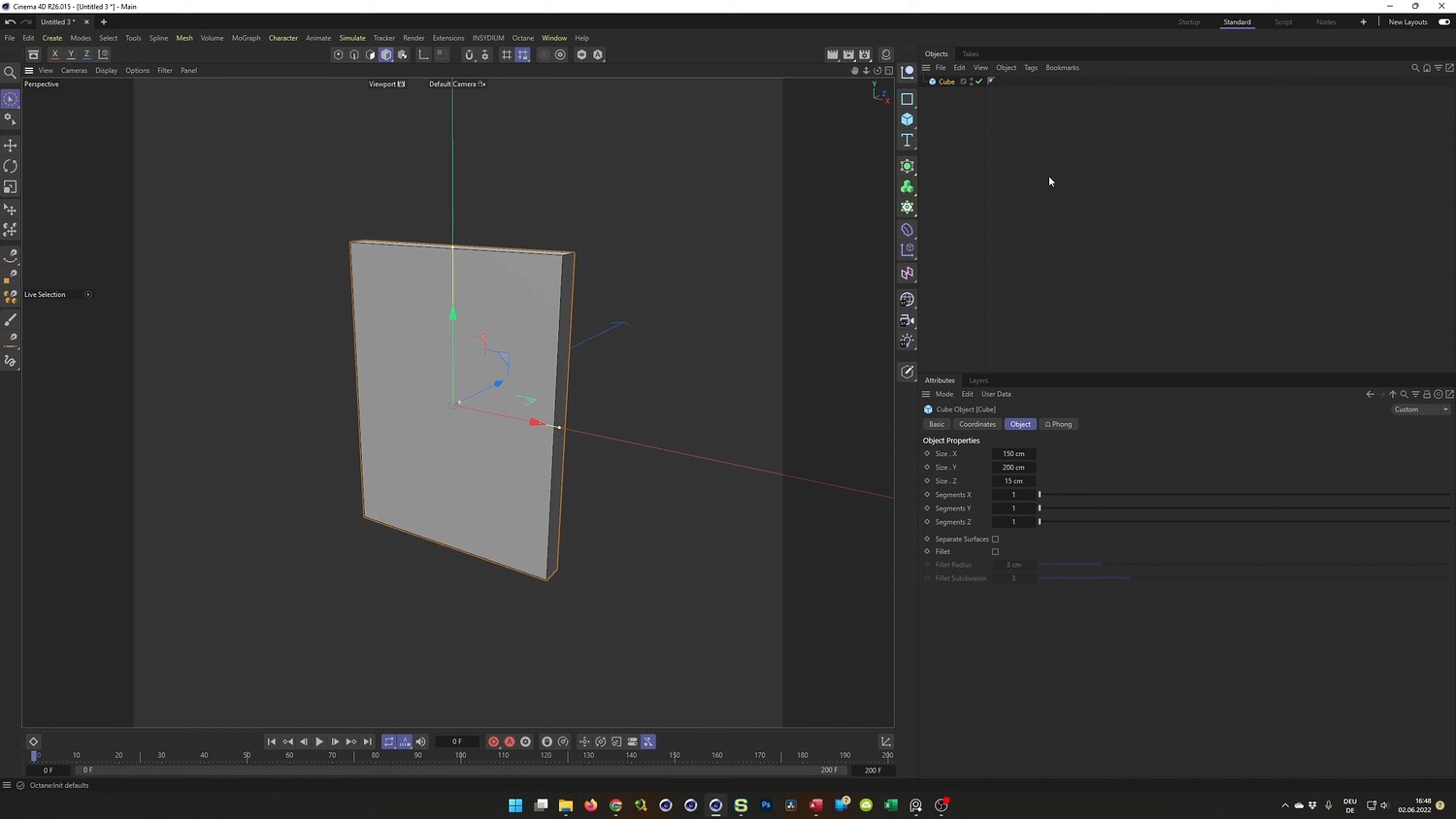
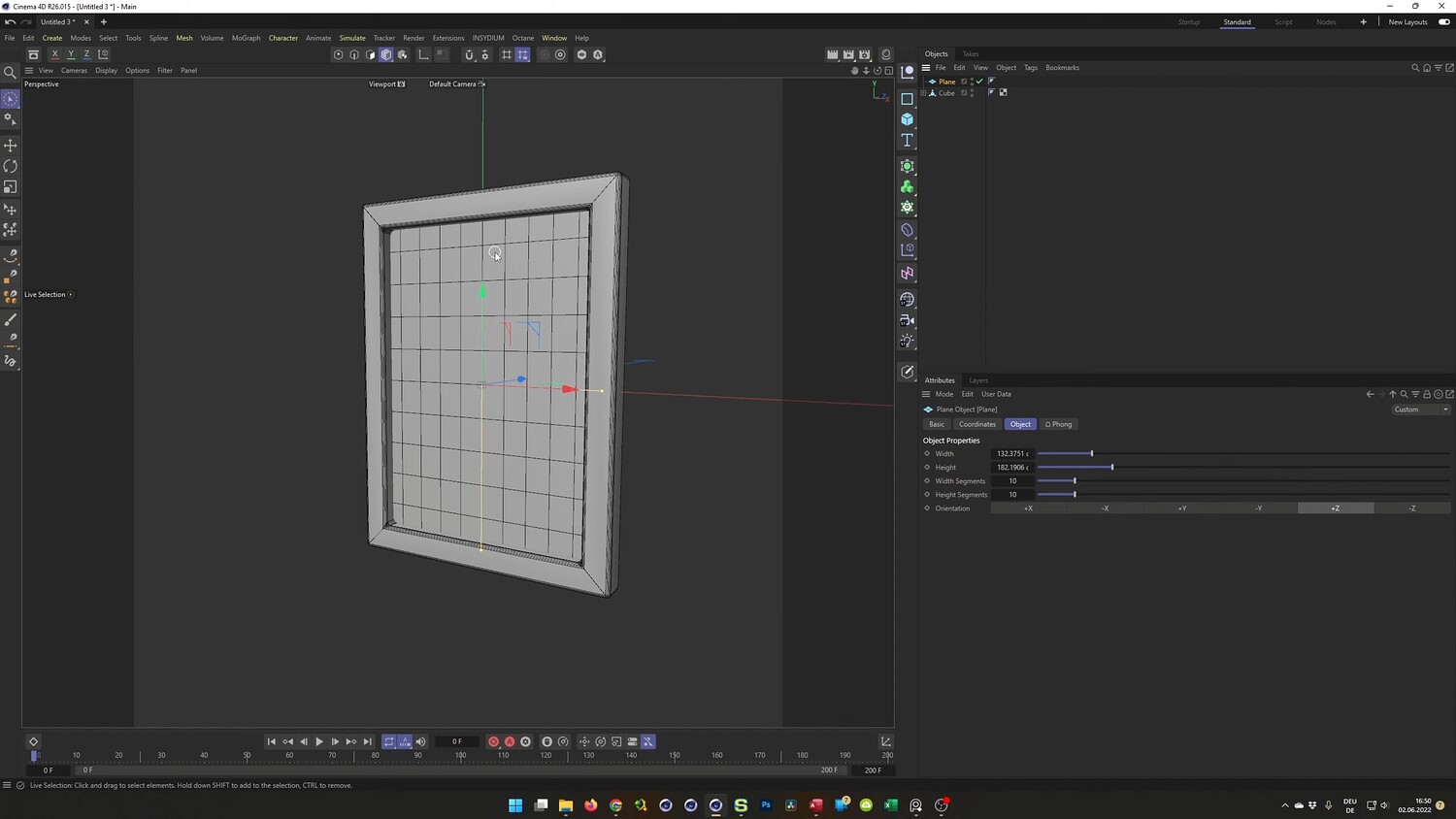
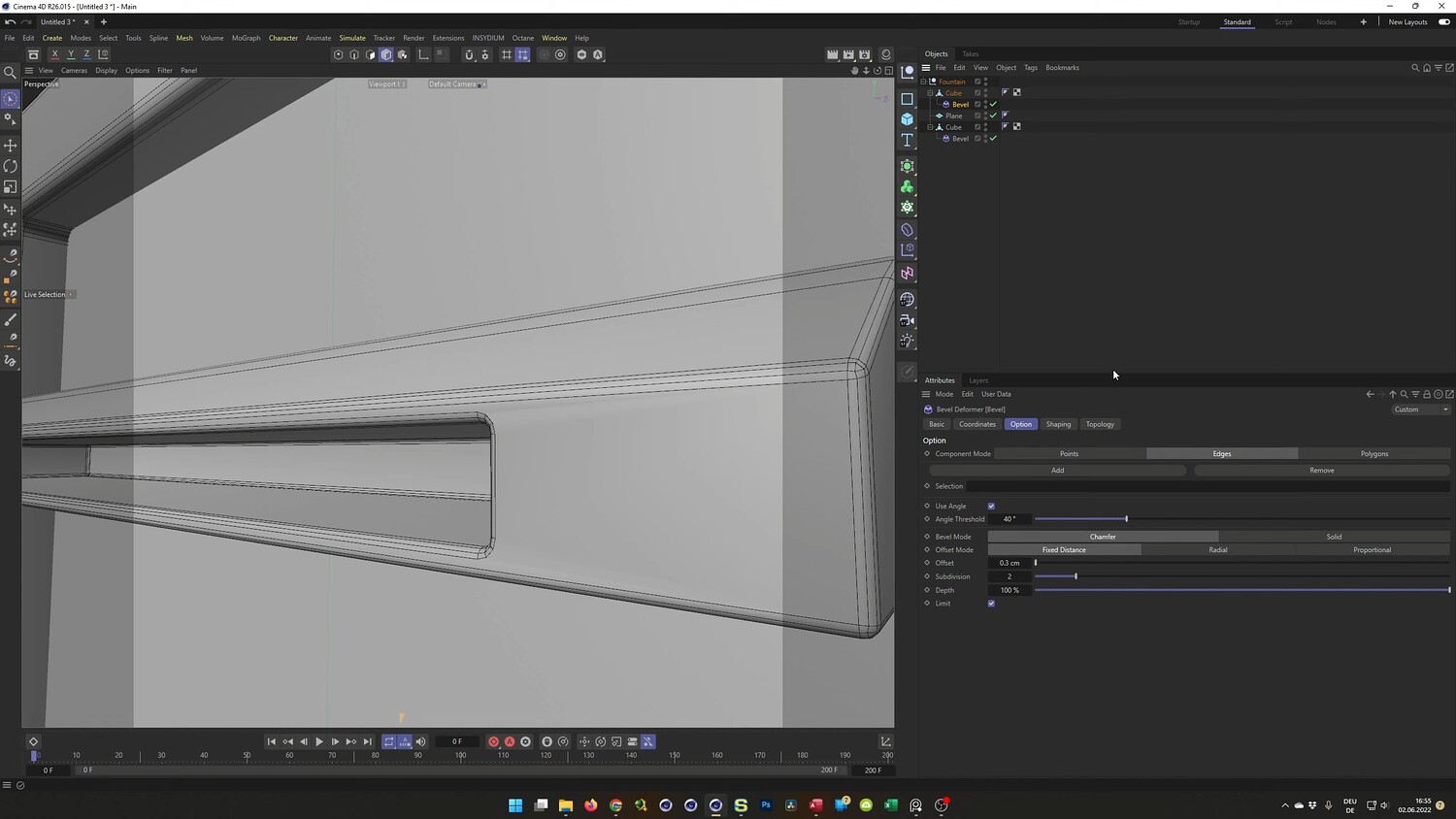
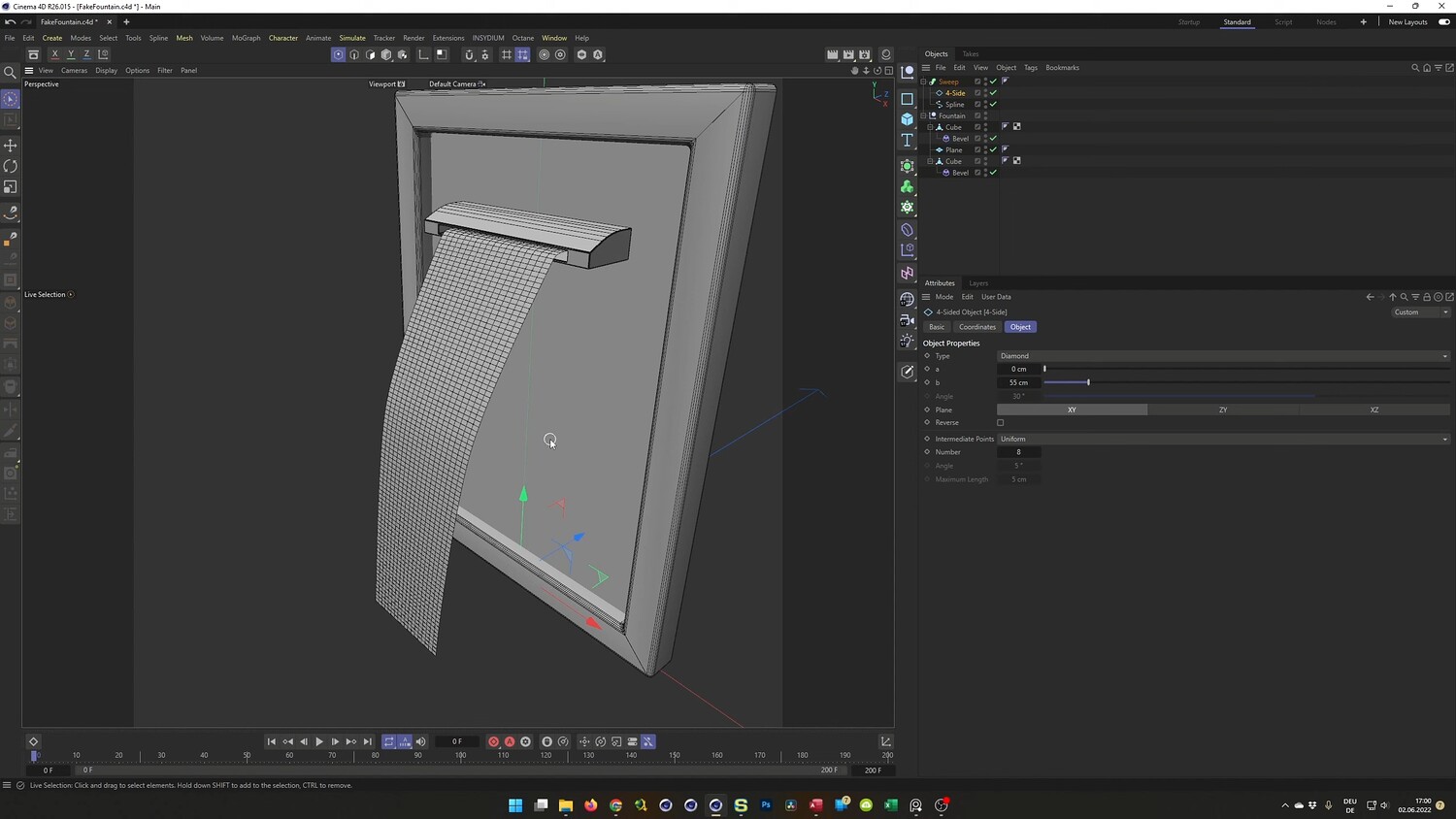
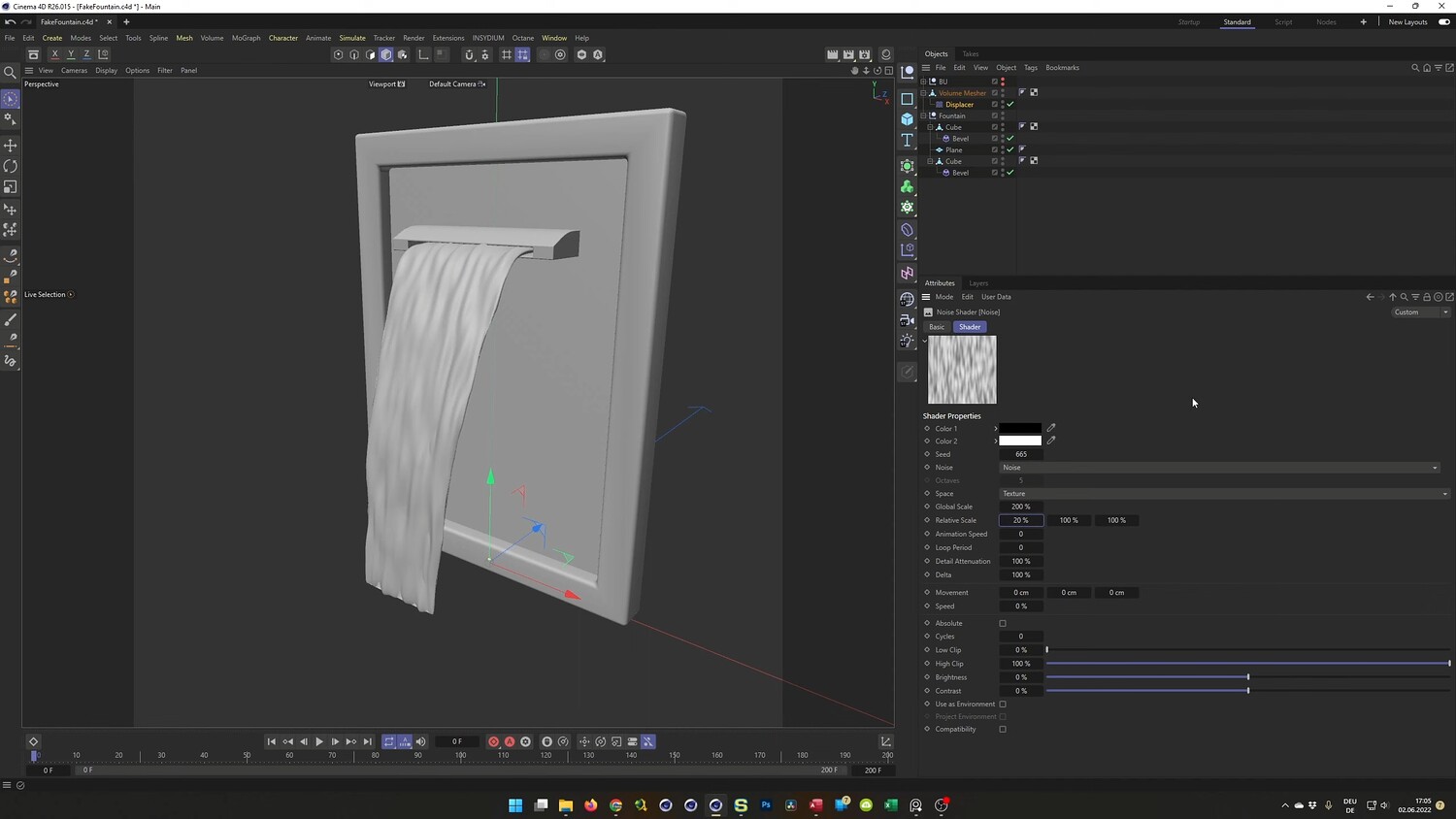
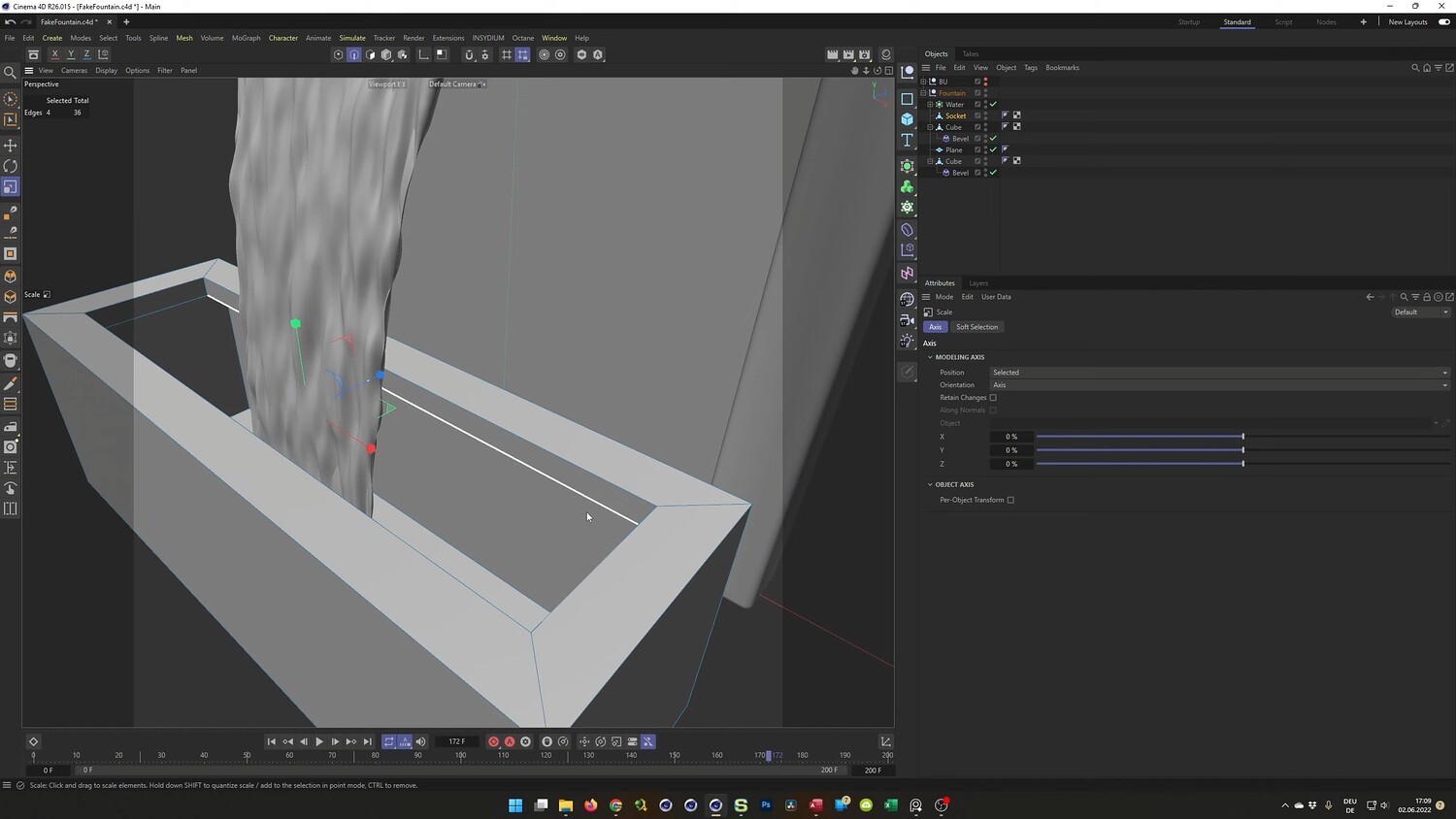
What you will learn: - Hard surface modeling techniques to create the fountain frame, basin, and spout using the Bridge tool and Bevel deformers. - Creating a realistic water stream shape using Splines, Sweep objects, and the Volume Builder. - Animating the water flow without fluid simulation by using Displacer deformers and layered Noise shaders. - Setting up a Shadow Catcher material to create realistic contact shadows on the floor. - Texturing the scene with displacement maps for the stone wall and transparency settings for the water. - Configuring the Physical Renderer for efficient and high-quality output.
Software/Tools: - Cinema 4D - Physical Renderer - Octane Renderer
Duration: 51:59
You will get 4 files
All files previously purchased will always be available for download in your Library