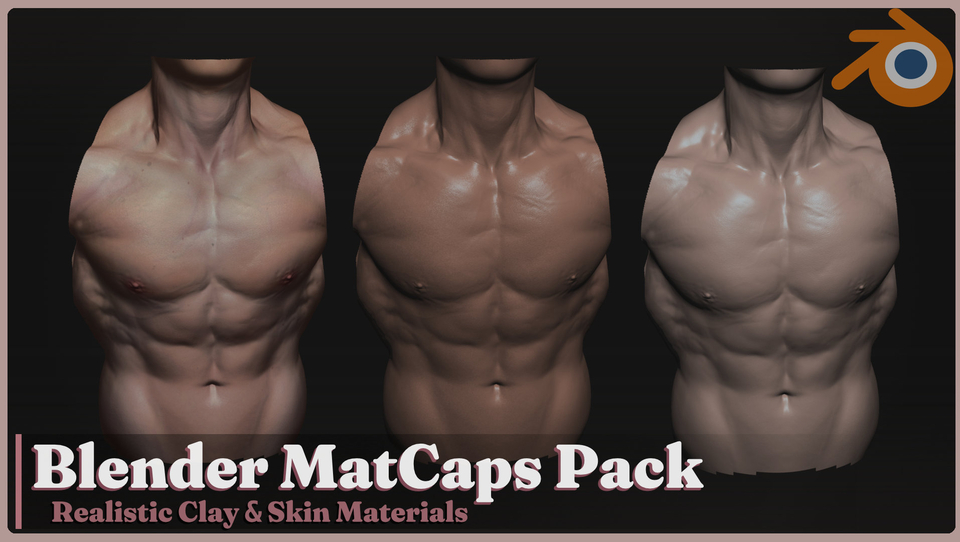
Blender | Realistic Skin & Clay MatCaps Pack
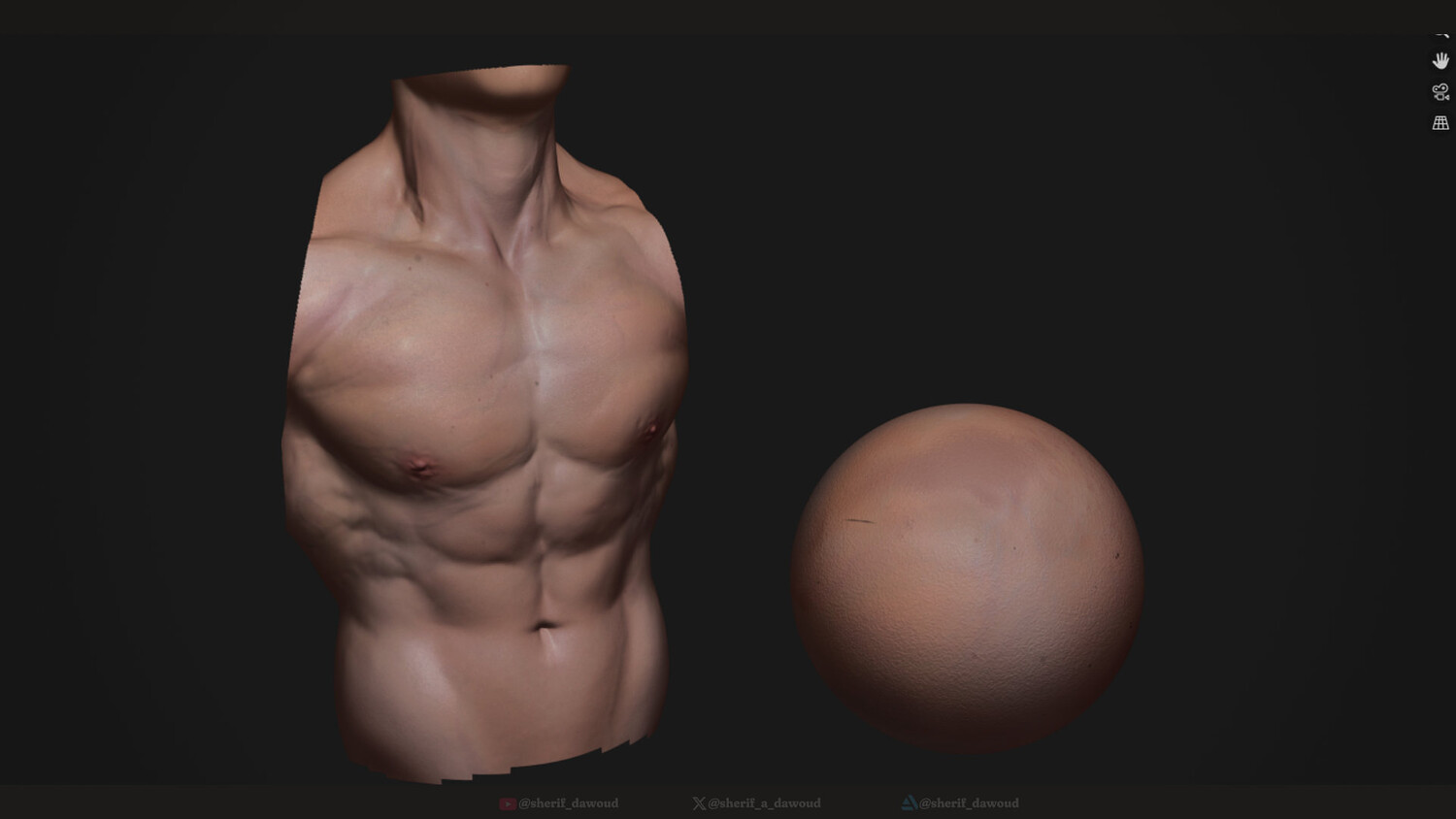
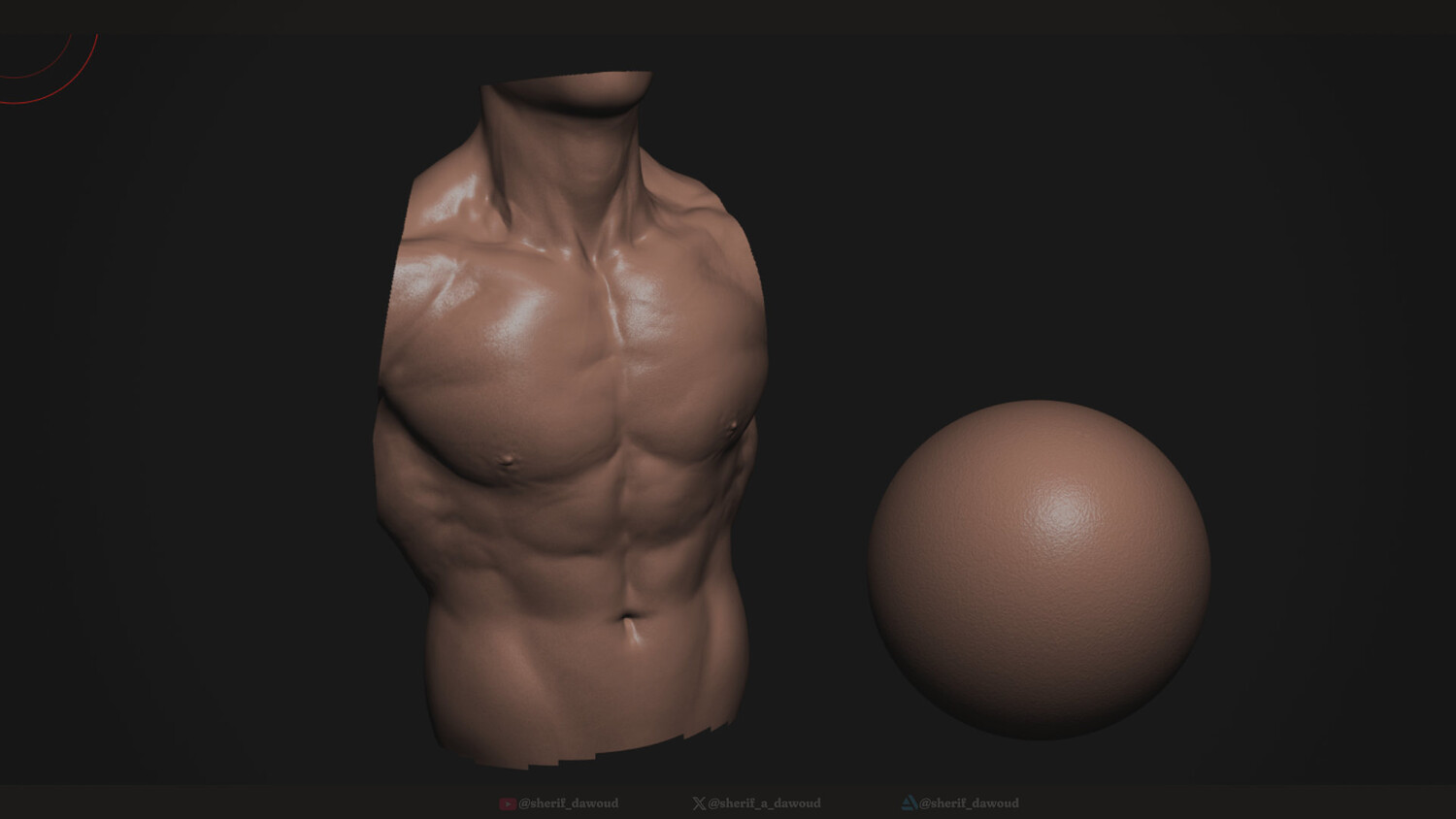
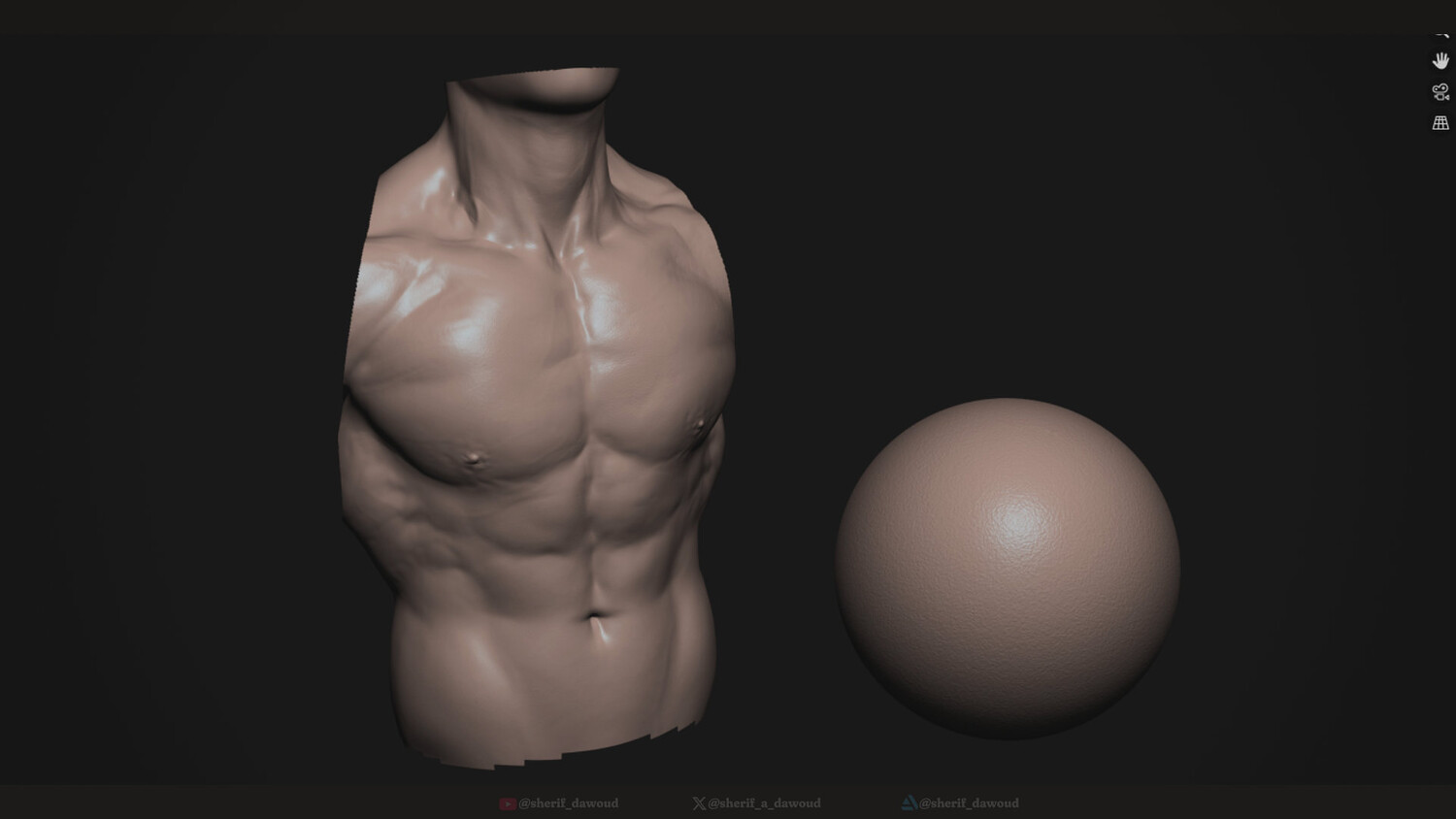
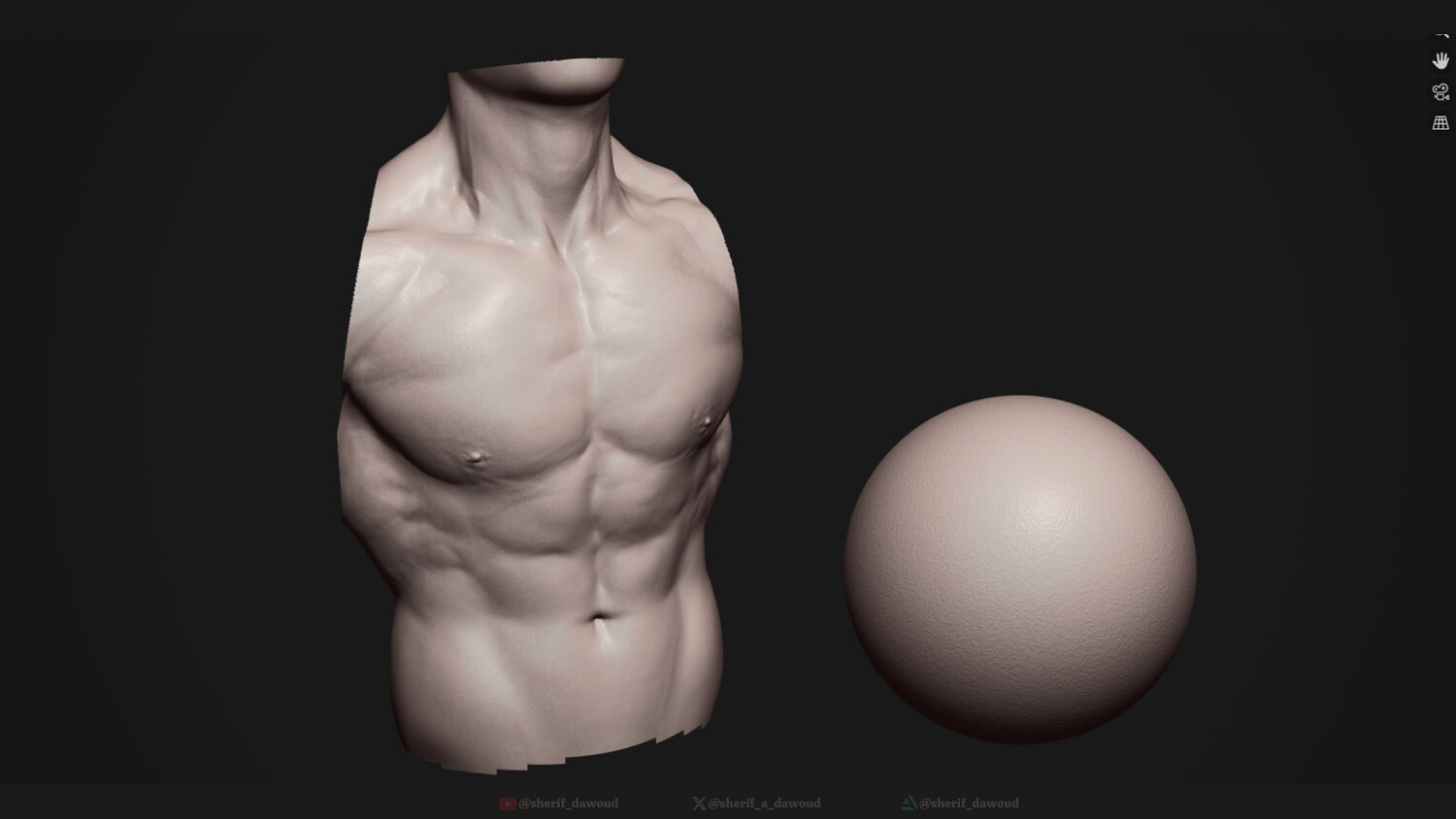
A pack of high-quality Matcaps for blender to help make your models look life-like in the viewport as you're sculpting them.
Contents:
5 MatCaps:
    SD_Skin_01
    SD_Skin_02
    SD_Clay_01
    SD_Clay_02
    SD_Clay_03
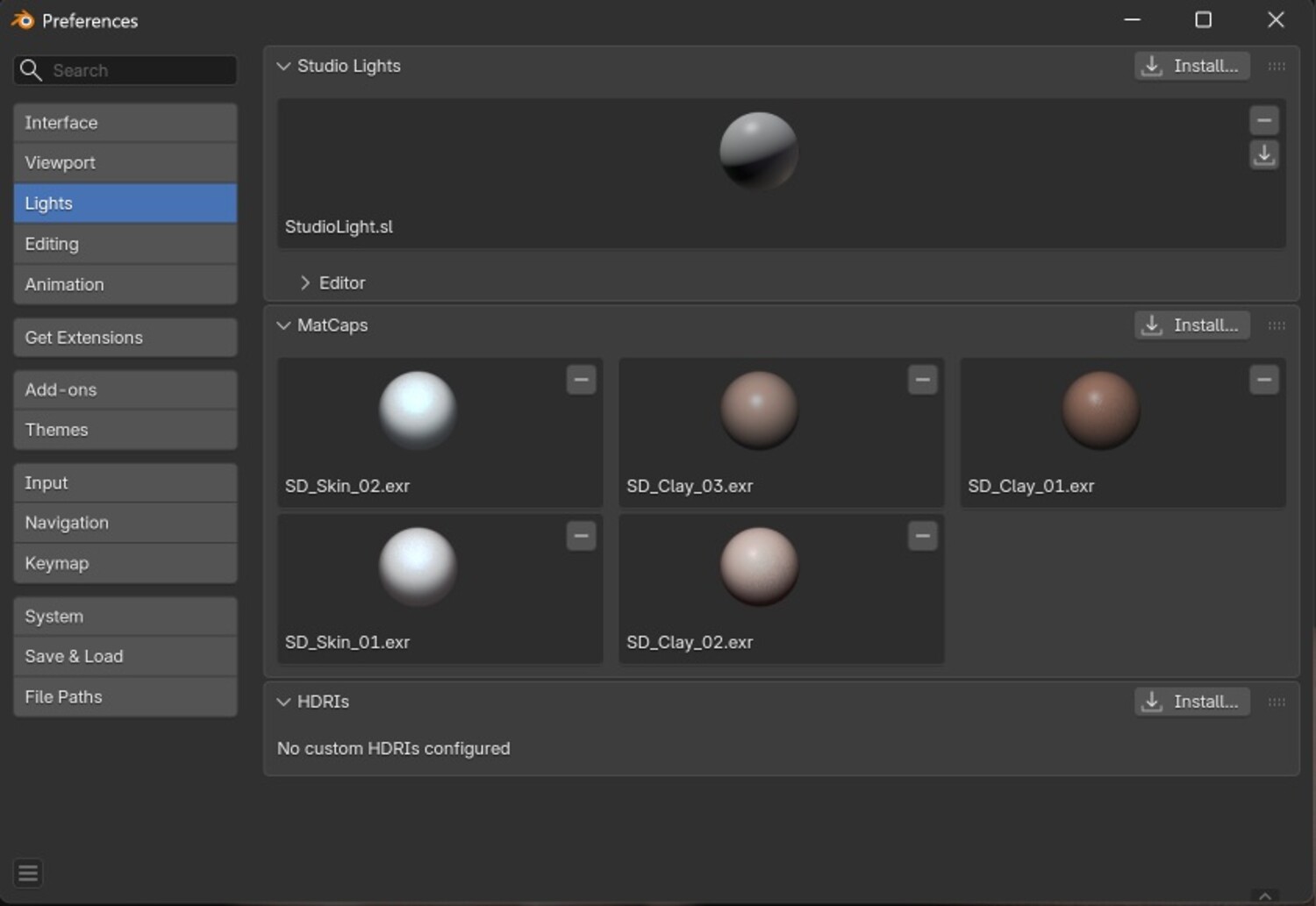
Installation: Open the Preferences menu -> Select Lights from the left panel -> expand the MatCaps section -> press Install and load the .exr files Now the MatCaps should be available to use in the viewport.
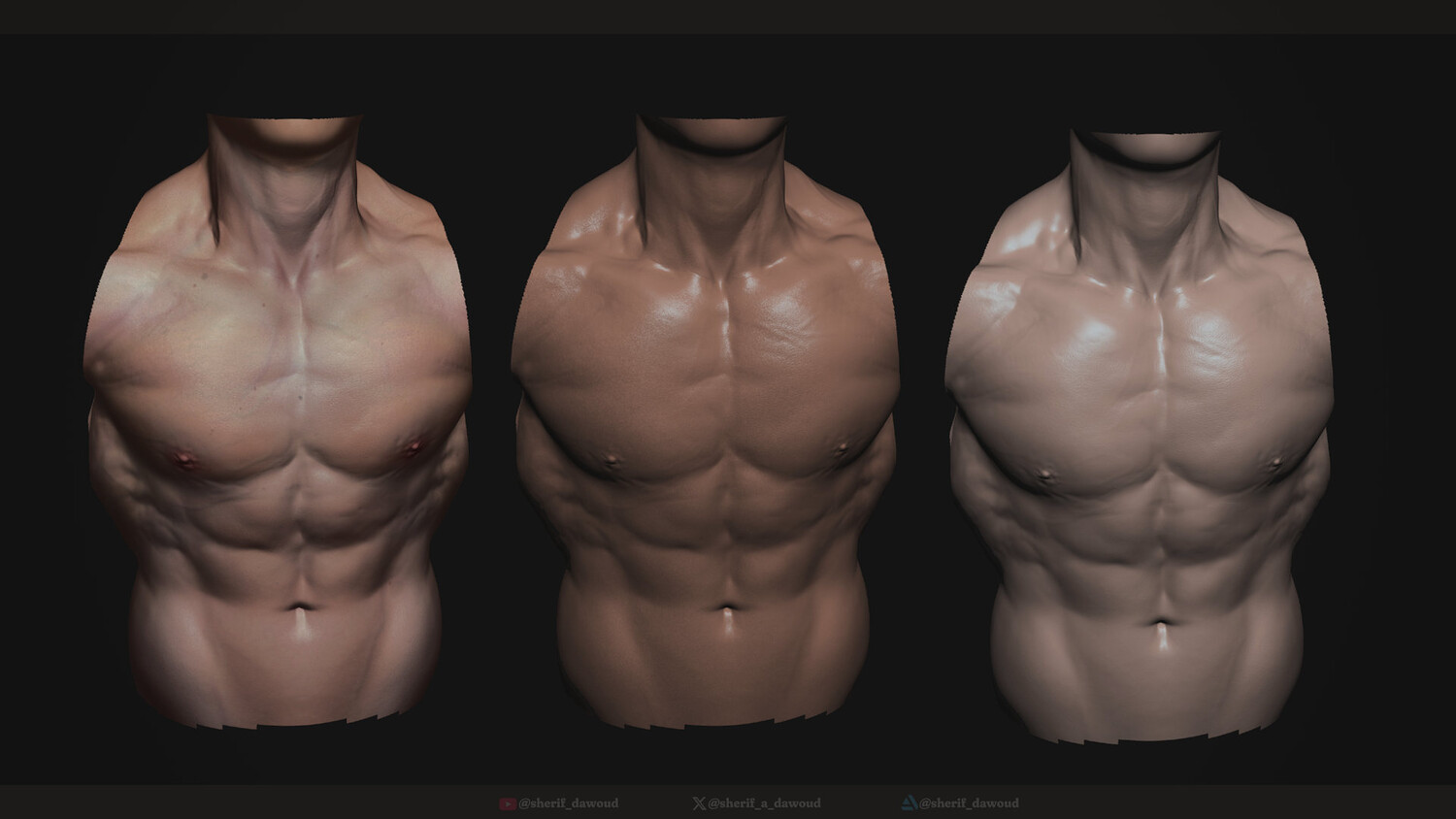
I included the Blender scene with the sculpture used in the preview images, but you still need to manually load the MatCaps since they can't be packed into the .blend files
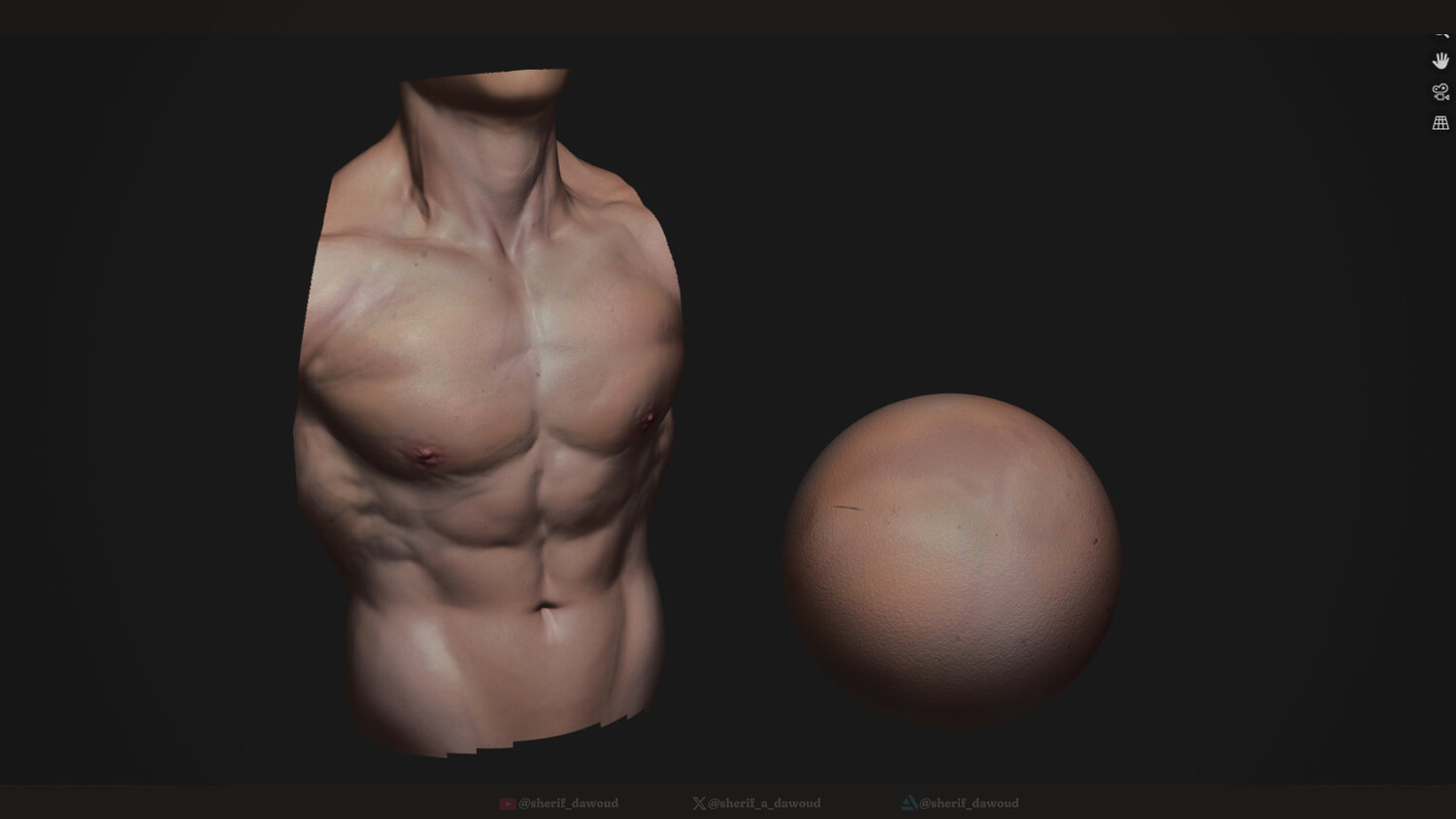
The skin materials rely on the object's vertex color data, so when you select the MatCaps you also need to switch the Object Color to Attribute to get it to use the vertex colors. For the clay MatCaps you can keep the Object Color at Material or Object
Notes:
Made in Blender version 5.1.2. but since the matcaps are just .ext images, it should work in any version.
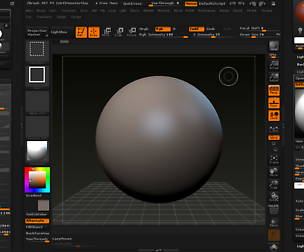
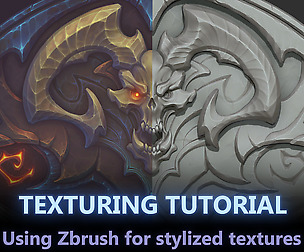
The skin materials are not colored by default and need to be painted. you can watch this tutorial to help you get a similar look. it's for zbrush but this workflow can be easily replicated in Blender: https://youtu.be/_2NRD_v8YKs
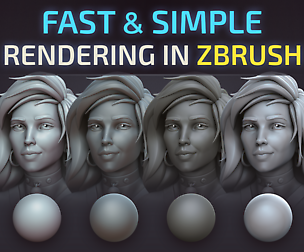
Zbrush version of this pack is available here:
You will get 6 files
All files previously purchased will always be available for download in your Library