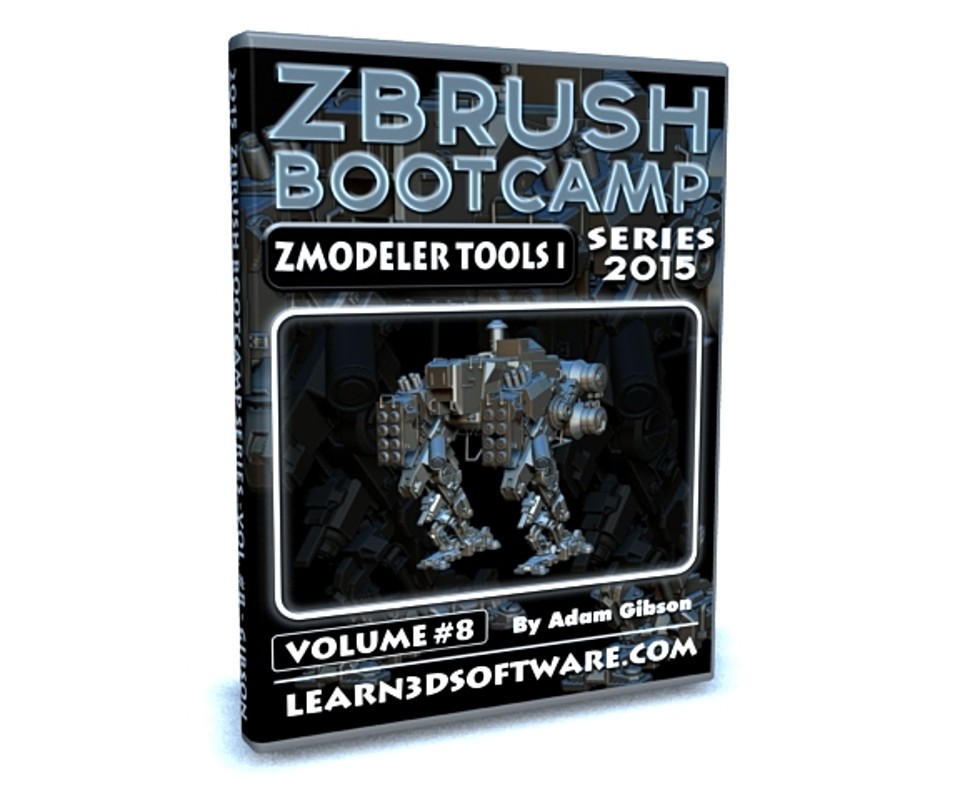


ZBrush Bootcamp- Volume #8- ZModeler Tools I
In this eighth video volume of 12 volumes 3D Instructor Adam Gibson introduces the beginner 3D student how to get up and started using the powerful new ZModeler Tools in ZBrush 4R7.
Learn these amazing polygonal modeling tools that will have you creating Base Meshes quicker and faster than ever before all with ZBrush!!
Some of the Topics Covered: 1) Initializing the ZModeler Brush, 2) Creating Geometry/Models from Scratch within ZBrush, 3) How to Import 3D Models created in other Software Packages, 4) Optimization and Gotchas for Importing Polygonal and Sub-D Models, 5) Creating and Deleting Edge Loops, 6) QCube and QSphere, 7) Creating and Deleting Polygons, 8) Point/Vertice Editing, 9) Moving Polygons and Edges, 10) Creating Insets, 11) Masking, 12) Editing with the Transpose Tools (Move, Rotate, Scale), 13) Modifying Pre-Existing Meshes and Much More!!
Table of Contents for Volume #8
Chapter 1- Intro
Chapter 2- What is ZModeler?
Chapter 3- Initializing ZModeler using ZBrush's Built-in Primitives and Subtools
Chapter 4- Initializing ZModeler when Importing Optimized Polygonal Meshes into ZBrush
Chapter 5- Initializing ZModeler when Importing Sub-D Meshes into ZBrush
Chapter 6- Important ZModeler Tools - Box Modeling a Spaceship (Part One)
Chapter 7- Important ZModeler Tools - Box Modeling a Spaceship (Part Two)
Chapter 8- Final
Running Time: 2 hrs. 4 mins.
High Quality (Screen-Res 1920 x 1080 pixels)
Video Format: MP4 (.mp4)
Level: Beginner
You will get 9 files
All files previously purchased will always be available for download in your Library
- ZB_BC_Vol_8_Chap_01_Intro...700.43 KB
- Content_Folder_Objects.zip1.3 MB
- ZBrush_BC_Vol_8_Chap_02_W...33.56 MB
- ZBrush_BC_Vol_8_Chap_04_Z...45.33 MB
- ZBrush_BC_Vol_8_Chap_05_Z...152.97 MB
- ZBrush_BC_Vol_8_Chap_03_Z...47.5 MB
- ZBrush_BC_Vol_8_Chap_08_F...6.02 MB
- ZBrush_BC_Vol_8_Chap_07_I...60.09 MB
- ZBrush_BC_Vol_8_Chap_06_I...34.05 MB