Create a Satisfying Swinging Pendulum Animation
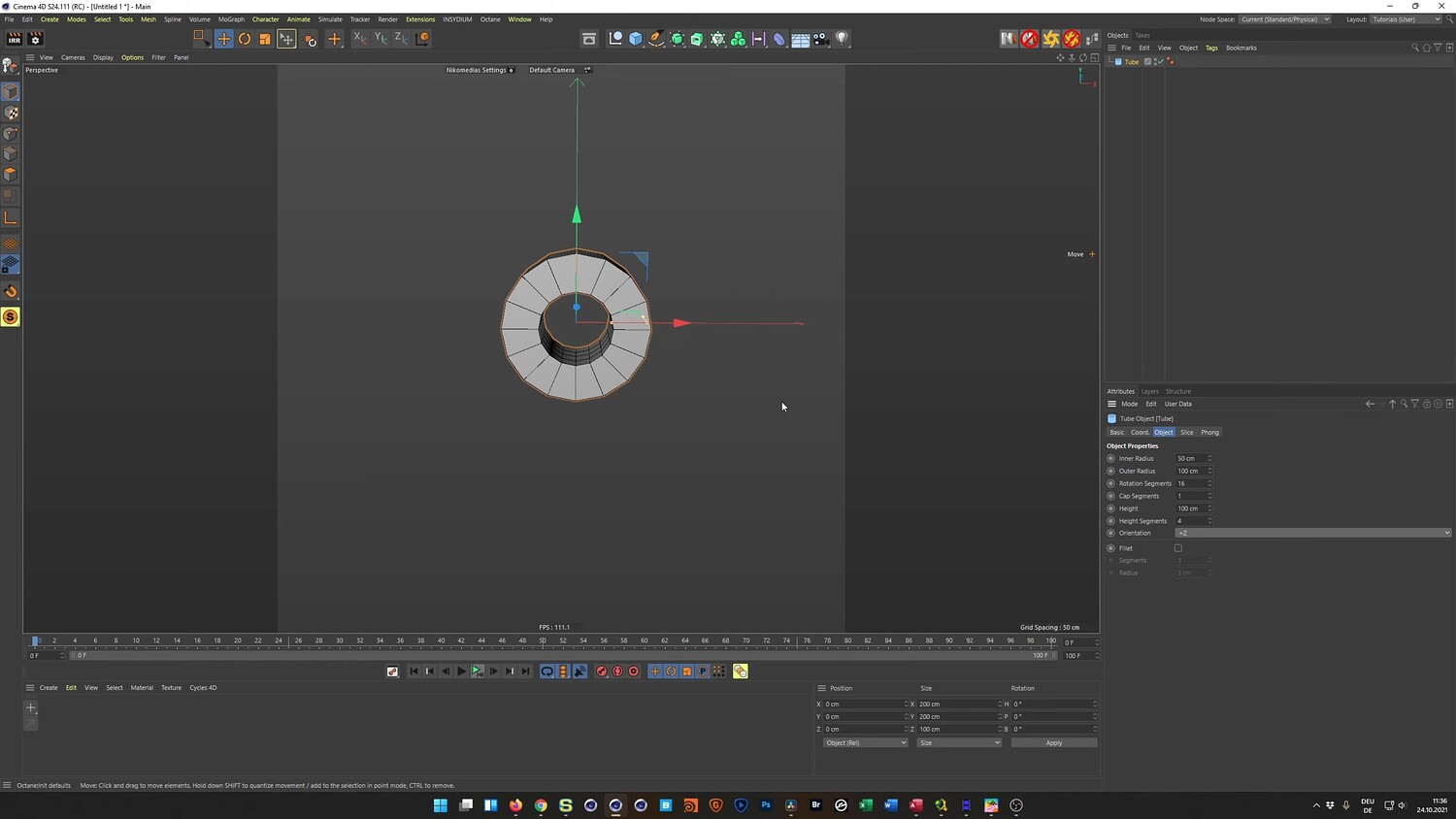
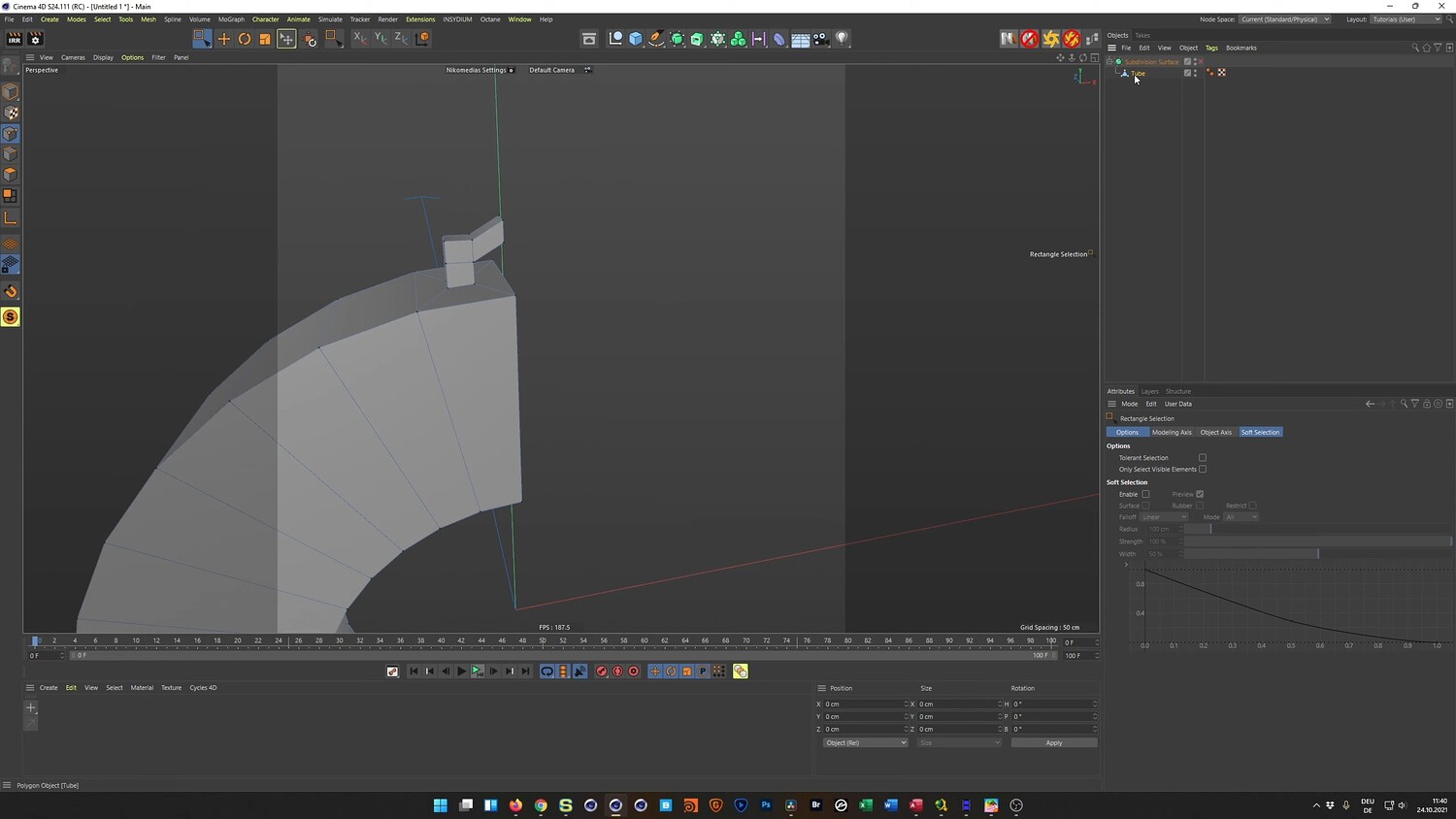
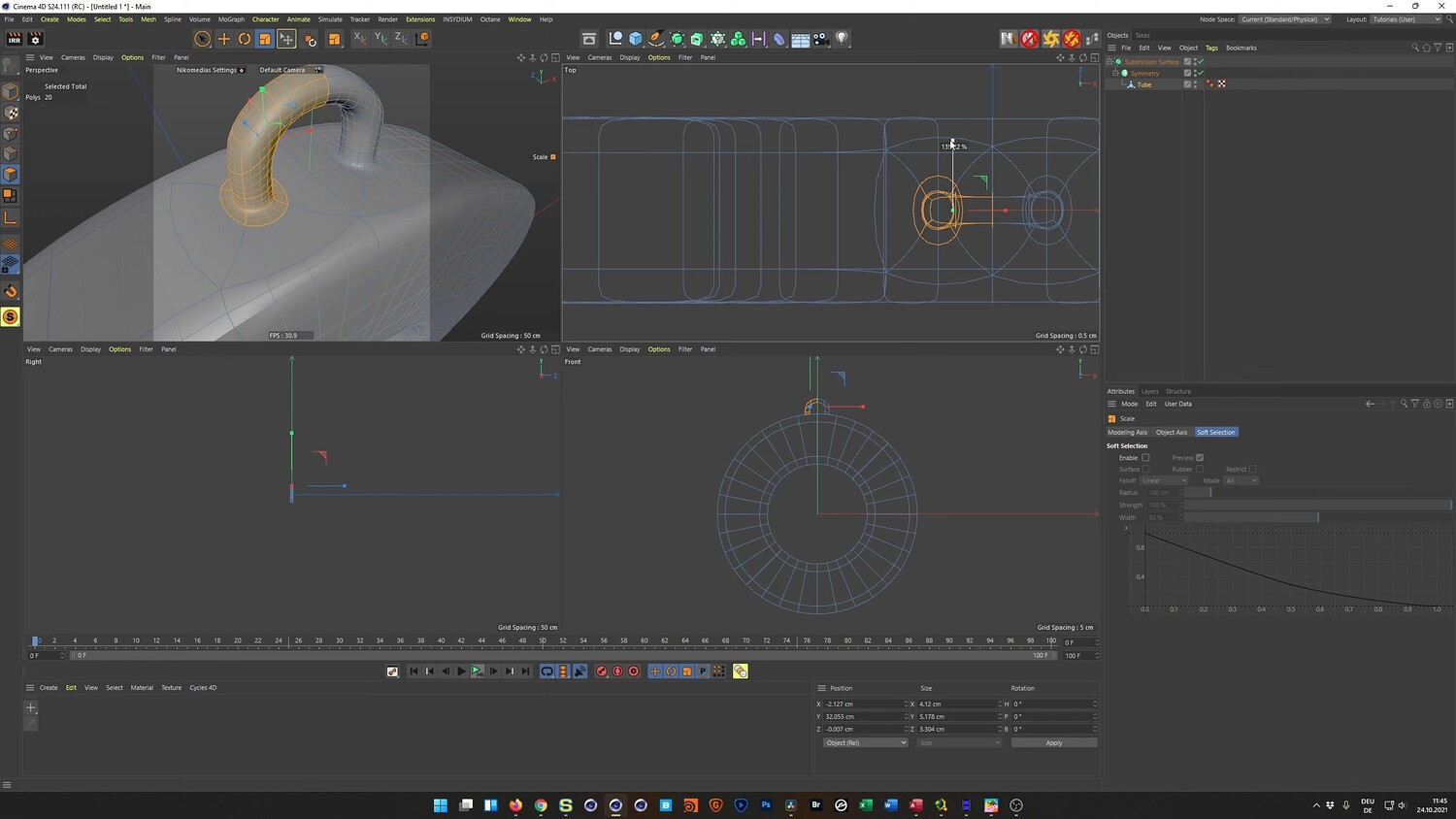
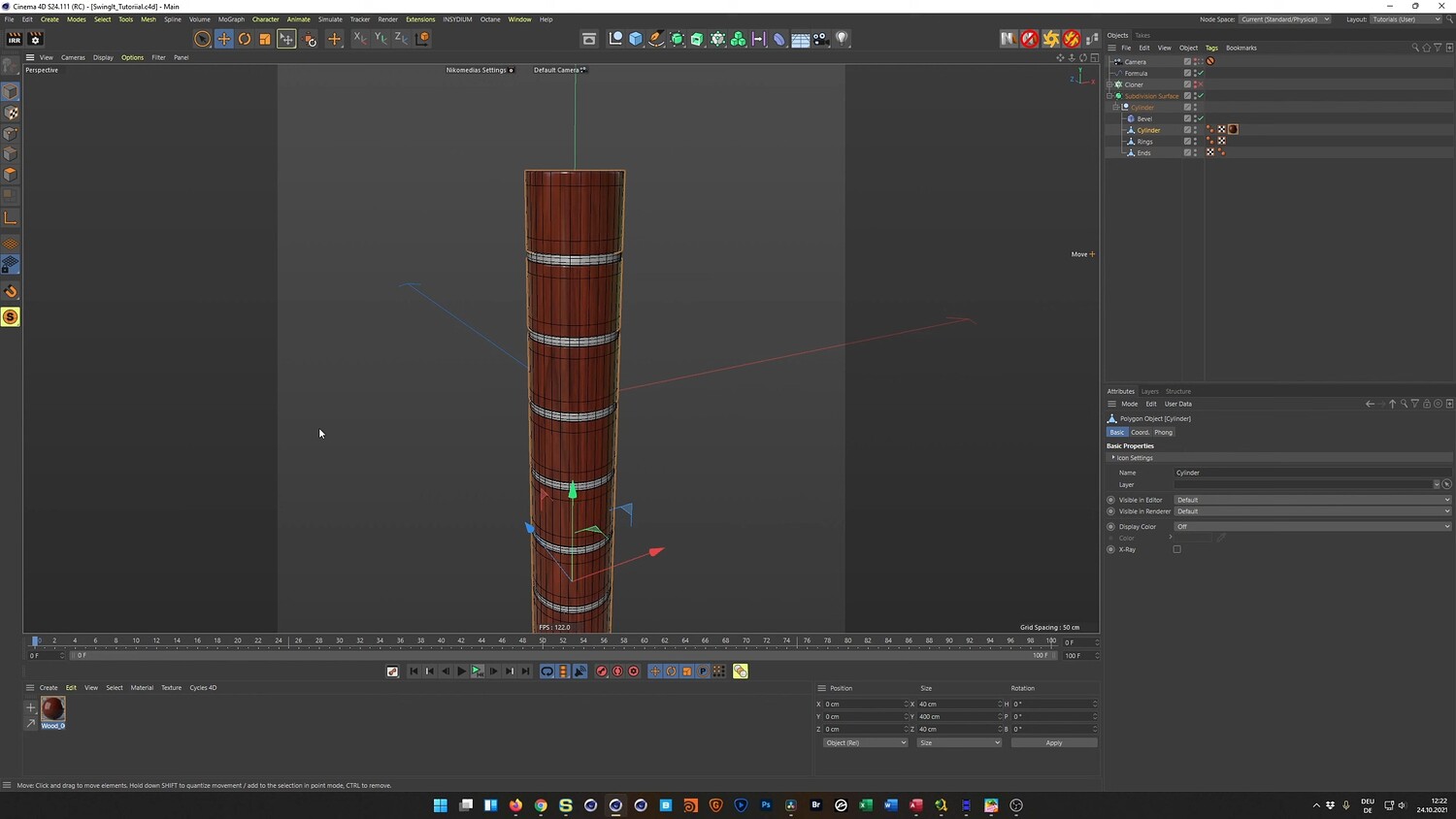
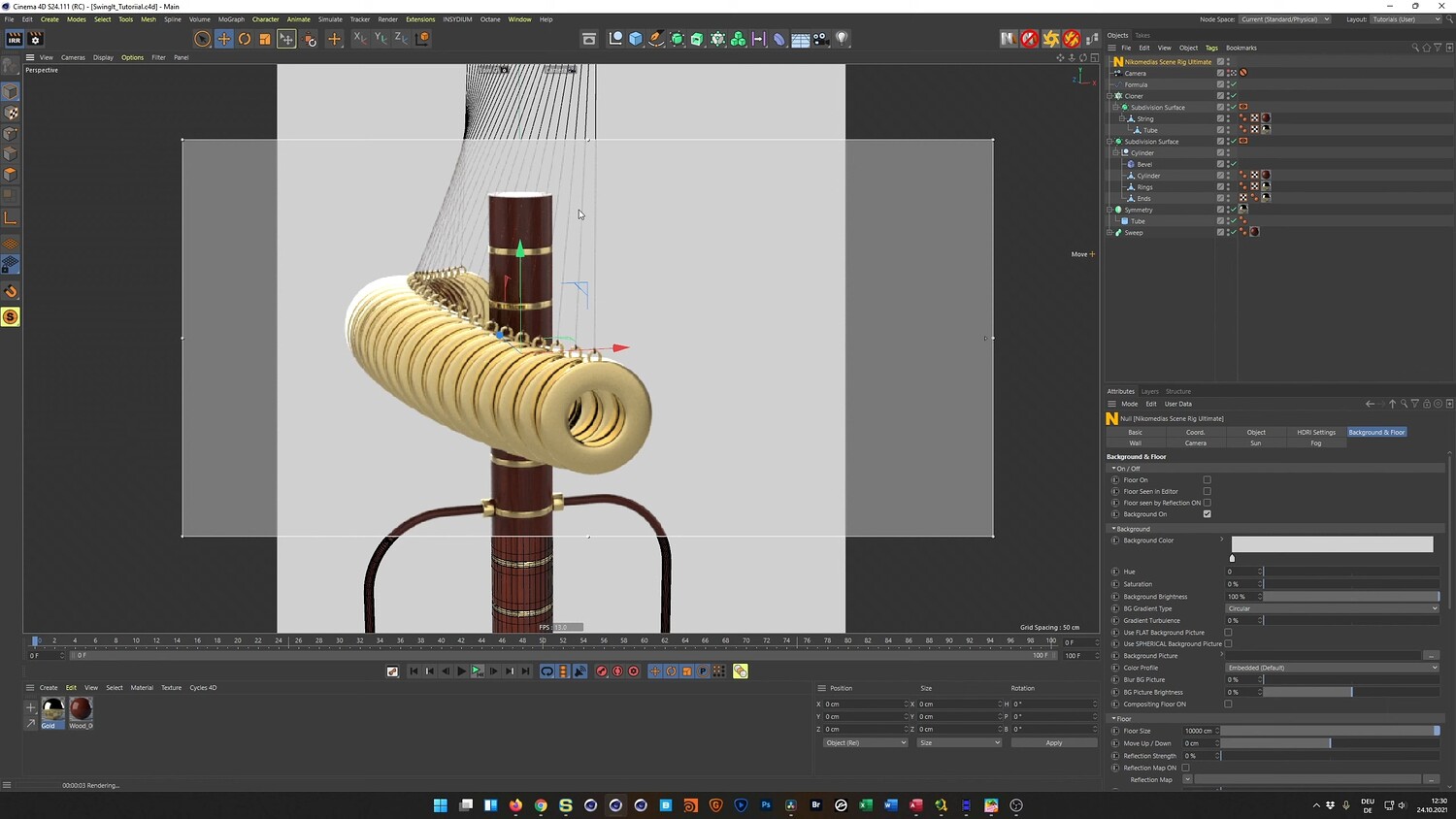
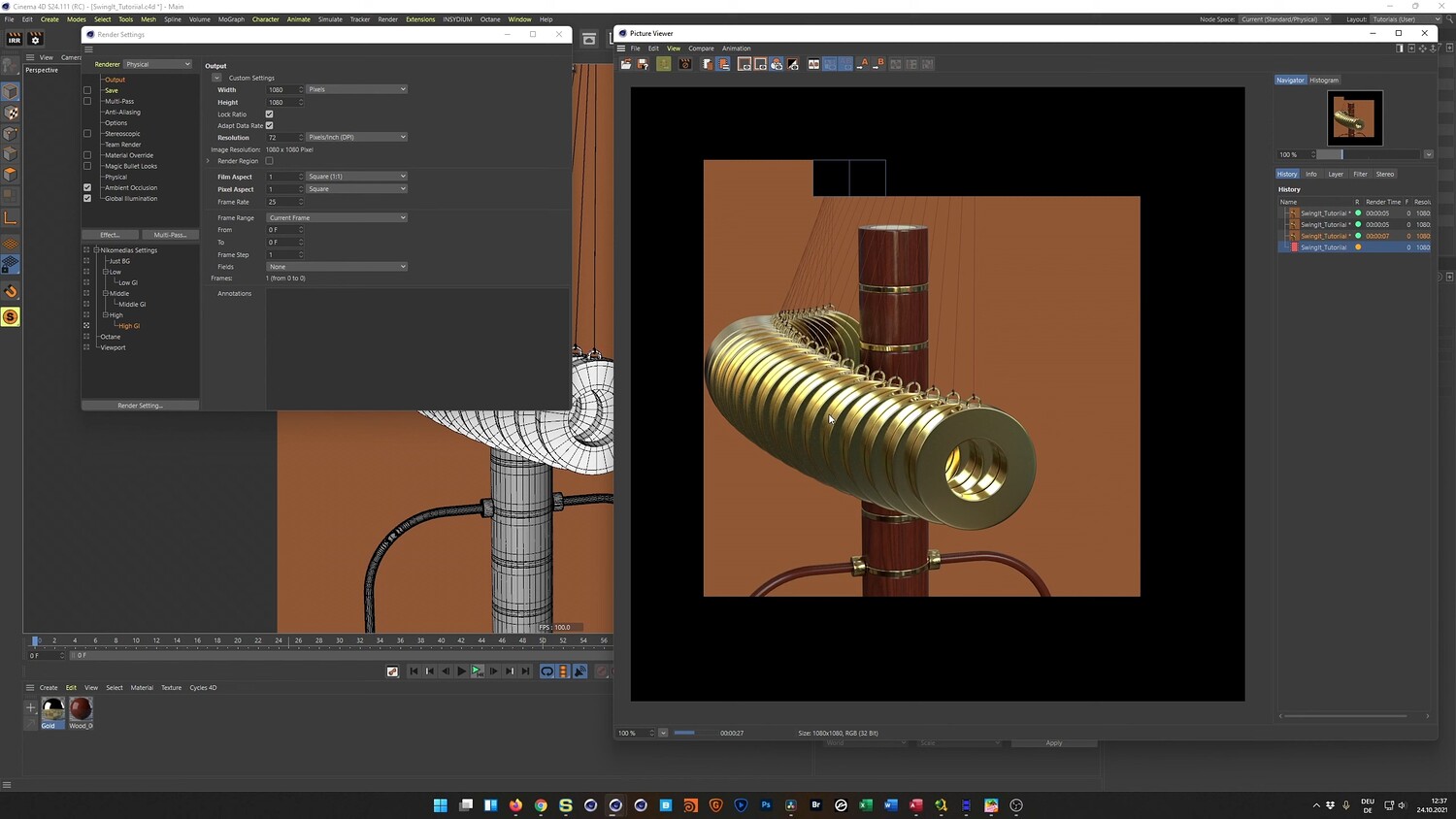
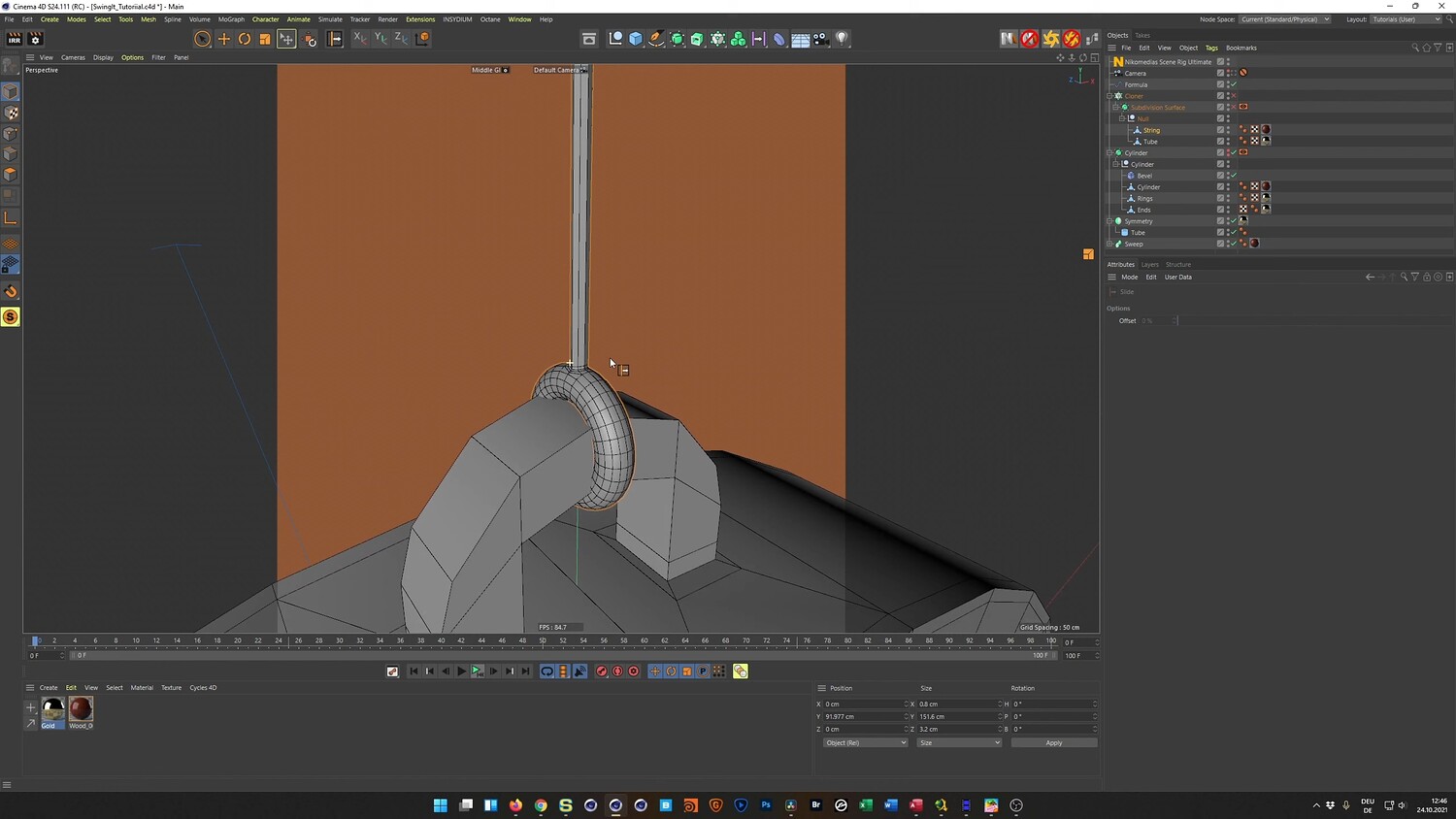
In this tutorial, you will learn how to recreate a relaxing and satisfying 3D animation featuring a wooden pendulum swinging through a series of hanging gold rings. This step-by-step guide covers the entire process, from modeling the mechanical geometry to setting up a seamless animation loop. You will discover how to achieve a complex, physics-like effect using standard Mograph tools and clever rotation tricks, eliminating the need for heavy simulations.
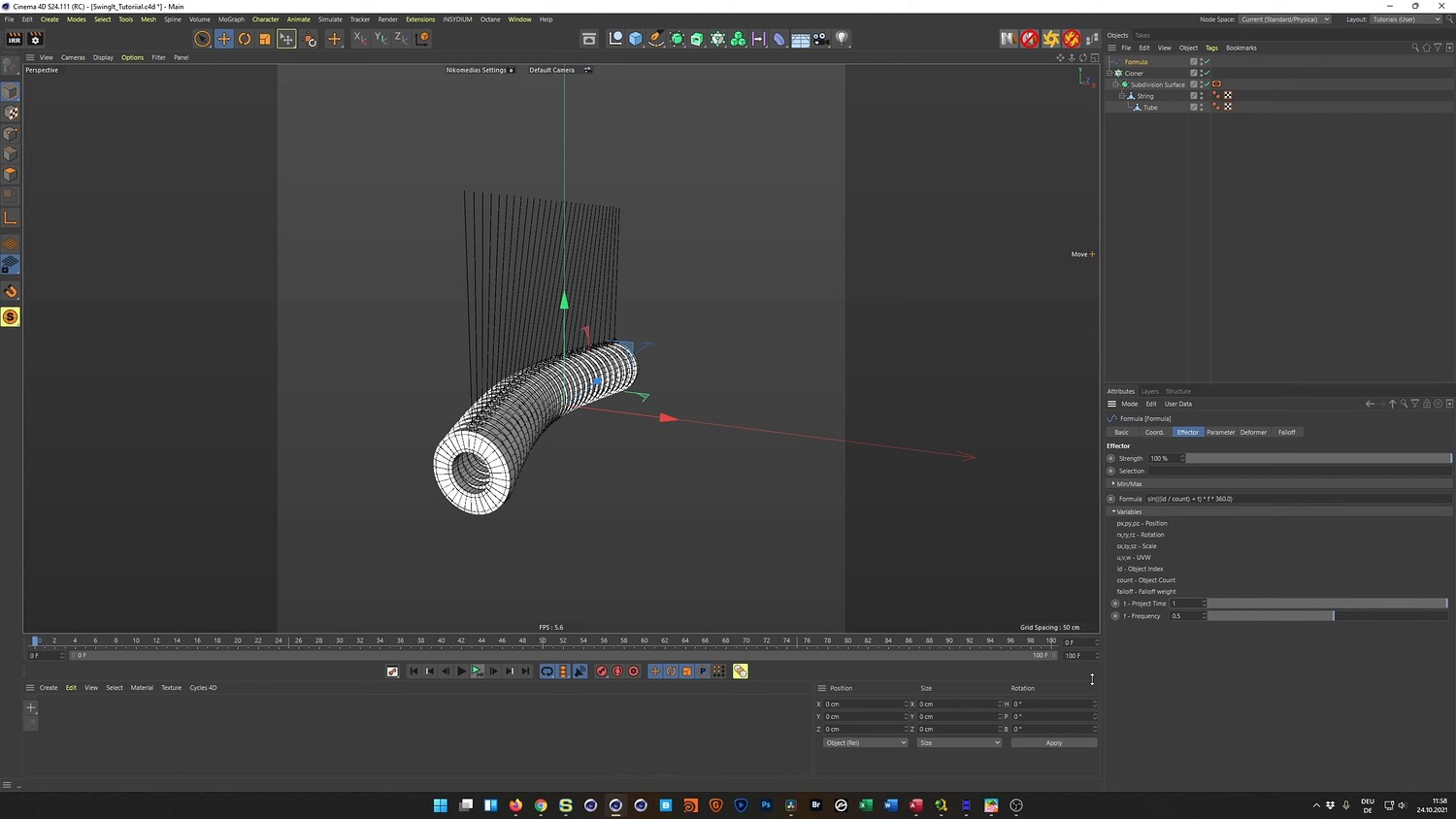
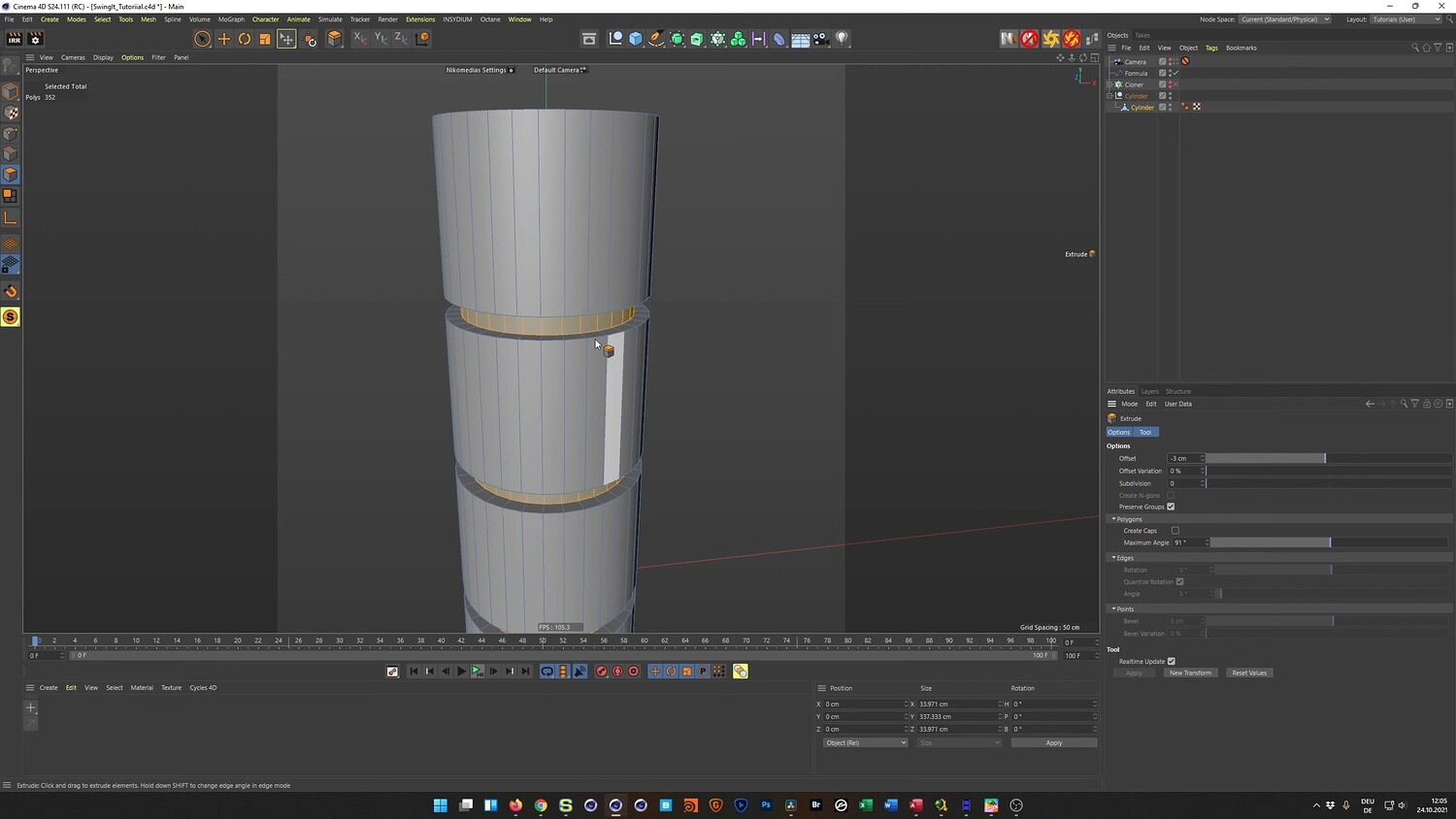
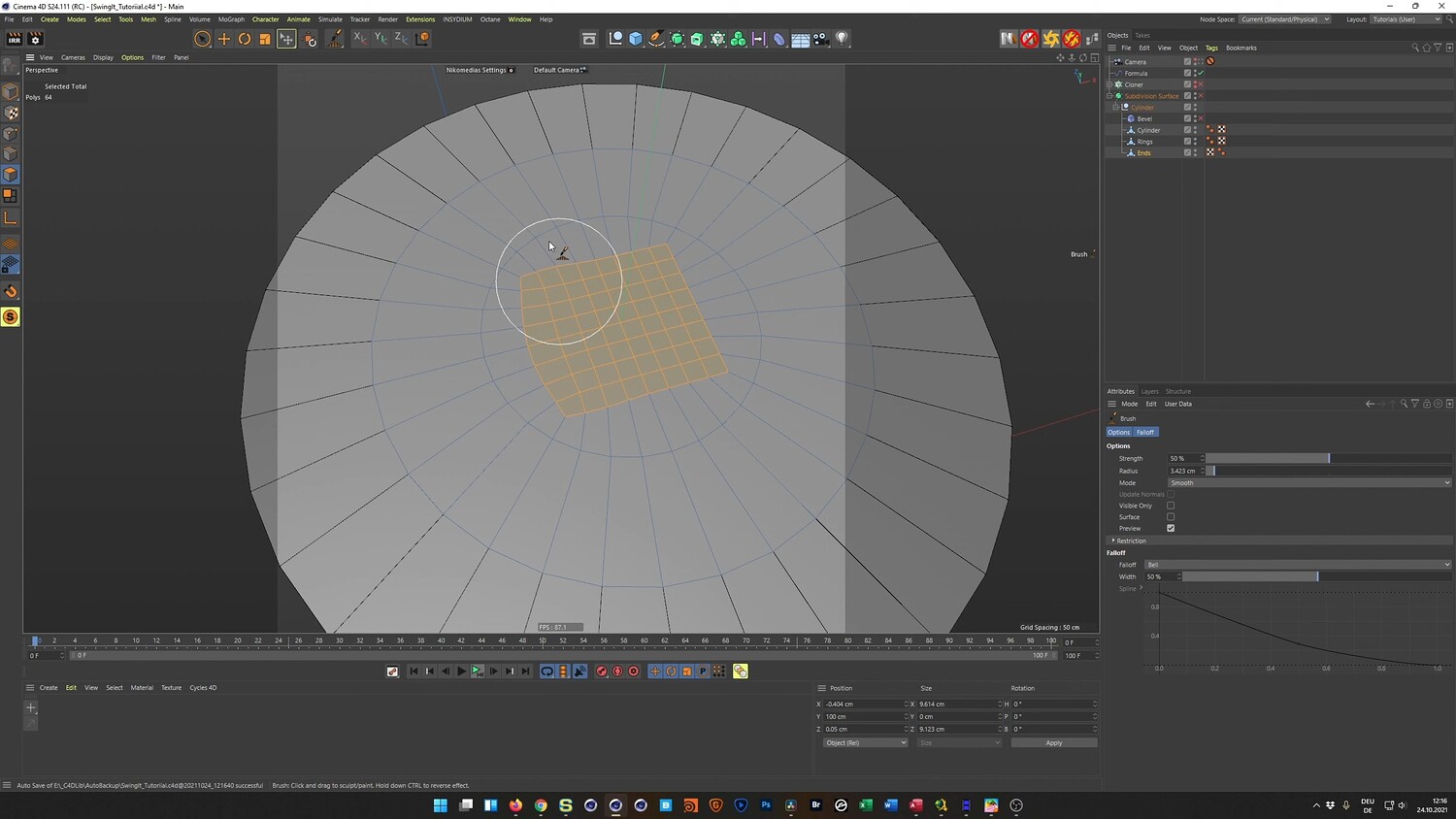
What you will learn: - How to model mechanical parts using polygon tools and the Symmetry object - Techniques for converting edge selections into geometry to create realistic strings - Using the Cloner object and Formula Effector to generate organic swinging motion - Implementing a rotation trick to simulate ring displacement without complex physics - Managing axis centers for proper pivoting and animation - Cleaning up topology by removing N-gons and creating quad-based geometry - Setting up simple wood and gold materials for the Physical Render engine - Lighting the scene using HDRI maps and background objects
Software/Tools: - Cinema 4D (S24 or R25) - Physical Render - Octane Render
Length: 1:14:19
You will get 4 files
All files previously purchased will always be available for download in your Library